How to get into aesthetic treatments WordPress Theme


Edit Template Offline
2. Create new page and search for id 5793682
Edit Template Online
Create Awesome Websites


Free Nicepage Builder
Keywords
Permanent salon information with room for publishable content
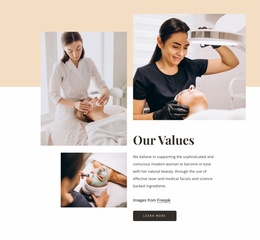
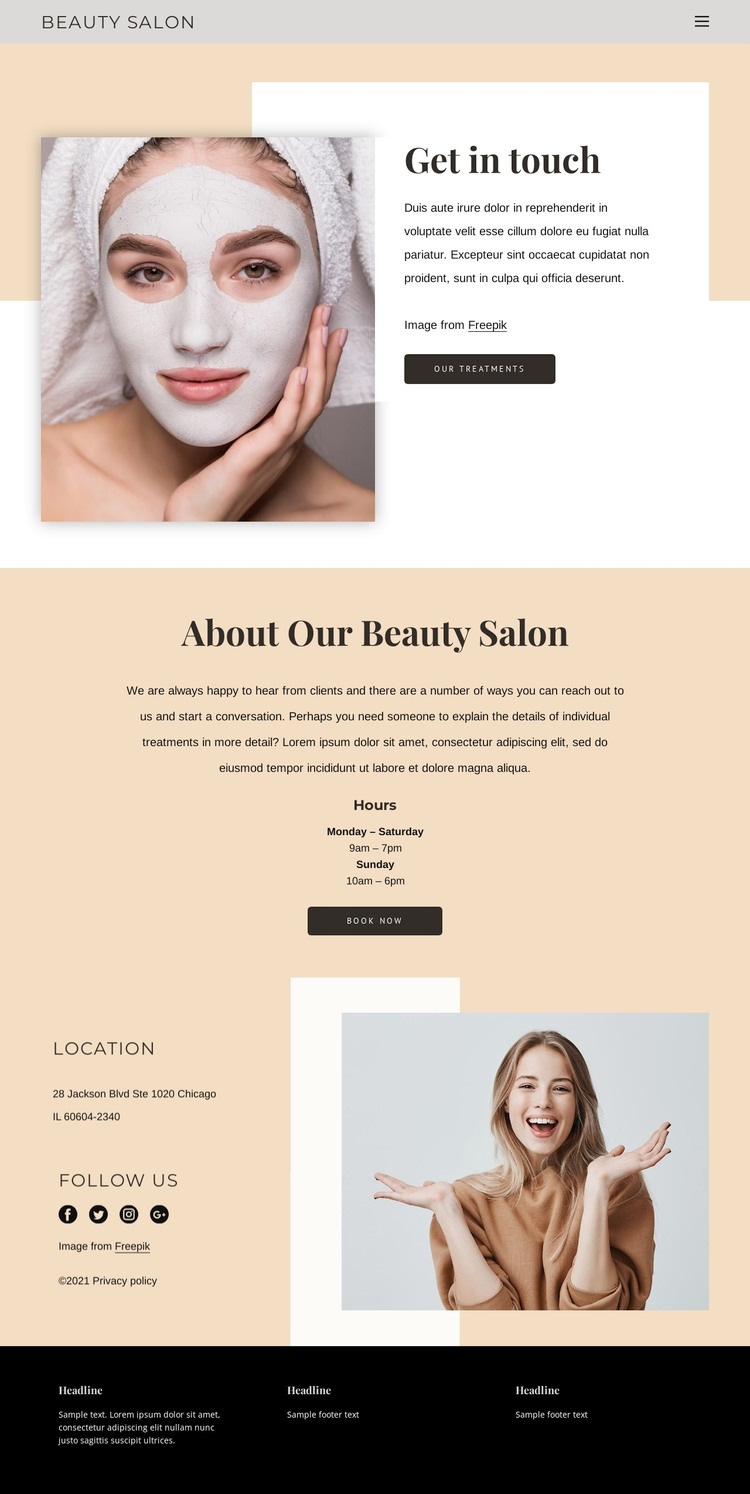
The design divides its subject into clear page-oriented content areas. The treatment portrait and “Get in touch” introduction can frame a permanent contact or salon page, while the “About Our Beauty Salon” section provides space for foundational information and opening hours. Its “Book Now” action keeps the practical purpose visible without requiring every piece of communication to use the same layout.
The location section offers a second content relationship. Location and social details sit beside lifestyle imagery, creating a natural area for studio information, contact context, or related visual content. The footer adds another layer through newsletter signup, quick links, phone and email links, and social icons. These repeated communication points can support a site where permanent salon pages sit alongside content that may be updated over time, while the existing palette and image treatment keep the presentation connected.
The template analysis confirms a contact page, not an existing WordPress post structure or complete theme package. Therefore, the design should be understood as a visual direction for WordPress-managed salon content rather than proof that posts, categories, or blog templates are already present. Its strongest value is the relationship between stable information—treatments, hours, and location—and recurring communication such as newsletter or social updates, all within one recognizable beauty-oriented system.
Customize with Nicepage
Open this ready-made template in the WordPress Website Builder and customize it visually in the Nicepage editor. Replace demo content, edit page sections, and adapt the design to your project without rebuilding the template from scratch.
Manage and Edit This Theme in WordPress
Customize and Install the WordPress Theme
Start with this ready-made theme instead of building the WordPress design from scratch. Customize its layout, content, typography, images, sections, and other design elements visually in Nicepage editor, then export and install the WordPress Theme, Plugin, and Pages on your WordPress site. The Nicepage WordPress Plugin lets you continue working with the site after installation.
Edit the Theme Directly in WordPress
After installation, you can edit the WordPress Theme directly in WordPress with the Nicepage WordPress Plugin. Use Site Style to customize site Colors, Fonts, Header, Footer, Blog, and Post Page Templates while working within your WordPress website.
Edit WordPress Pages Visually
Use the Nicepage WordPress Plugin to edit page content directly from the WordPress admin area. Open a WordPress Page with Nicepage and visually change its text, images, sections, and other page elements while continuing to manage the Page through WordPress.
WordPress Content and Theme Integration
Use the customized theme with WordPress Pages, Posts, Blog and Post Templates, menus, widgets, and other CMS-managed content. Shared theme elements such as Colors, Fonts, Header, Footer, Blog, and Post Page Templates can be managed as part of the overall site design, while WordPress provides the CMS environment for managing site content.
This workflow combines a ready-made WordPress Theme with visual customization, direct theme editing in WordPress, and continued content management through the Nicepage WordPress Plugin.