Buy mascara WordPress Theme


Stable Product Content Fits a WordPress Page Section
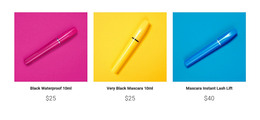
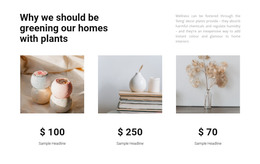
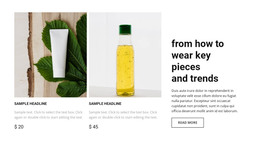
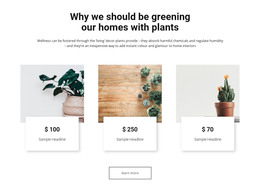
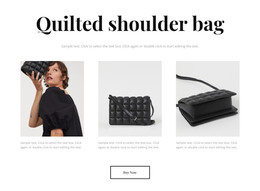
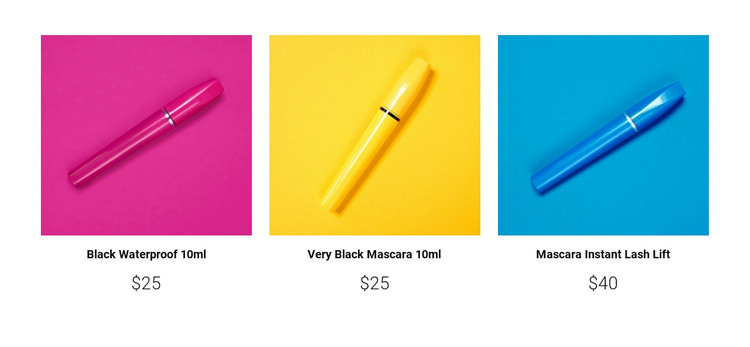
The three repeated cards read as stable product information that can occupy a defined section of a WordPress-managed page. Each card keeps the same relationship between image, name, and price, making the group suitable for presenting a small set of mascara options without turning the section into editorial content. The centered labels support quick identification, while the larger prices make the key commercial detail visible beneath each image.
The WordPress-oriented interpretation focuses on the block as reusable page content within a wider site. Other content areas can provide product explanations, brand information, or a separate response path, while this section maintains its visual role as a compact product listing. The bright pink, yellow, and blue image backgrounds help distinguish the entries, and the open spacing gives the repeated pattern a calm presentation. The three-item structure also offers a stable content unit that can be placed where a page needs product information without changing the block's internal order. No built-in purchase control, product feed, or CMS-specific element is established inside the block, so its contribution remains the displayed product arrangement itself. It can participate in a WordPress-managed page without being treated as a complete WordPress theme.
Customize with Nicepage
Open this ready-made template in the WordPress Website Builder and customize it visually in the Nicepage editor. Replace demo content, edit page sections, and adapt the design to your project without rebuilding the template from scratch.
Edit Template Offline
2. Create a new page or select existing
3. Click Add new block, search for id 88453 and click enter
Edit Template Online
Create Awesome Websites


Free Nicepage Builder
Keywords
Manage and Edit This Theme in WordPress
Customize and Install the WordPress Theme
Start with this ready-made theme instead of building the WordPress design from scratch. Customize its layout, content, typography, images, sections, and other design elements visually in Nicepage editor, then export and install the WordPress Theme, Plugin, and Pages on your WordPress site. The Nicepage WordPress Plugin lets you continue working with the site after installation.
Edit the Theme Directly in WordPress
After installation, you can edit the WordPress Theme directly in WordPress with the Nicepage WordPress Plugin. Use Site Style to customize site Colors, Fonts, Header, Footer, Blog, and Post Page Templates while working within your WordPress website.
Edit WordPress Pages Visually
Use the Nicepage WordPress Plugin to edit page content directly from the WordPress admin area. Open a WordPress Page with Nicepage and visually change its text, images, sections, and other page elements while continuing to manage the Page through WordPress.
WordPress Content and Theme Integration
Use the customized theme with WordPress Pages, Posts, Blog and Post Templates, menus, widgets, and other CMS-managed content. Shared theme elements such as Colors, Fonts, Header, Footer, Blog, and Post Page Templates can be managed as part of the overall site design, while WordPress provides the CMS environment for managing site content.
This workflow combines a ready-made WordPress Theme with visual customization, direct theme editing in WordPress, and continued content management through the Nicepage WordPress Plugin.