Brain-based learning WordPress Theme



Edit Template Offline
2. Create new page and search for id 6081434
Edit Template Online
Create Awesome Websites


Free Nicepage Builder
Keywords
Course Content and Learner Stories Support WordPress Page Growth
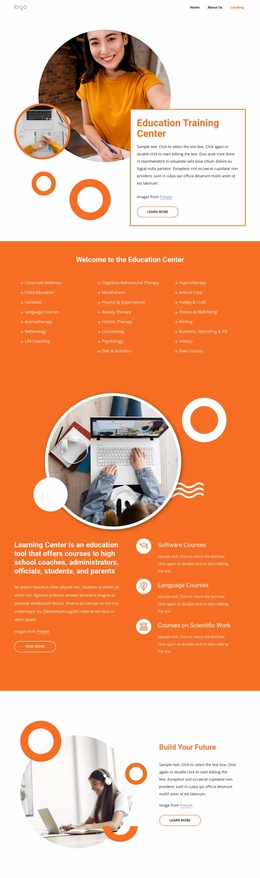
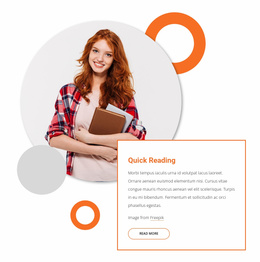
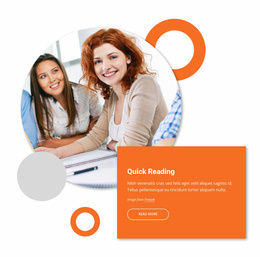
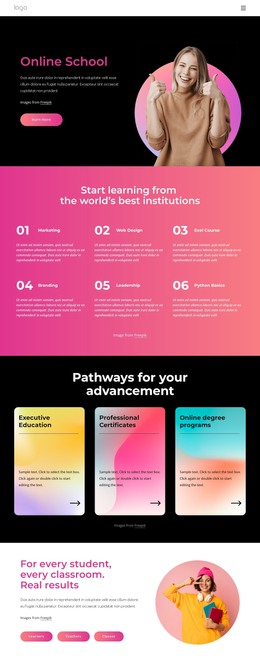
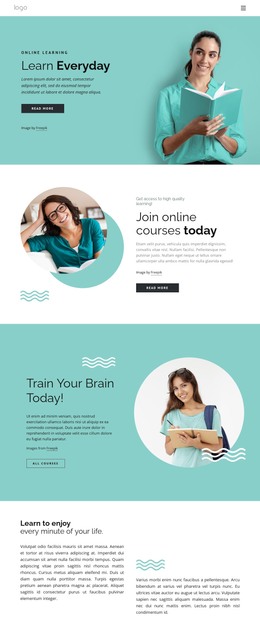
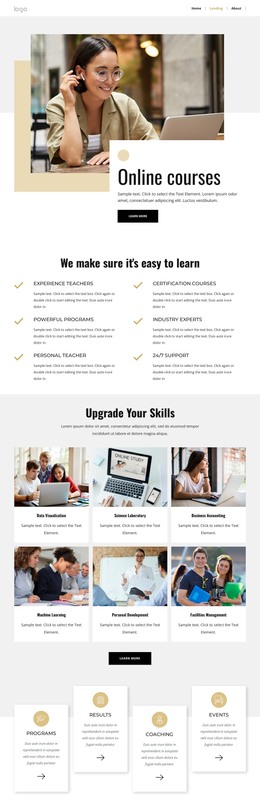
The design separates permanent educational information into clear page-oriented areas. The five course feature cards create a repeatable content pattern for highlights such as Certified Courses and Payment Plans, while the opening Brain-Based Learning section can introduce the overall subject. Quick Reading provides another focused topic, allowing related learning content to remain distinct instead of being compressed into one general introduction.
The platform-access section adds a practical content relationship: personalized course library information and on-the-go learning appear beside a lifestyle image and app badges. Together with the two promotional columns for unlimited learning and Who We Are, these areas give a WordPress-oriented project several recognizable places for maintaining descriptive page content. They do not prove that WordPress Posts, categories, or blog structures already exist in the template.
The three repeated testimonial cards are especially suited to recurring learner-story content because each profile follows the same visual pattern. The closing Contact Us area serves a different purpose by combining visitor input with contact reference details. Navigation, mobile navigation, and social links provide shared site elements around these content areas.
This theme can therefore support a WordPress-managed education project by keeping course information, access explanations, learner stories, and inquiries within one visual direction. The demo names, statistics, address, discount, awards, and quotations should be treated as sample material and replaced with verified content before publication.
Customize with Nicepage
Open this ready-made template in the WordPress Website Builder and customize it visually in the Nicepage editor. Replace demo content, edit page sections, and adapt the design to your project without rebuilding the template from scratch.
Manage and Edit This Theme in WordPress
Customize and Install the WordPress Theme
Start with this ready-made theme instead of building the WordPress design from scratch. Customize its layout, content, typography, images, sections, and other design elements visually in Nicepage editor, then export and install the WordPress Theme, Plugin, and Pages on your WordPress site. The Nicepage WordPress Plugin lets you continue working with the site after installation.
Edit the Theme Directly in WordPress
After installation, you can edit the WordPress Theme directly in WordPress with the Nicepage WordPress Plugin. Use Site Style to customize site Colors, Fonts, Header, Footer, Blog, and Post Page Templates while working within your WordPress website.
Edit WordPress Pages Visually
Use the Nicepage WordPress Plugin to edit page content directly from the WordPress admin area. Open a WordPress Page with Nicepage and visually change its text, images, sections, and other page elements while continuing to manage the Page through WordPress.
WordPress Content and Theme Integration
Use the customized theme with WordPress Pages, Posts, Blog and Post Templates, menus, widgets, and other CMS-managed content. Shared theme elements such as Colors, Fonts, Header, Footer, Blog, and Post Page Templates can be managed as part of the overall site design, while WordPress provides the CMS environment for managing site content.
This workflow combines a ready-made WordPress Theme with visual customization, direct theme editing in WordPress, and continued content management through the Nicepage WordPress Plugin.