Native-level teachers WordPress Theme



Edit Template Offline
2. Create new page and search for id 6414565
Edit Template Online
Create Awesome Websites


Free Nicepage Builder
Keywords
Course Catalogs and Teacher Profiles Give WordPress Content Clear Roles
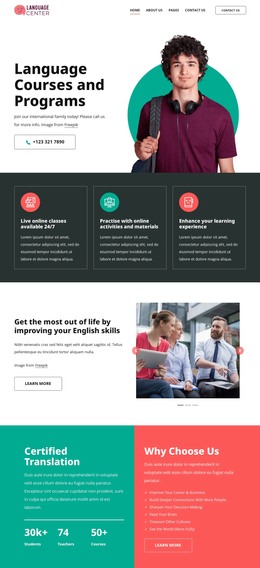
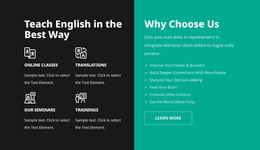
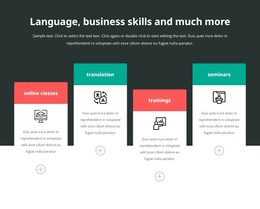
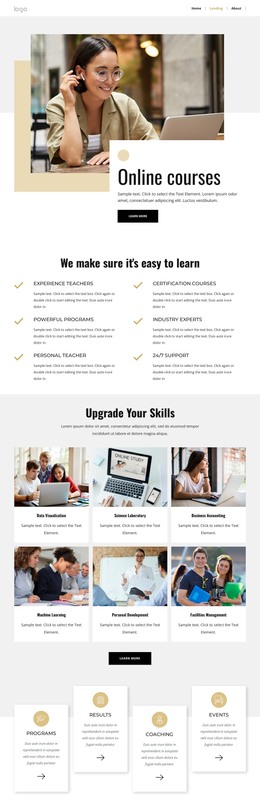
The two course collections create a useful distinction between broad language-center content and more specific learning choices. Six photographic offering cards introduce categories such as flexible English courses, company training, language training, and exam preparation, while the eight-card course area presents individual options including English for Beginners, Online Learning, English for Business, Self-study Courses, Private Lessons, Private Mini-Groups, and English for Kids. In a WordPress-managed project, these areas can be interpreted as page content that visitors scan when comparing subjects, audiences, and study formats.
The surrounding sections give that course information a wider editorial setting. The service and benefit panels explain what the center provides before visitors reach the catalog, while the six profile cards add a people-focused layer to the institution. The organization marks and learner testimonial panel contribute recognition and social context without replacing the practical course information. Together, these relationships make the page suitable for a theme presentation in which permanent center information and regularly refreshed content can share one visual direction.
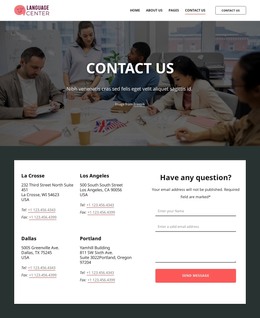
The contact block, newsletter signup, and footer links for courses, Help & support, the Help Center, resources, the blog, and partners provide clear places for ongoing site content and navigation. The design does not prove that posts or categories already exist, but its repeated cards and content groups leave room for WordPress Pages and future editorial material to develop around the established education-focused layout.
Customize with Nicepage
Open this ready-made template in the WordPress Website Builder and customize it visually in the Nicepage editor. Replace demo content, edit page sections, and adapt the design to your project without rebuilding the template from scratch.
Manage and Edit This Theme in WordPress
Customize and Install the WordPress Theme
Start with this ready-made theme instead of building the WordPress design from scratch. Customize its layout, content, typography, images, sections, and other design elements visually in Nicepage editor, then export and install the WordPress Theme, Plugin, and Pages on your WordPress site. The Nicepage WordPress Plugin lets you continue working with the site after installation.
Edit the Theme Directly in WordPress
After installation, you can edit the WordPress Theme directly in WordPress with the Nicepage WordPress Plugin. Use Site Style to customize site Colors, Fonts, Header, Footer, Blog, and Post Page Templates while working within your WordPress website.
Edit WordPress Pages Visually
Use the Nicepage WordPress Plugin to edit page content directly from the WordPress admin area. Open a WordPress Page with Nicepage and visually change its text, images, sections, and other page elements while continuing to manage the Page through WordPress.
WordPress Content and Theme Integration
Use the customized theme with WordPress Pages, Posts, Blog and Post Templates, menus, widgets, and other CMS-managed content. Shared theme elements such as Colors, Fonts, Header, Footer, Blog, and Post Page Templates can be managed as part of the overall site design, while WordPress provides the CMS environment for managing site content.
This workflow combines a ready-made WordPress Theme with visual customization, direct theme editing in WordPress, and continued content management through the Nicepage WordPress Plugin.