Timeless Captures WordPress Theme


Edit Template Offline
2. Create new page and search for id 6294373
Edit Template Online
Create Awesome Websites


Free Nicepage Builder
Keywords
Portfolio Pages Can Center on Work, Process, and Updates
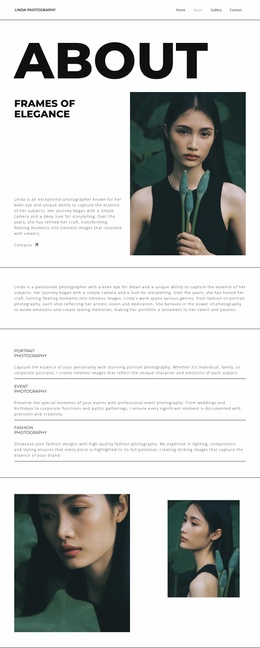
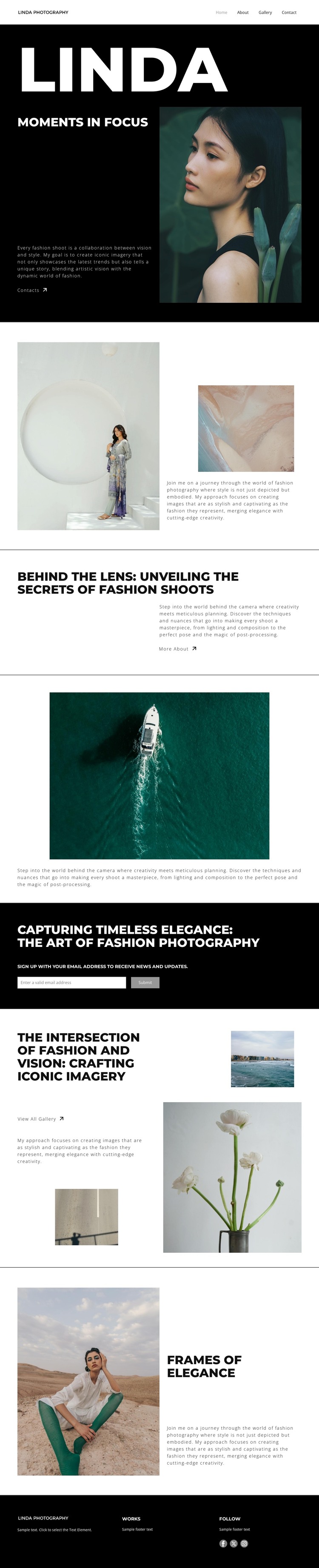
The hero and split introduction provide permanent page content for presenting the photography practice: a portrait, fashion-focused copy, and supporting editorial imagery establish the subject before visitors reach the deeper portfolio material. The “Behind the Lens” section adds a second content relationship by explaining planning, lighting, composition, posing, and post-processing. In a WordPress-managed project, these areas can remain part of the main page while related work or editorial updates are developed around the same visual language.
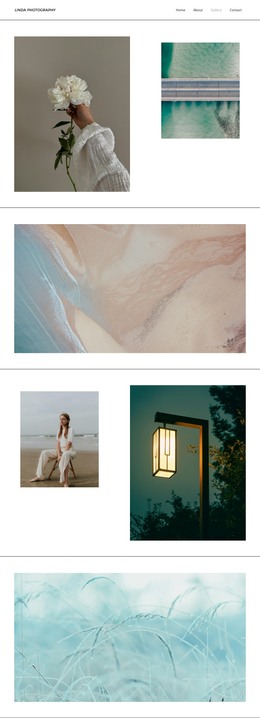
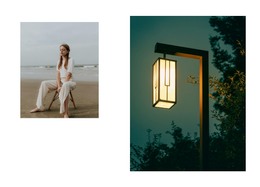
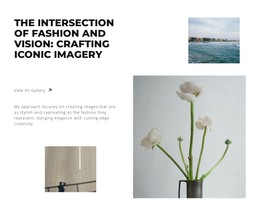
The gallery section is particularly useful as a page-oriented portfolio area because it combines four selected photographs with a “View All Gallery” action. The subscription callout adds a separate audience-content role, inviting visitors to receive news and updates rather than simply viewing images. Contact and About actions can support fixed informational pages, while the closing statement and footer preserve the design’s editorial character across shared site areas. This interpretation does not assume that posts, categories, or blog content already exist in the template. Instead, it maps the verified photography, process, gallery, subscription, and contact areas to a WordPress-oriented content environment where permanent pages and future published material can coexist within the same black-and-white design.
Customize with Nicepage
Open this ready-made template in the WordPress Website Builder and customize it visually in the Nicepage editor. Replace demo content, edit page sections, and adapt the design to your project without rebuilding the template from scratch.
Manage and Edit This Theme in WordPress
Customize and Install the WordPress Theme
Start with this ready-made theme instead of building the WordPress design from scratch. Customize its layout, content, typography, images, sections, and other design elements visually in Nicepage editor, then export and install the WordPress Theme, Plugin, and Pages on your WordPress site. The Nicepage WordPress Plugin lets you continue working with the site after installation.
Edit the Theme Directly in WordPress
After installation, you can edit the WordPress Theme directly in WordPress with the Nicepage WordPress Plugin. Use Site Style to customize site Colors, Fonts, Header, Footer, Blog, and Post Page Templates while working within your WordPress website.
Edit WordPress Pages Visually
Use the Nicepage WordPress Plugin to edit page content directly from the WordPress admin area. Open a WordPress Page with Nicepage and visually change its text, images, sections, and other page elements while continuing to manage the Page through WordPress.
WordPress Content and Theme Integration
Use the customized theme with WordPress Pages, Posts, Blog and Post Templates, menus, widgets, and other CMS-managed content. Shared theme elements such as Colors, Fonts, Header, Footer, Blog, and Post Page Templates can be managed as part of the overall site design, while WordPress provides the CMS environment for managing site content.
This workflow combines a ready-made WordPress Theme with visual customization, direct theme editing in WordPress, and continued content management through the Nicepage WordPress Plugin.