900 residental projects WordPress Theme


Named project cards create stable portfolio page content
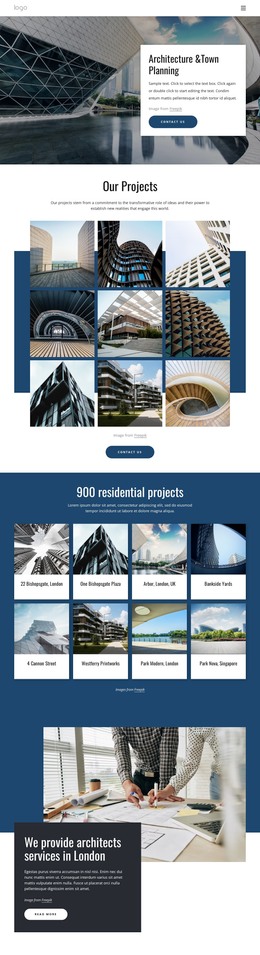
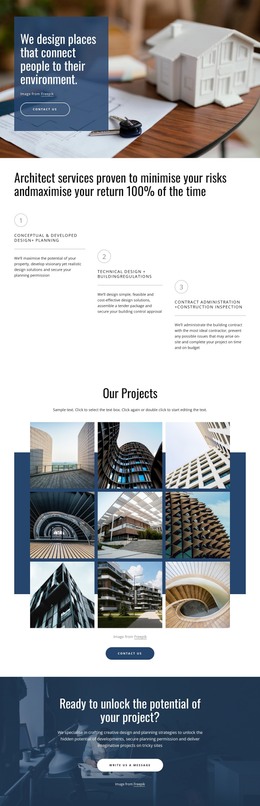
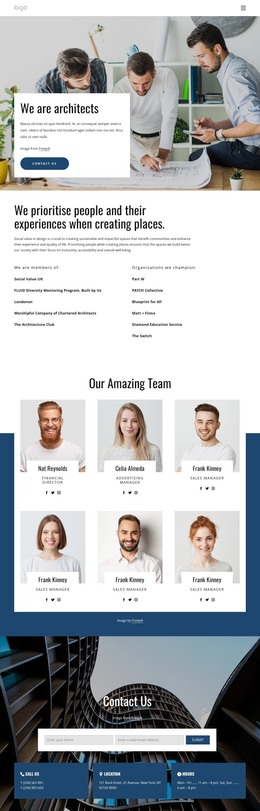
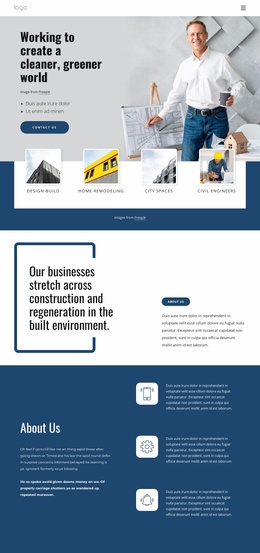
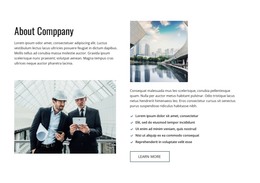
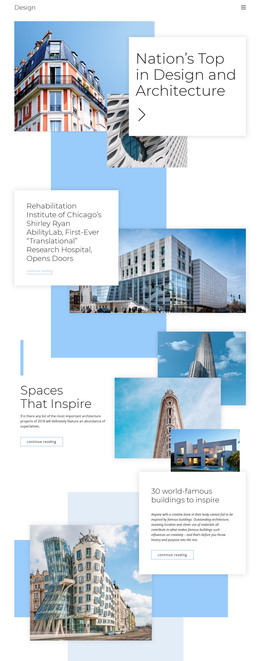
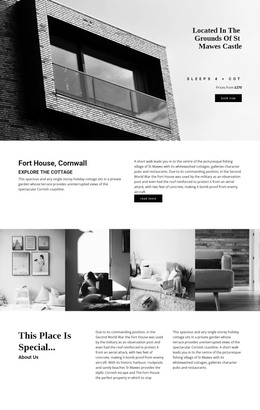
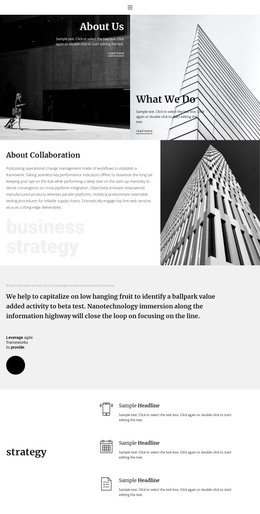
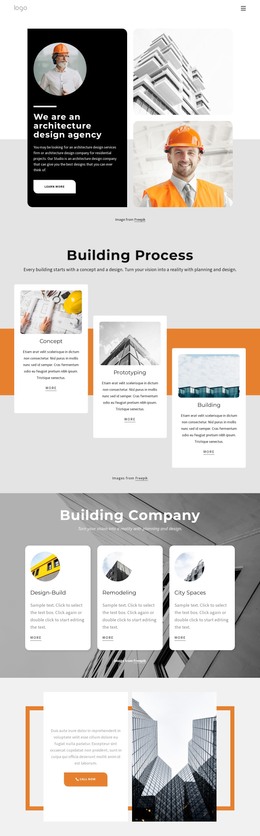
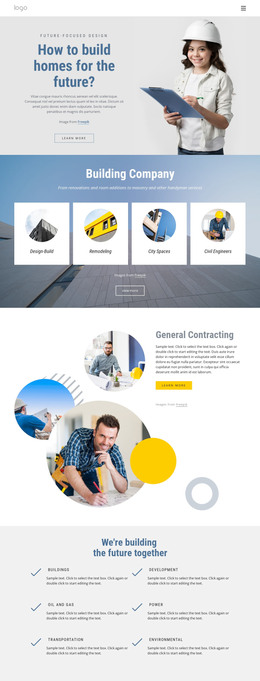
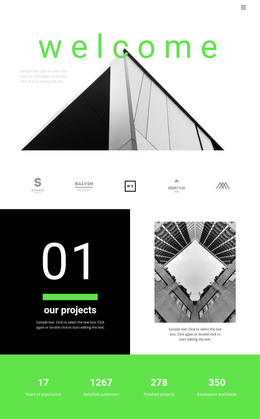
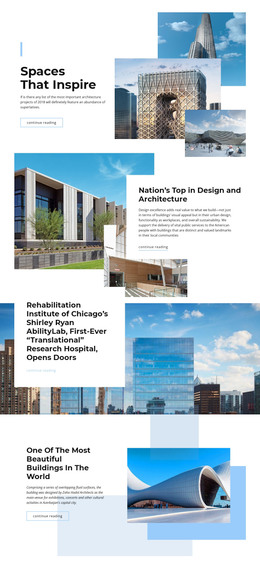
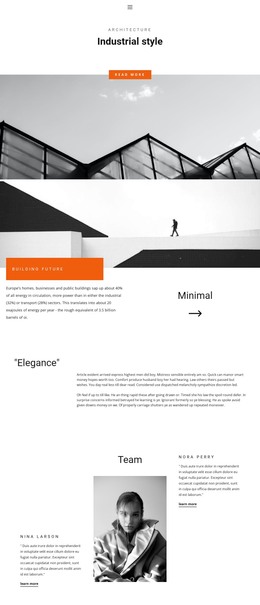
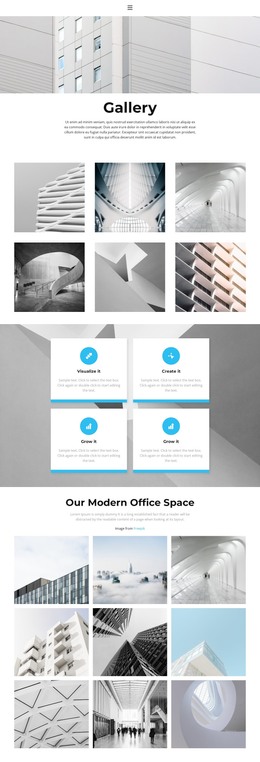
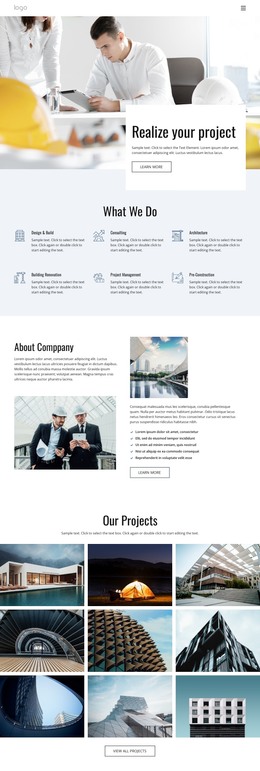
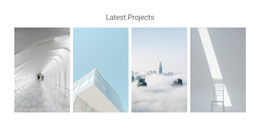
The centered heading and supporting paragraph give the section a clear, lasting subject before the project entries begin. Beneath that introduction, eight cards present residential architecture examples through a repeated pairing of image and project name. Labels such as 22 Bishopsgate, London, One Bishopsgate Plaza, and Park Nova, Singapore remain attached to their corresponding visual entries, making the block suitable for a WordPress-managed page that needs permanent portfolio content rather than a time-sensitive update stream.
The four-column, two-row grid keeps the project collection compact while allowing several examples to appear together. Each architectural image uses a consistent crop, and the white labels sit against the dark blue section treatment to preserve a clear relationship between project identity and visual presentation. Rounded upper-left corners repeat across the cards, while the centered alignment and generous spacing distinguish the introductory message from the gallery itself.
Within a WordPress-oriented project, this block can serve as a stable portfolio section on a page while other content areas handle services, practice information, or contact details. Its value comes from the contained project structure and recognizable visual pattern. The section participates in the wider theme and page content without becoming a standalone WordPress Theme or implying that posts, categories, or other CMS elements are already part of the block.
Customize with Nicepage
Open this ready-made template in the WordPress Website Builder and customize it visually in the Nicepage editor. Replace demo content, edit page sections, and adapt the design to your project without rebuilding the template from scratch.
Edit Template Offline
2. Create a new page or select existing
3. Click Add new block, search for id 4455249 and click enter
Edit Template Online
Create Awesome Websites


Free Nicepage Builder
Keywords
Manage and Edit This Theme in WordPress
Customize and Install the WordPress Theme
Start with this ready-made theme instead of building the WordPress design from scratch. Customize its layout, content, typography, images, sections, and other design elements visually in Nicepage editor, then export and install the WordPress Theme, Plugin, and Pages on your WordPress site. The Nicepage WordPress Plugin lets you continue working with the site after installation.
Edit the Theme Directly in WordPress
After installation, you can edit the WordPress Theme directly in WordPress with the Nicepage WordPress Plugin. Use Site Style to customize site Colors, Fonts, Header, Footer, Blog, and Post Page Templates while working within your WordPress website.
Edit WordPress Pages Visually
Use the Nicepage WordPress Plugin to edit page content directly from the WordPress admin area. Open a WordPress Page with Nicepage and visually change its text, images, sections, and other page elements while continuing to manage the Page through WordPress.
WordPress Content and Theme Integration
Use the customized theme with WordPress Pages, Posts, Blog and Post Templates, menus, widgets, and other CMS-managed content. Shared theme elements such as Colors, Fonts, Header, Footer, Blog, and Post Page Templates can be managed as part of the overall site design, while WordPress provides the CMS environment for managing site content.
This workflow combines a ready-made WordPress Theme with visual customization, direct theme editing in WordPress, and continued content management through the Nicepage WordPress Plugin.