This is a new property WordPress Theme


Edit Template Offline
2. Create new page and search for id 6026550
Edit Template Online
Create Awesome Websites


Free Nicepage Builder
Keywords
Permanent page content and repeatable cards fit a WordPress-managed presentation
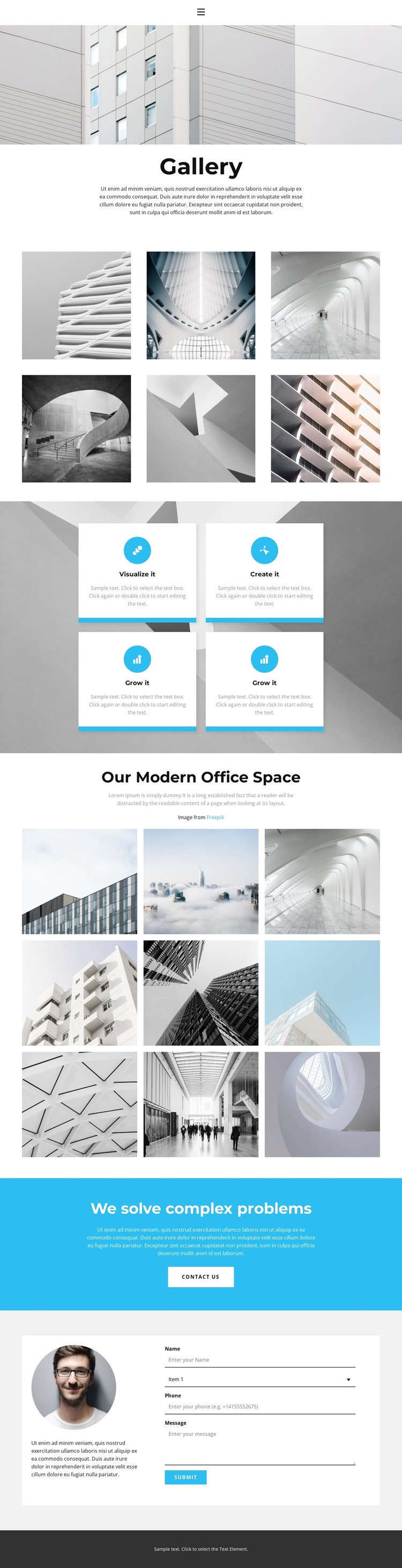
The opening gallery and the office-space section provide two clearly differentiated areas of permanent page content. The first six-image collection follows the Gallery heading and introductory copy, making it suitable for a primary visual presentation. The later nine-image collection is tied to Our Modern Office Space, so it can carry a more specific environment or project focus. Their separate headings, image groups, and positions in the page sequence make the content easier to interpret than a single undivided gallery.
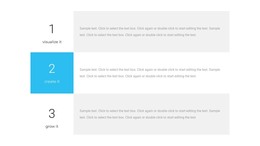
The four feature cards add a reusable pattern around the photography. Visualize it, Create it, and Grow it are represented through repeated card styling, circular icons, and short supporting copy. That structure can accommodate changing informational content while preserving the page’s visual direction. Navigation and the dark footer further define shared site regions, although the analysis does not verify blog posts, categories, or other dynamic WordPress content as existing parts of this template.
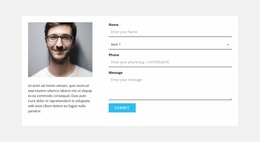
The final sections give the page a communication-oriented close. The cyan We solve complex problems band emphasizes the Contact us action, while the adjacent portrait-and-copy area contains a contact form and Submit button. These areas can remain page-focused while a WordPress project adds or manages other content around the same theme. Nicepage’s WordPress Plugin is relevant when the project needs to edit the theme direction directly in WordPress, but the template-specific value remains its division of galleries, feature content, and contact interaction.
Customize with Nicepage
Open this ready-made template in the WordPress Website Builder and customize it visually in the Nicepage editor. Replace demo content, edit page sections, and adapt the design to your project without rebuilding the template from scratch.
Manage and Edit This Theme in WordPress
Customize and Install the WordPress Theme
Start with this ready-made theme instead of building the WordPress design from scratch. Customize its layout, content, typography, images, sections, and other design elements visually in Nicepage editor, then export and install the WordPress Theme, Plugin, and Pages on your WordPress site. The Nicepage WordPress Plugin lets you continue working with the site after installation.
Edit the Theme Directly in WordPress
After installation, you can edit the WordPress Theme directly in WordPress with the Nicepage WordPress Plugin. Use Site Style to customize site Colors, Fonts, Header, Footer, Blog, and Post Page Templates while working within your WordPress website.
Edit WordPress Pages Visually
Use the Nicepage WordPress Plugin to edit page content directly from the WordPress admin area. Open a WordPress Page with Nicepage and visually change its text, images, sections, and other page elements while continuing to manage the Page through WordPress.
WordPress Content and Theme Integration
Use the customized theme with WordPress Pages, Posts, Blog and Post Templates, menus, widgets, and other CMS-managed content. Shared theme elements such as Colors, Fonts, Header, Footer, Blog, and Post Page Templates can be managed as part of the overall site design, while WordPress provides the CMS environment for managing site content.
This workflow combines a ready-made WordPress Theme with visual customization, direct theme editing in WordPress, and continued content management through the Nicepage WordPress Plugin.