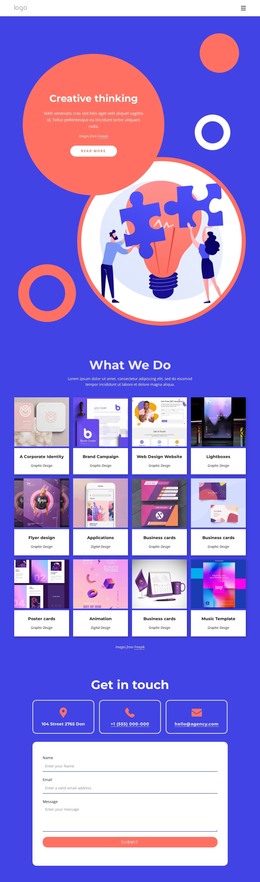
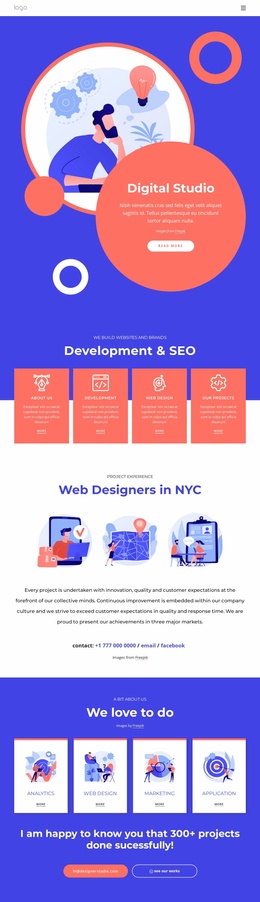
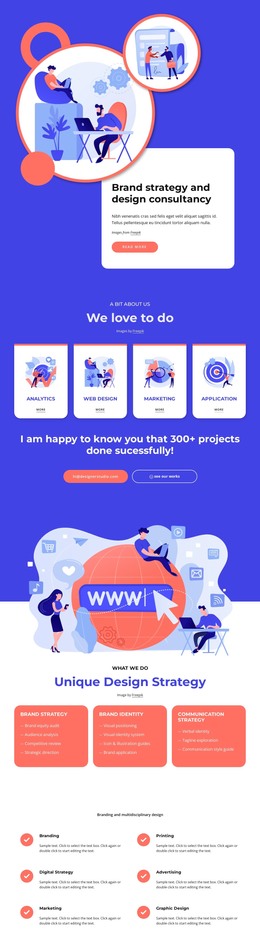
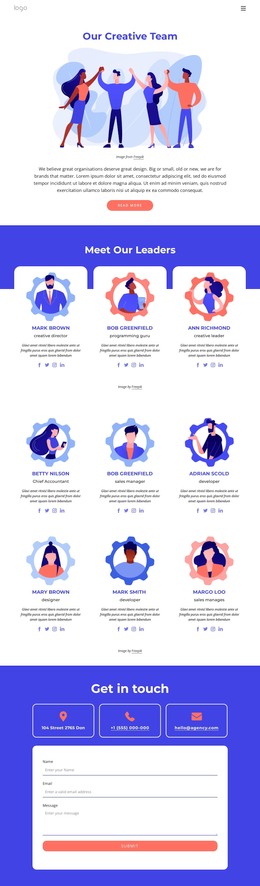
Building brands with cultural impact WordPress Theme


Three Illustrated Service Groups for WordPress Page Content
The centered introduction gives the section a clear page-content role before the three service groups begin. Strategy, Design, and Branding each combine an illustration with a category title and a stacked list, allowing a WordPress-managed page to present permanent creative-services information in a format that is easy to scan. The parallel columns create consistency, while the different list lengths preserve the individual scope of each category.
Strategy contains six service items, Design contains six, and Branding contains seven. Together, the labels describe a broad creative offering that includes strategy work, design production, and brand identity development. The illustrations add a visual distinction between these groups without changing their shared content pattern. A bright blue background places the white typography and imagery in high contrast, and the generous vertical spacing gives the heading, cards, and lists room to remain legible. The Freepik credit below the cards is also part of the visible section and should remain associated with the imagery when the content is adapted.
In a WordPress-oriented project, the block can serve as stable services content within a broader page or site. Other content areas may handle case studies, testimonials, or contact actions, while this section keeps the three-part explanation of creative capabilities together.
Customize with Nicepage
Open this ready-made template in the WordPress Website Builder and customize it visually in the Nicepage editor. Replace demo content, edit page sections, and adapt the design to your project without rebuilding the template from scratch.
Edit Template Offline
2. Create a new page or select existing
3. Click Add new block, search for id 4440005 and click enter
Edit Template Online
Create Awesome Websites


Free Nicepage Builder
Keywords
Manage and Edit This Theme in WordPress
Customize and Install the WordPress Theme
Start with this ready-made theme instead of building the WordPress design from scratch. Customize its layout, content, typography, images, sections, and other design elements visually in Nicepage editor, then export and install the WordPress Theme, Plugin, and Pages on your WordPress site. The Nicepage WordPress Plugin lets you continue working with the site after installation.
Edit the Theme Directly in WordPress
After installation, you can edit the WordPress Theme directly in WordPress with the Nicepage WordPress Plugin. Use Site Style to customize site Colors, Fonts, Header, Footer, Blog, and Post Page Templates while working within your WordPress website.
Edit WordPress Pages Visually
Use the Nicepage WordPress Plugin to edit page content directly from the WordPress admin area. Open a WordPress Page with Nicepage and visually change its text, images, sections, and other page elements while continuing to manage the Page through WordPress.
WordPress Content and Theme Integration
Use the customized theme with WordPress Pages, Posts, Blog and Post Templates, menus, widgets, and other CMS-managed content. Shared theme elements such as Colors, Fonts, Header, Footer, Blog, and Post Page Templates can be managed as part of the overall site design, while WordPress provides the CMS environment for managing site content.
This workflow combines a ready-made WordPress Theme with visual customization, direct theme editing in WordPress, and continued content management through the Nicepage WordPress Plugin.