Branding and visual identities WordPress Theme


A focused page-content section with one clear action
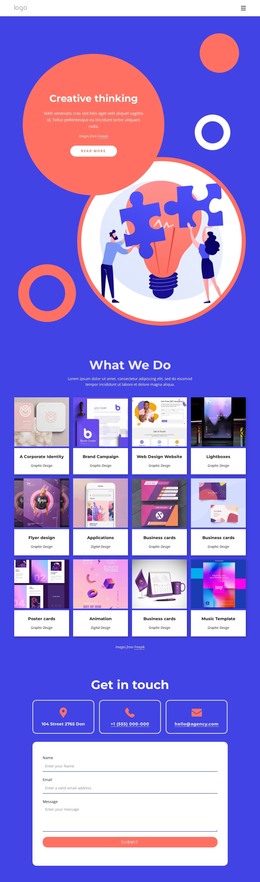
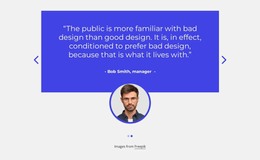
The illustration and text work together as a compact engagement area. A large circular composition of overlapping shapes and character imagery creates the first visual focus, while the centered “Get in touch” heading and supporting paragraph explain the section’s message. The copy’s reference to human empathy, intelligent data, and improving product and service quality gives the artwork a purposeful context. Below that message, the single coral “Read more” button provides a defined route to further content without introducing a second action or a form.
For a WordPress-managed page, the section can function as stable visual content within a wider page structure. Its clear heading, paragraph, attribution, and button make it suitable for a page area that invites visitors to continue after reading an introduction or service explanation. The vivid blue backdrop and white type can also mark the section as a distinct content region while related WordPress-managed material surrounds it. Since the interaction is static, the block does not depend on a carousel, accordion, or other component to communicate its purpose. The “Images from Freepik” attribution should stay with the illustration when this reusable section is placed in the project.
Customize with Nicepage
Open this ready-made template in the WordPress Website Builder and customize it visually in the Nicepage editor. Replace demo content, edit page sections, and adapt the design to your project without rebuilding the template from scratch.
Edit Template Offline
2. Create a new page or select existing
3. Click Add new block, search for id 4438209 and click enter
Edit Template Online
Create Awesome Websites


Free Nicepage Builder
Keywords
Manage and Edit This Theme in WordPress
Customize and Install the WordPress Theme
Start with this ready-made theme instead of building the WordPress design from scratch. Customize its layout, content, typography, images, sections, and other design elements visually in Nicepage editor, then export and install the WordPress Theme, Plugin, and Pages on your WordPress site. The Nicepage WordPress Plugin lets you continue working with the site after installation.
Edit the Theme Directly in WordPress
After installation, you can edit the WordPress Theme directly in WordPress with the Nicepage WordPress Plugin. Use Site Style to customize site Colors, Fonts, Header, Footer, Blog, and Post Page Templates while working within your WordPress website.
Edit WordPress Pages Visually
Use the Nicepage WordPress Plugin to edit page content directly from the WordPress admin area. Open a WordPress Page with Nicepage and visually change its text, images, sections, and other page elements while continuing to manage the Page through WordPress.
WordPress Content and Theme Integration
Use the customized theme with WordPress Pages, Posts, Blog and Post Templates, menus, widgets, and other CMS-managed content. Shared theme elements such as Colors, Fonts, Header, Footer, Blog, and Post Page Templates can be managed as part of the overall site design, while WordPress provides the CMS environment for managing site content.
This workflow combines a ready-made WordPress Theme with visual customization, direct theme editing in WordPress, and continued content management through the Nicepage WordPress Plugin.