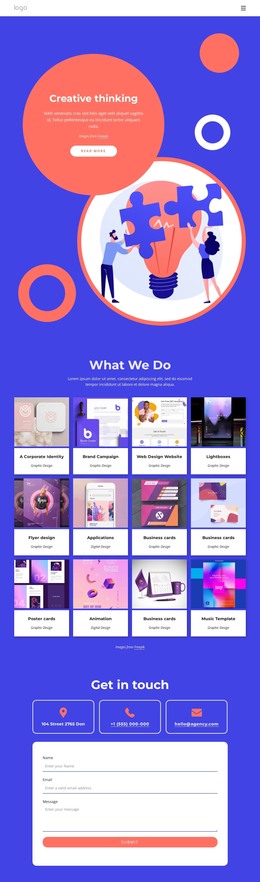
Meet our top leaders WordPress Theme



Profile Cards That Read as Stable Page Content
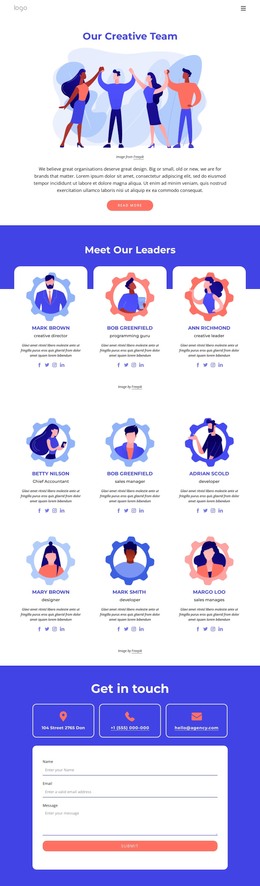
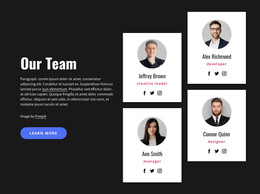
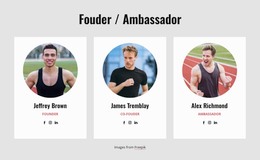
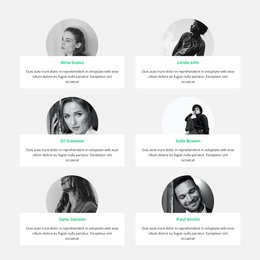
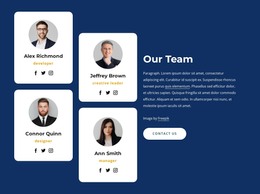
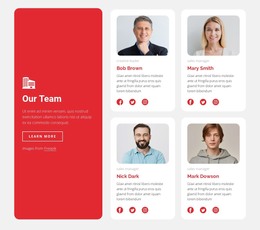
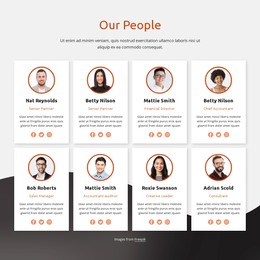
The three repeated cards turn the “Meet Our Leaders” heading into a clear, publishable people section. Each profile follows the same content sequence: an illustrated portrait establishes visual recognition, the centered name and role identify the member, biography text supplies supporting context, and four social icons provide external destinations. Because every card uses the same arrangement, the section can present several members without making one profile visually dominant.
The bright blue heading band separates the group introduction from the white rounded cards below it. Strong uppercase-style names and generous spacing create a readable hierarchy within each column, while the three-column layout keeps the profiles visible as a related set. The image credit beneath the cards functions as its own small attribution region, rather than being mixed into the biographies or social-link row.
For a WordPress-managed site, this block can work as stable team or leadership content on a page. The visual section can remain consistent while the wider project manages other page areas and content around it. The sample names and biographies are best treated as replaceable profile content; the useful structure is the repeatable combination of portrait, role, description, and social links. That makes the section practical for an organization, studio, or education-focused project when the surrounding page supplies additional context.
Customize with Nicepage
Open this ready-made template in the WordPress Website Builder and customize it visually in the Nicepage editor. Replace demo content, edit page sections, and adapt the design to your project without rebuilding the template from scratch.
Edit Template Offline
2. Create a new page or select existing
3. Click Add new block, search for id 3202739 and click enter
Edit Template Online
Create Awesome Websites


Free Nicepage Builder
Keywords
Manage and Edit This Theme in WordPress
Customize and Install the WordPress Theme
Start with this ready-made theme instead of building the WordPress design from scratch. Customize its layout, content, typography, images, sections, and other design elements visually in Nicepage editor, then export and install the WordPress Theme, Plugin, and Pages on your WordPress site. The Nicepage WordPress Plugin lets you continue working with the site after installation.
Edit the Theme Directly in WordPress
After installation, you can edit the WordPress Theme directly in WordPress with the Nicepage WordPress Plugin. Use Site Style to customize site Colors, Fonts, Header, Footer, Blog, and Post Page Templates while working within your WordPress website.
Edit WordPress Pages Visually
Use the Nicepage WordPress Plugin to edit page content directly from the WordPress admin area. Open a WordPress Page with Nicepage and visually change its text, images, sections, and other page elements while continuing to manage the Page through WordPress.
WordPress Content and Theme Integration
Use the customized theme with WordPress Pages, Posts, Blog and Post Templates, menus, widgets, and other CMS-managed content. Shared theme elements such as Colors, Fonts, Header, Footer, Blog, and Post Page Templates can be managed as part of the overall site design, while WordPress provides the CMS environment for managing site content.
This workflow combines a ready-made WordPress Theme with visual customization, direct theme editing in WordPress, and continued content management through the Nicepage WordPress Plugin.