Campaigns, mobile and digital WordPress Theme


Edit Template Offline
2. Create new page and search for id 4411508
Edit Template Online
Create Awesome Websites


Free Nicepage Builder
Keywords
Project Categories Give WordPress Content a Clear Page-Oriented Structure
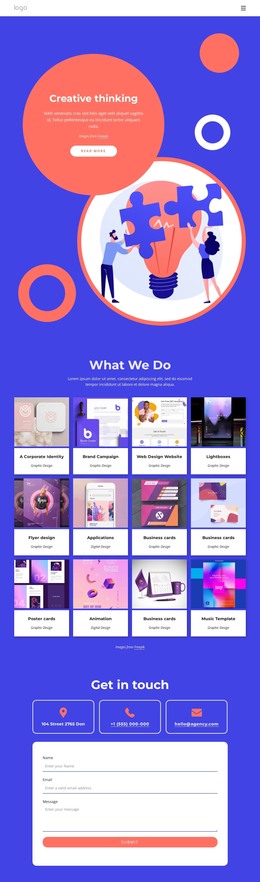
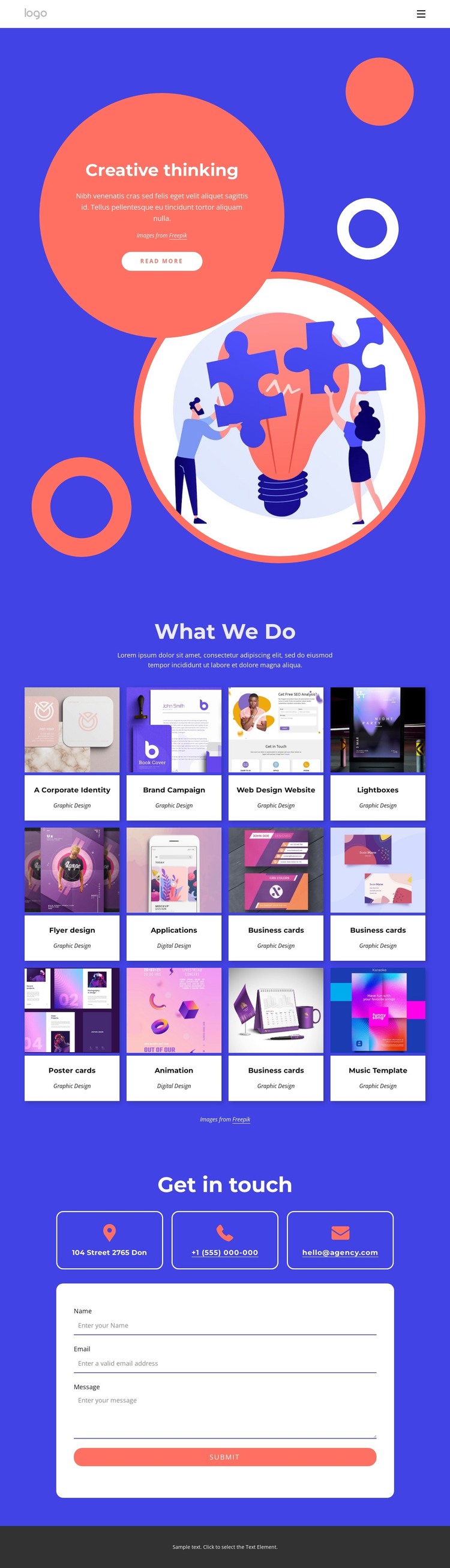
The “What We Do” collection gives this design a useful basis for page-oriented WordPress content because each project card can be understood as a distinct piece of portfolio information. The twelve cards are grouped visually while still presenting separate examples, and the Graphic Design and Digital Design labels provide an initial distinction between types of work. Categories such as corporate identity, brand campaigns, web design, applications, posters, and animation can guide the organization of future project descriptions without claiming that WordPress posts, categories, or other CMS records already exist in the template.
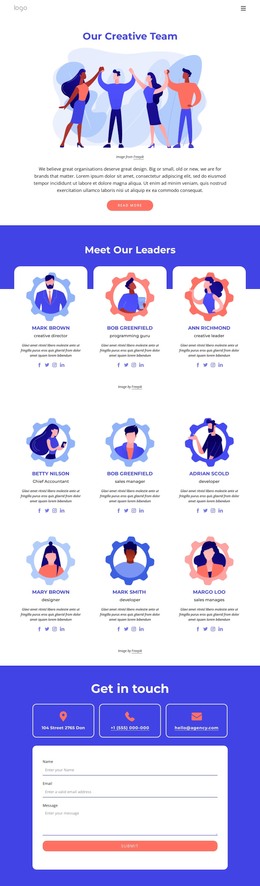
The hero serves a different role within that structure. “Creative thinking,” circular imagery, geometric accents, and introductory copy establish the visual character that should surround the portfolio content. The compact navigation and repeated white cards make the page readable as a branded presentation, while the blue and coral palette can connect permanent portfolio information with any later editorial additions. The design therefore relates content areas to a consistent theme rather than treating each project as an unrelated entry.
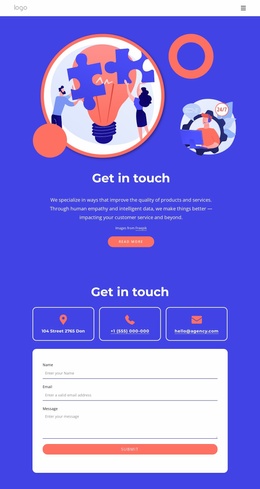
At the end, three contact channels and a centered form provide a practical page section for inquiries. The form includes name, email, and message inputs, so it can remain associated with the service presentation while the portfolio content is maintained separately. The dark footer supplies a simple shared closing area. Together, these page regions give a WordPress project a clear relationship between visual identity, portfolio content, and contact information, without assuming that any unverified CMS structure is already present.
Customize with Nicepage
Open this ready-made template in the WordPress Website Builder and customize it visually in the Nicepage editor. Replace demo content, edit page sections, and adapt the design to your project without rebuilding the template from scratch.
Manage and Edit This Theme in WordPress
Customize and Install the WordPress Theme
Start with this ready-made theme instead of building the WordPress design from scratch. Customize its layout, content, typography, images, sections, and other design elements visually in Nicepage editor, then export and install the WordPress Theme, Plugin, and Pages on your WordPress site. The Nicepage WordPress Plugin lets you continue working with the site after installation.
Edit the Theme Directly in WordPress
After installation, you can edit the WordPress Theme directly in WordPress with the Nicepage WordPress Plugin. Use Site Style to customize site Colors, Fonts, Header, Footer, Blog, and Post Page Templates while working within your WordPress website.
Edit WordPress Pages Visually
Use the Nicepage WordPress Plugin to edit page content directly from the WordPress admin area. Open a WordPress Page with Nicepage and visually change its text, images, sections, and other page elements while continuing to manage the Page through WordPress.
WordPress Content and Theme Integration
Use the customized theme with WordPress Pages, Posts, Blog and Post Templates, menus, widgets, and other CMS-managed content. Shared theme elements such as Colors, Fonts, Header, Footer, Blog, and Post Page Templates can be managed as part of the overall site design, while WordPress provides the CMS environment for managing site content.
This workflow combines a ready-made WordPress Theme with visual customization, direct theme editing in WordPress, and continued content management through the Nicepage WordPress Plugin.