Business ideas for convenience WordPress Theme


Monochrome Image Areas Turn About Content Into a Stable Page Section
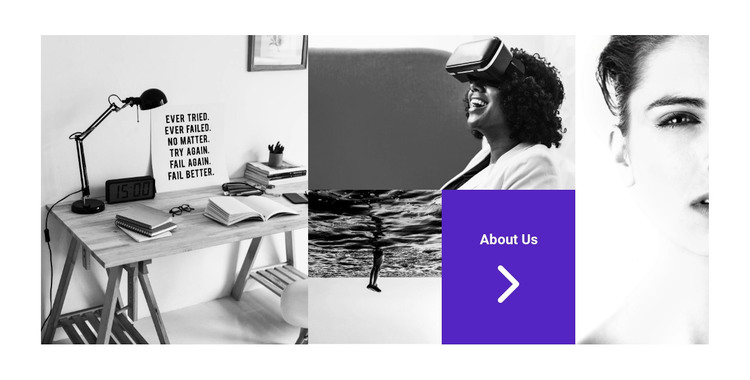
The four photographic areas give this block a clear page-content role. The images are monochrome, and their mosaic arrangement combines tall outer anchors with stacked and paired central tiles. That internal pattern presents an about introduction visually before a visitor reads longer supporting material. The varied image proportions add movement, while the tight rectangular alignment prevents the composition from feeling scattered. These relationships are part of the section's design and remain distinct from the broader WordPress site structure.
A purple tile in the lower central area provides the block's strongest content signal. White About Us text identifies the subject, and the right-pointing arrow icon supplies a concise directional cue for reaching additional information. In a WordPress-oriented page, that tile can accompany permanent organization content, with the surrounding project handling other page areas and any separately managed material. The block itself remains one reusable section rather than a standalone WordPress Theme.
The section is particularly suited to a page where an about introduction needs more visual presence than a single text column. Its image mosaic can establish context quickly, while the central accent tile gives the visitor a visible point of attention. The result is a stable content region that can sit alongside services, team information, projects, or contact content without claiming that those neighboring areas are already included.
Customize with Nicepage
Open this ready-made template in the WordPress Website Builder and customize it visually in the Nicepage editor. Replace demo content, edit page sections, and adapt the design to your project without rebuilding the template from scratch.
Edit Template Offline
2. Create a new page or select existing
3. Click Add new block, search for id 43726 and click enter
Edit Template Online
Create Awesome Websites


Free Nicepage Builder
Keywords
Manage and Edit This Theme in WordPress
Customize and Install the WordPress Theme
Start with this ready-made theme instead of building the WordPress design from scratch. Customize its layout, content, typography, images, sections, and other design elements visually in Nicepage editor, then export and install the WordPress Theme, Plugin, and Pages on your WordPress site. The Nicepage WordPress Plugin lets you continue working with the site after installation.
Edit the Theme Directly in WordPress
After installation, you can edit the WordPress Theme directly in WordPress with the Nicepage WordPress Plugin. Use Site Style to customize site Colors, Fonts, Header, Footer, Blog, and Post Page Templates while working within your WordPress website.
Edit WordPress Pages Visually
Use the Nicepage WordPress Plugin to edit page content directly from the WordPress admin area. Open a WordPress Page with Nicepage and visually change its text, images, sections, and other page elements while continuing to manage the Page through WordPress.
WordPress Content and Theme Integration
Use the customized theme with WordPress Pages, Posts, Blog and Post Templates, menus, widgets, and other CMS-managed content. Shared theme elements such as Colors, Fonts, Header, Footer, Blog, and Post Page Templates can be managed as part of the overall site design, while WordPress provides the CMS environment for managing site content.
This workflow combines a ready-made WordPress Theme with visual customization, direct theme editing in WordPress, and continued content management through the Nicepage WordPress Plugin.