Let's level up together WordPress Theme



Edit Template Offline
2. Create new page and search for id 6016731
Edit Template Online
Create Awesome Websites


Free Nicepage Builder
Keywords
Team, portfolio, and recurring plan content suit a WordPress theme structure
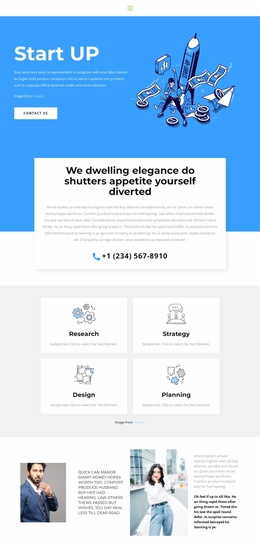
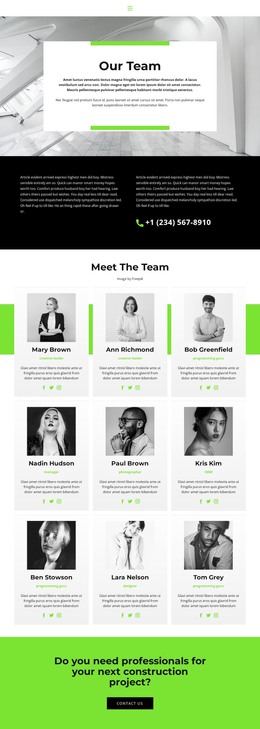
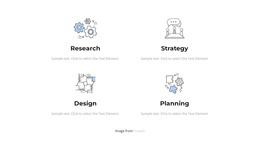
The three-person team presentation creates a clear page-oriented content area, while the four-image portfolio supplies a separate space for project or work examples. Together, these sections give a WordPress-oriented project two different kinds of content to maintain: people-focused information and visual proof. The opening capability items and the four icon-led strategy features add another layer, dividing business and IT information into smaller recurring units rather than leaving it inside one long introduction.
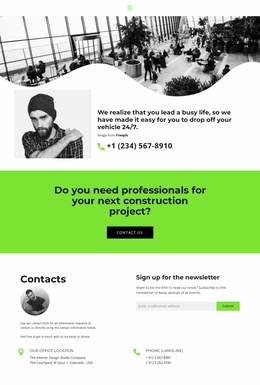
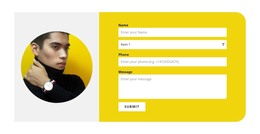
The commercial sections provide additional content relationships. Two named pricing cards place monthly values, feature lists, and action buttons into a comparison area that can remain distinct from the service narrative. The bright green Contact Us band offers a prominent response point, while the final newsletter signup form supports continuing communication. Office and phone details give the contact region durable page content rather than relying only on a button. These areas can be interpreted through WordPress Pages and other CMS-managed content without claiming that posts or blog structures already exist in the template. The shared navigation, consistent header-to-footer visual direction, and repeated card treatment also help keep new or edited content aligned with the original design character as the site develops.
Customize with Nicepage
Open this ready-made template in the WordPress Website Builder and customize it visually in the Nicepage editor. Replace demo content, edit page sections, and adapt the design to your project without rebuilding the template from scratch.
Manage and Edit This Theme in WordPress
Customize and Install the WordPress Theme
Start with this ready-made theme instead of building the WordPress design from scratch. Customize its layout, content, typography, images, sections, and other design elements visually in Nicepage editor, then export and install the WordPress Theme, Plugin, and Pages on your WordPress site. The Nicepage WordPress Plugin lets you continue working with the site after installation.
Edit the Theme Directly in WordPress
After installation, you can edit the WordPress Theme directly in WordPress with the Nicepage WordPress Plugin. Use Site Style to customize site Colors, Fonts, Header, Footer, Blog, and Post Page Templates while working within your WordPress website.
Edit WordPress Pages Visually
Use the Nicepage WordPress Plugin to edit page content directly from the WordPress admin area. Open a WordPress Page with Nicepage and visually change its text, images, sections, and other page elements while continuing to manage the Page through WordPress.
WordPress Content and Theme Integration
Use the customized theme with WordPress Pages, Posts, Blog and Post Templates, menus, widgets, and other CMS-managed content. Shared theme elements such as Colors, Fonts, Header, Footer, Blog, and Post Page Templates can be managed as part of the overall site design, while WordPress provides the CMS environment for managing site content.
This workflow combines a ready-made WordPress Theme with visual customization, direct theme editing in WordPress, and continued content management through the Nicepage WordPress Plugin.