Logo and three benefits WordPress Theme


Three Stable Benefit Units for WordPress Page Content
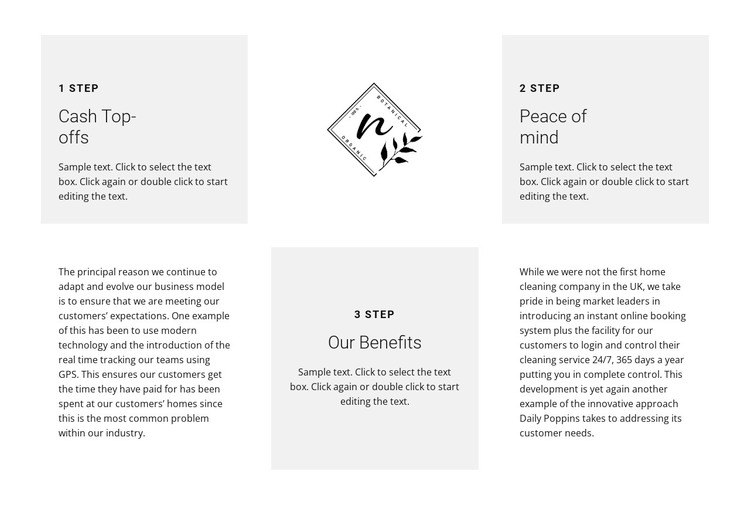
The concise labels and headings make this block read as stable page content rather than a time-sensitive feed. “1 step,” “2 step,” and “3 step” organize the section around “Cash Top-offs,” “Peace of mind,” and “Our Benefits,” giving a WordPress-managed page a clearly bounded benefits or process region. The first row uses two light gray feature panels with a centered logo between them, so the brand mark becomes part of the section’s content rhythm rather than a separate header element.
In the second row, the centered “Our Benefits” panel is supported by a narrative paragraph on each side. This gives longer explanatory text a distinct place while keeping the numbered step structure visible. The white areas provide breathing room around those paragraphs, and the gray panels preserve a consistent visual cue for the highlighted step content. Within a WordPress-oriented project, the section can remain a reusable page-content area while the surrounding site manages other pages and publishable material. Its static presentation means the three steps, descriptions, logo, and narrative copy are available together, without requiring an invented post list, widget, or CMS-specific component inside the block.
Customize with Nicepage
Open this ready-made template in the WordPress Website Builder and customize it visually in the Nicepage editor. Replace demo content, edit page sections, and adapt the design to your project without rebuilding the template from scratch.
Edit Template Offline
2. Create a new page or select existing
3. Click Add new block, search for id 431714 and click enter
Edit Template Online
Create Awesome Websites


Free Nicepage Builder
Keywords
Manage and Edit This Theme in WordPress
Customize and Install the WordPress Theme
Start with this ready-made theme instead of building the WordPress design from scratch. Customize its layout, content, typography, images, sections, and other design elements visually in Nicepage editor, then export and install the WordPress Theme, Plugin, and Pages on your WordPress site. The Nicepage WordPress Plugin lets you continue working with the site after installation.
Edit the Theme Directly in WordPress
After installation, you can edit the WordPress Theme directly in WordPress with the Nicepage WordPress Plugin. Use Site Style to customize site Colors, Fonts, Header, Footer, Blog, and Post Page Templates while working within your WordPress website.
Edit WordPress Pages Visually
Use the Nicepage WordPress Plugin to edit page content directly from the WordPress admin area. Open a WordPress Page with Nicepage and visually change its text, images, sections, and other page elements while continuing to manage the Page through WordPress.
WordPress Content and Theme Integration
Use the customized theme with WordPress Pages, Posts, Blog and Post Templates, menus, widgets, and other CMS-managed content. Shared theme elements such as Colors, Fonts, Header, Footer, Blog, and Post Page Templates can be managed as part of the overall site design, while WordPress provides the CMS environment for managing site content.
This workflow combines a ready-made WordPress Theme with visual customization, direct theme editing in WordPress, and continued content management through the Nicepage WordPress Plugin.