Creating brand identities WordPress Theme



A Cohesive Portrait Collection as WordPress Page Content
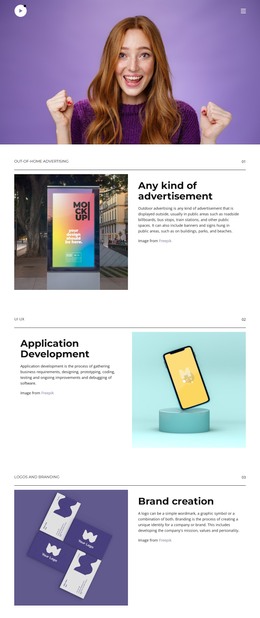
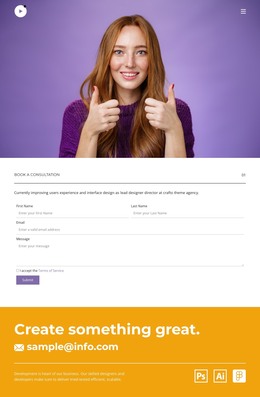
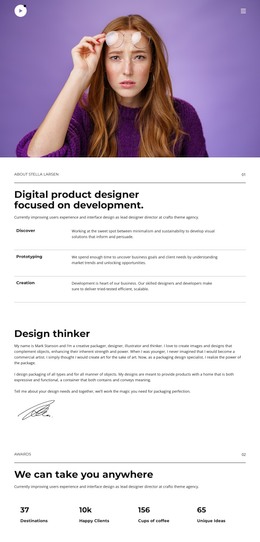
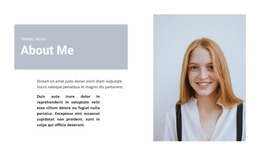
The six-image gallery reads as stable visual content that can occupy a defined area of a WordPress-managed page. Each square photograph presents the same red-haired woman against a purple background, so the collection has a consistent subject and color treatment suitable for a portfolio, identity presentation, or other image-led section. The varied gestures and facial expressions provide meaningful differences between the images without requiring separate content categories or editorial structures.
Its three-column, two-row arrangement makes the section easy to recognize as one reusable page area. Narrow white gutters keep the portraits distinct, and the restrained white space around the grid prevents the purple image backgrounds from overwhelming nearby content. The attribution note below the gallery can remain attached to this visual material as the surrounding page grows with other sections.
Lightbox viewing supports a straightforward content experience: the grid presents the collection at a glance, then a selected portrait can receive closer attention. In a WordPress context, this block can therefore function as permanent gallery content within a larger page while other parts of the project manage navigation, additional copy, or regularly changing material. Its value comes from preserving the visual relationship among the six images, not from supplying the wider theme architecture.
Customize with Nicepage
Open this ready-made template in the WordPress Website Builder and customize it visually in the Nicepage editor. Replace demo content, edit page sections, and adapt the design to your project without rebuilding the template from scratch.
Edit Template Offline
2. Create a new page or select existing
3. Click Add new block, search for id 6187323 and click enter
Edit Template Online
Create Awesome Websites


Free Nicepage Builder
Keywords
Manage and Edit This Theme in WordPress
Customize and Install the WordPress Theme
Start with this ready-made theme instead of building the WordPress design from scratch. Customize its layout, content, typography, images, sections, and other design elements visually in Nicepage editor, then export and install the WordPress Theme, Plugin, and Pages on your WordPress site. The Nicepage WordPress Plugin lets you continue working with the site after installation.
Edit the Theme Directly in WordPress
After installation, you can edit the WordPress Theme directly in WordPress with the Nicepage WordPress Plugin. Use Site Style to customize site Colors, Fonts, Header, Footer, Blog, and Post Page Templates while working within your WordPress website.
Edit WordPress Pages Visually
Use the Nicepage WordPress Plugin to edit page content directly from the WordPress admin area. Open a WordPress Page with Nicepage and visually change its text, images, sections, and other page elements while continuing to manage the Page through WordPress.
WordPress Content and Theme Integration
Use the customized theme with WordPress Pages, Posts, Blog and Post Templates, menus, widgets, and other CMS-managed content. Shared theme elements such as Colors, Fonts, Header, Footer, Blog, and Post Page Templates can be managed as part of the overall site design, while WordPress provides the CMS environment for managing site content.
This workflow combines a ready-made WordPress Theme with visual customization, direct theme editing in WordPress, and continued content management through the Nicepage WordPress Plugin.