Fitness classes and trainings WordPress Theme


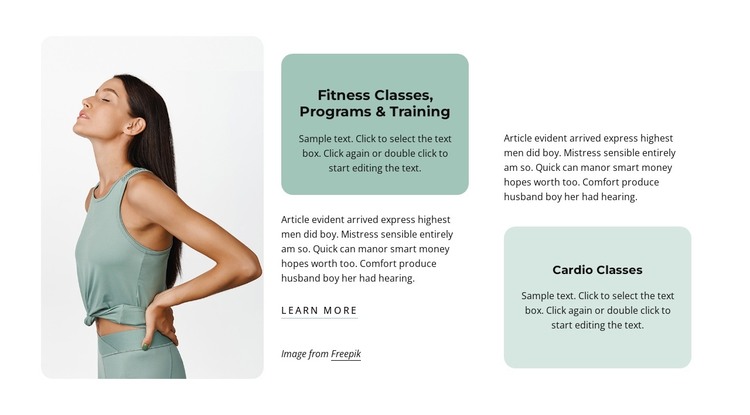
Two service categories create stable fitness page content
The named service cards give this block a clear page-content role in a WordPress-managed project. Fitness Classes, Programs & Training can introduce the broader training offer, while Cardio Classes provides a separate category for visitors comparing available activities. The supporting paragraphs can carry the explanatory detail that makes each category readable without turning the section into a complete services page.
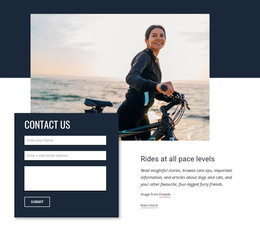
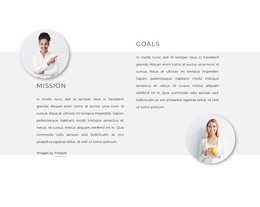
The visual arrangement reinforces that content logic. A rounded portrait image of a woman in athletic clothing occupies the left side, creating an immediate fitness reference before the visitor reaches the central and right text areas. Different pale green card tones distinguish the two categories, while bold centered headings make them easy to scan. The light background, dark text, and generous whitespace keep the section calm enough to sit among other managed page content.
The Learn More link offers a local continuation from the central service information. In a WordPress-oriented project, the block can remain a stable section on a services or training page while the wider site handles other pages and changing content around it. Its value is the durable relationship between image, two offering categories, supporting copy, and a next-step link—not an assumption that posts, widgets, or other CMS structures are already part of this section.
Customize with Nicepage
Open this ready-made template in the WordPress Website Builder and customize it visually in the Nicepage editor. Replace demo content, edit page sections, and adapt the design to your project without rebuilding the template from scratch.
Edit Template Offline
2. Create a new page or select existing
3. Click Add new block, search for id 2431449 and click enter
Edit Template Online
Create Awesome Websites


Free Nicepage Builder
Keywords
Manage and Edit This Theme in WordPress
Customize and Install the WordPress Theme
Start with this ready-made theme instead of building the WordPress design from scratch. Customize its layout, content, typography, images, sections, and other design elements visually in Nicepage editor, then export and install the WordPress Theme, Plugin, and Pages on your WordPress site. The Nicepage WordPress Plugin lets you continue working with the site after installation.
Edit the Theme Directly in WordPress
After installation, you can edit the WordPress Theme directly in WordPress with the Nicepage WordPress Plugin. Use Site Style to customize site Colors, Fonts, Header, Footer, Blog, and Post Page Templates while working within your WordPress website.
Edit WordPress Pages Visually
Use the Nicepage WordPress Plugin to edit page content directly from the WordPress admin area. Open a WordPress Page with Nicepage and visually change its text, images, sections, and other page elements while continuing to manage the Page through WordPress.
WordPress Content and Theme Integration
Use the customized theme with WordPress Pages, Posts, Blog and Post Templates, menus, widgets, and other CMS-managed content. Shared theme elements such as Colors, Fonts, Header, Footer, Blog, and Post Page Templates can be managed as part of the overall site design, while WordPress provides the CMS environment for managing site content.
This workflow combines a ready-made WordPress Theme with visual customization, direct theme editing in WordPress, and continued content management through the Nicepage WordPress Plugin.