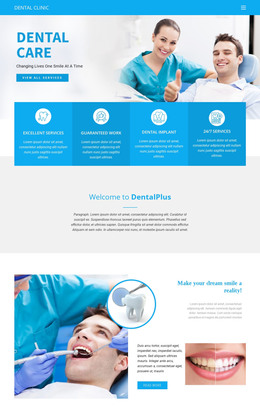
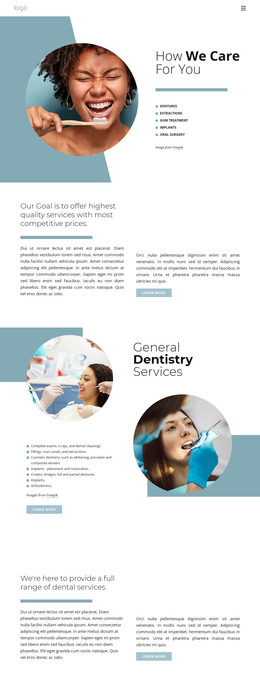
We provide a full suite of dental care WordPress Theme
Edit Template Offline
2. Create new page and search for id 5596686
Edit Template Online
Create Awesome Websites


Free Nicepage Builder
Keywords
Page Content, Profile Cards, and Contact Details Suit a Managed Dental Site
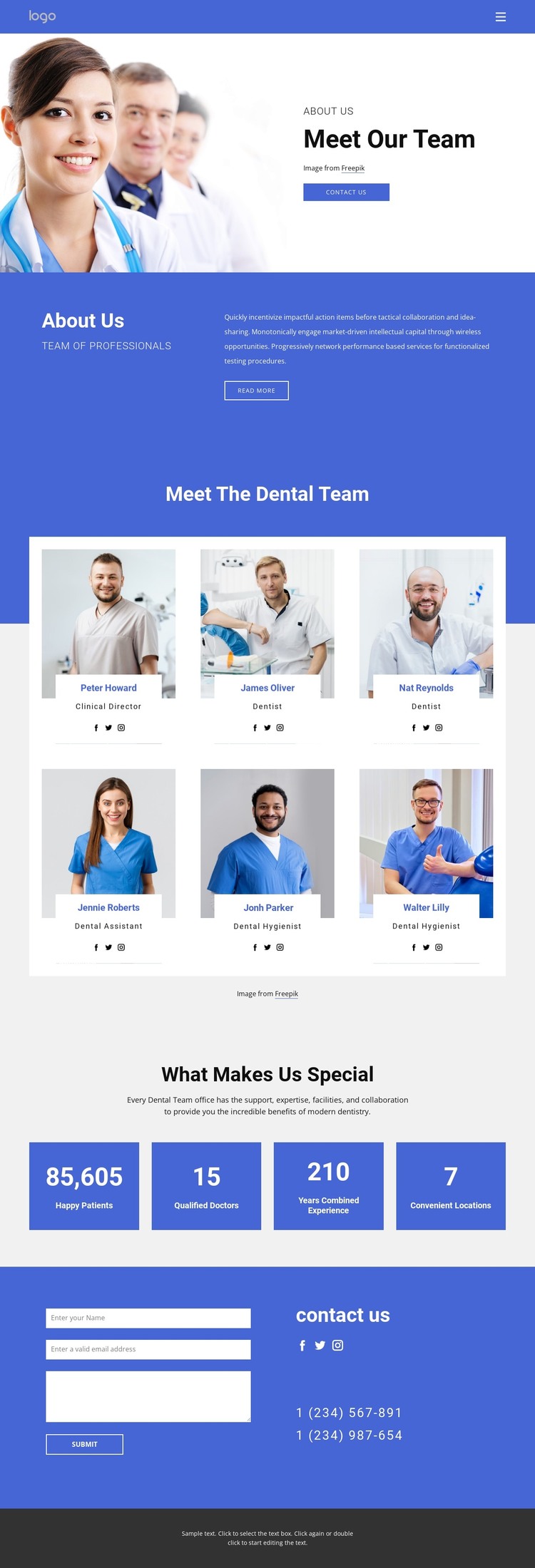
The page’s permanent information areas are well defined for a WordPress-oriented content structure. The Meet Our Team introduction gives the page a clear subject, while the blue overview band provides supporting context before visitors reach the six profile cards. Those cards are particularly useful as repeated page content: each combines a portrait with a name, a clinical or support role, and social links, creating a consistent pattern for presenting the people behind the practice.
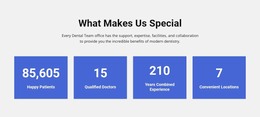
The four practice highlight tiles add a compact summary without replacing the more detailed team directory. Their labels refer to patient, doctor, experience, and location information, but the sample values should be treated as structural placeholders and replaced with independently verified data. This separation between recurring profiles and summary facts gives the page two different content levels that can remain visually coordinated.
The contact section provides a separate page area for communication. Its form sits beside phone numbers and social links, so visitors can choose between submitting an inquiry and using direct contact information. That relationship is distinct from the profile content and gives the page a clear endpoint. In a WordPress-managed project, the design can therefore organize permanent team and practice information around the page while leaving room for additional managed content elsewhere in the site. The theme’s value comes from this content structure, not from assuming that blog posts, categories, or other unverified WordPress elements already exist.
Customize with Nicepage
Open this ready-made template in the WordPress Website Builder and customize it visually in the Nicepage editor. Replace demo content, edit page sections, and adapt the design to your project without rebuilding the template from scratch.
Manage and Edit This Theme in WordPress
Customize and Install the WordPress Theme
Start with this ready-made theme instead of building the WordPress design from scratch. Customize its layout, content, typography, images, sections, and other design elements visually in Nicepage editor, then export and install the WordPress Theme, Plugin, and Pages on your WordPress site. The Nicepage WordPress Plugin lets you continue working with the site after installation.
Edit the Theme Directly in WordPress
After installation, you can edit the WordPress Theme directly in WordPress with the Nicepage WordPress Plugin. Use Site Style to customize site Colors, Fonts, Header, Footer, Blog, and Post Page Templates while working within your WordPress website.
Edit WordPress Pages Visually
Use the Nicepage WordPress Plugin to edit page content directly from the WordPress admin area. Open a WordPress Page with Nicepage and visually change its text, images, sections, and other page elements while continuing to manage the Page through WordPress.
WordPress Content and Theme Integration
Use the customized theme with WordPress Pages, Posts, Blog and Post Templates, menus, widgets, and other CMS-managed content. Shared theme elements such as Colors, Fonts, Header, Footer, Blog, and Post Page Templates can be managed as part of the overall site design, while WordPress provides the CMS environment for managing site content.
This workflow combines a ready-made WordPress Theme with visual customization, direct theme editing in WordPress, and continued content management through the Nicepage WordPress Plugin.