Make your home special WordPress Theme


Edit Template Offline
2. Create new page and search for id 182267
Edit Template Online
Create Awesome Websites


Free Nicepage Builder
Keywords
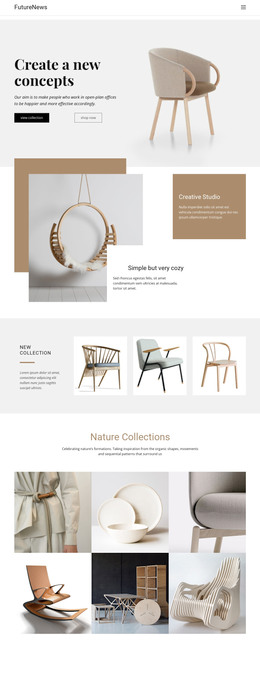
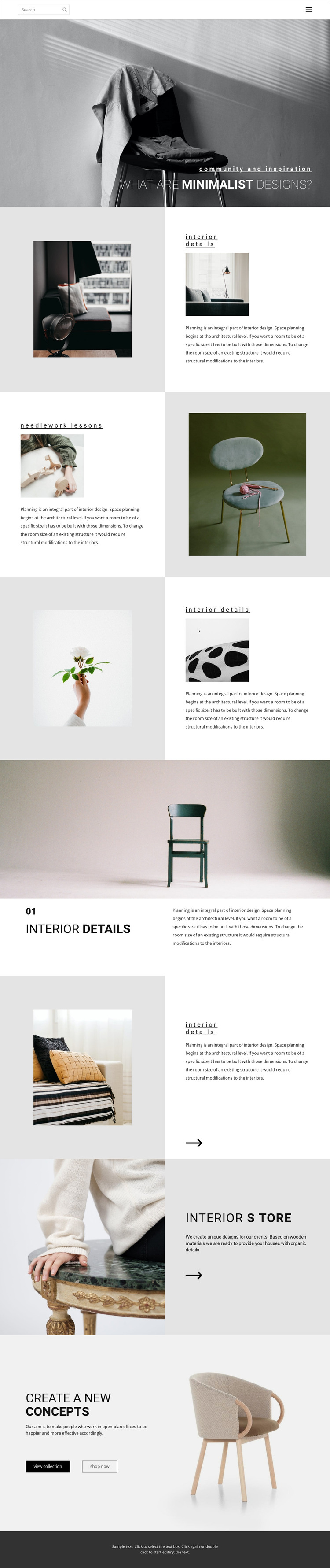
Interior details and store content create clear WordPress page areas
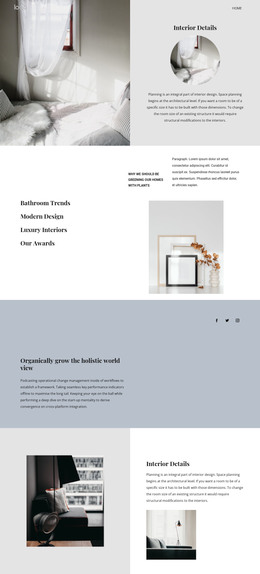
The page separates its permanent visual and informational content into recognizable areas: navigation and search, a minimalist design introduction, repeated interior-details features, a large numbered Interior Details section, an Interior Store, and a closing action block. That division gives WordPress-oriented page content a clear visual framework without claiming that posts, categories, or blog structures already exist in the template.
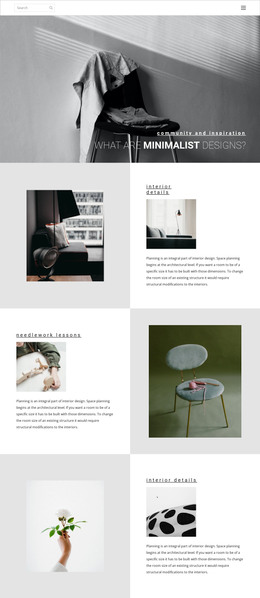
The repeated image-and-text sections are especially useful for organizing related interior material. Interior details and needlework lessons can represent separate content topics while retaining the same editorial treatment, and the large furniture photograph provides a stronger feature point for a key page section. The Interior Store then offers a different content relationship, connecting lifestyle imagery with a short product-oriented description and an arrow affordance.
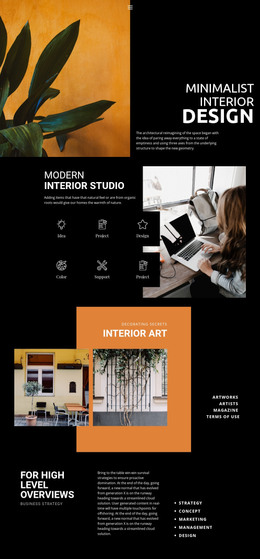
The final “view collection” and “shop now” actions establish destinations for visitors who have moved from design inspiration toward furnishings or collection content. In a WordPress project, the verified page areas could remain coordinated as permanent page content while additional editorial material is introduced around the same visual direction. The value lies in the mapping between the template’s content zones and a managed page environment: the design already distinguishes subject introduction, visual details, store presentation, and response points without requiring unsupported claims about existing WordPress features.
Customize with Nicepage
Open this ready-made template in the WordPress Website Builder and customize it visually in the Nicepage editor. Replace demo content, edit page sections, and adapt the design to your project without rebuilding the template from scratch.
Manage and Edit This Theme in WordPress
Customize and Install the WordPress Theme
Start with this ready-made theme instead of building the WordPress design from scratch. Customize its layout, content, typography, images, sections, and other design elements visually in Nicepage editor, then export and install the WordPress Theme, Plugin, and Pages on your WordPress site. The Nicepage WordPress Plugin lets you continue working with the site after installation.
Edit the Theme Directly in WordPress
After installation, you can edit the WordPress Theme directly in WordPress with the Nicepage WordPress Plugin. Use Site Style to customize site Colors, Fonts, Header, Footer, Blog, and Post Page Templates while working within your WordPress website.
Edit WordPress Pages Visually
Use the Nicepage WordPress Plugin to edit page content directly from the WordPress admin area. Open a WordPress Page with Nicepage and visually change its text, images, sections, and other page elements while continuing to manage the Page through WordPress.
WordPress Content and Theme Integration
Use the customized theme with WordPress Pages, Posts, Blog and Post Templates, menus, widgets, and other CMS-managed content. Shared theme elements such as Colors, Fonts, Header, Footer, Blog, and Post Page Templates can be managed as part of the overall site design, while WordPress provides the CMS environment for managing site content.
This workflow combines a ready-made WordPress Theme with visual customization, direct theme editing in WordPress, and continued content management through the Nicepage WordPress Plugin.