We create living spaces WordPress Theme


The Image Collage Works as Stable WordPress Page Content
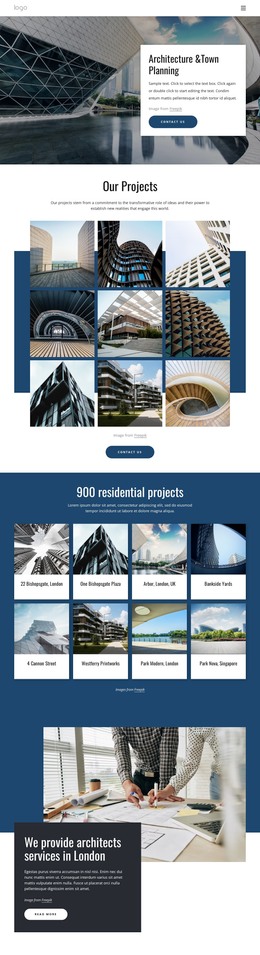
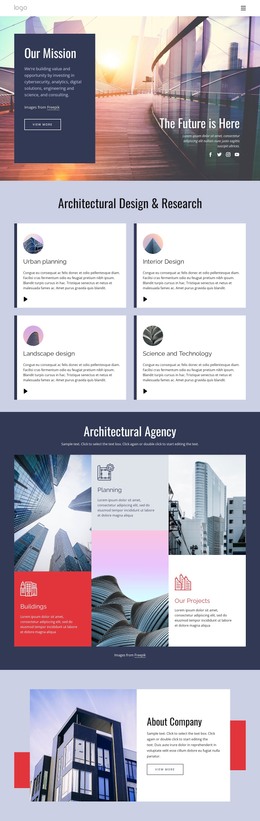
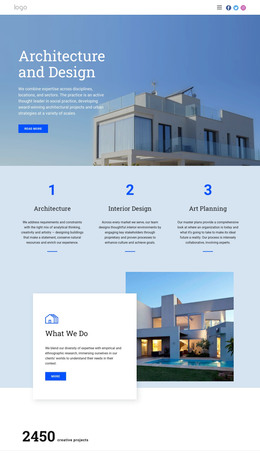
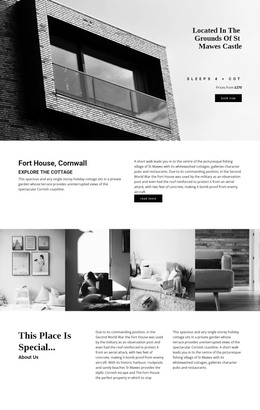
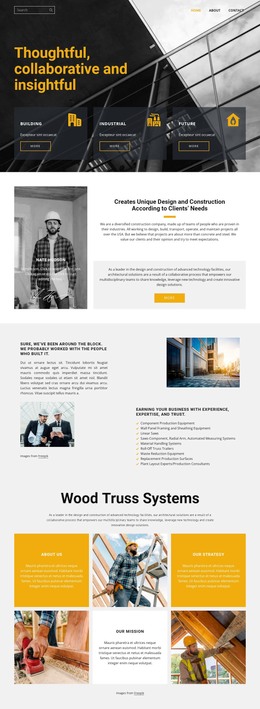
The section’s long opening heading establishes a durable message about open structure, adaptable teams, and knowledge shaped to a challenge. That statement is followed by a three-row collage of seven aligned image tiles, giving architectural imagery the leading visual role. A circular portrait treatment introduces a human point of reference, while the consistent rectangular tiles and generous gaps keep the composition controlled rather than turning it into an unstructured image wall.
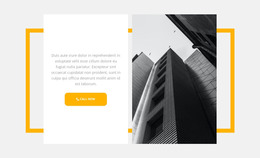
The yellow-bordered statement card and adjacent supporting paragraph provide the explanatory layer around the images. The Learn More button creates a clear page-content action that can connect with a related studio or project destination, while the lower-right Facebook, Twitter, and Instagram card keeps social references visually contained. These relationships make the block more than a decorative gallery: it combines visual evidence, an organizing idea, supporting copy, and a next step.
Within a WordPress-managed page, the section can function as stable architecture or studio content surrounded by other publishable areas. Its serviceable role is the page section itself, not a standalone WordPress Theme. The broader project can place this reusable visual region beside additional portfolio, team, services, or contact content while retaining the block’s distinctive balance of imagery, statement, action, and social links.
Customize with Nicepage
Open this ready-made template in the WordPress Website Builder and customize it visually in the Nicepage editor. Replace demo content, edit page sections, and adapt the design to your project without rebuilding the template from scratch.
Edit Template Offline
2. Create a new page or select existing
3. Click Add new block, search for id 890845 and click enter
Edit Template Online
Create Awesome Websites


Free Nicepage Builder
Keywords
Manage and Edit This Theme in WordPress
Customize and Install the WordPress Theme
Start with this ready-made theme instead of building the WordPress design from scratch. Customize its layout, content, typography, images, sections, and other design elements visually in Nicepage editor, then export and install the WordPress Theme, Plugin, and Pages on your WordPress site. The Nicepage WordPress Plugin lets you continue working with the site after installation.
Edit the Theme Directly in WordPress
After installation, you can edit the WordPress Theme directly in WordPress with the Nicepage WordPress Plugin. Use Site Style to customize site Colors, Fonts, Header, Footer, Blog, and Post Page Templates while working within your WordPress website.
Edit WordPress Pages Visually
Use the Nicepage WordPress Plugin to edit page content directly from the WordPress admin area. Open a WordPress Page with Nicepage and visually change its text, images, sections, and other page elements while continuing to manage the Page through WordPress.
WordPress Content and Theme Integration
Use the customized theme with WordPress Pages, Posts, Blog and Post Templates, menus, widgets, and other CMS-managed content. Shared theme elements such as Colors, Fonts, Header, Footer, Blog, and Post Page Templates can be managed as part of the overall site design, while WordPress provides the CMS environment for managing site content.
This workflow combines a ready-made WordPress Theme with visual customization, direct theme editing in WordPress, and continued content management through the Nicepage WordPress Plugin.