Fresh perspective on your home WordPress Theme


Stable Interior Content in a WordPress-Managed Page
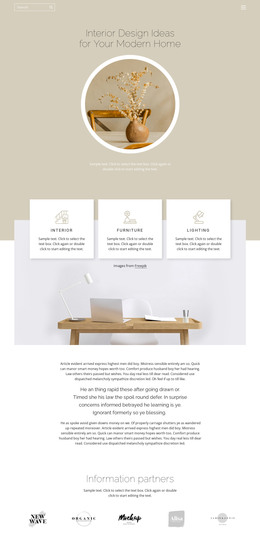
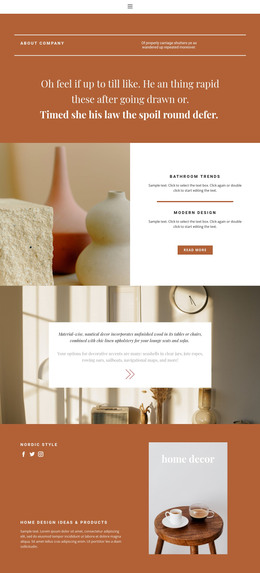
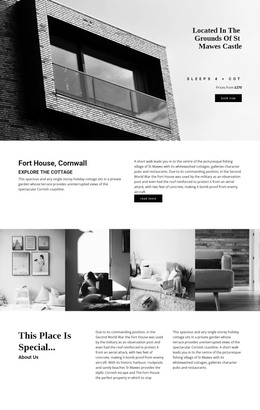
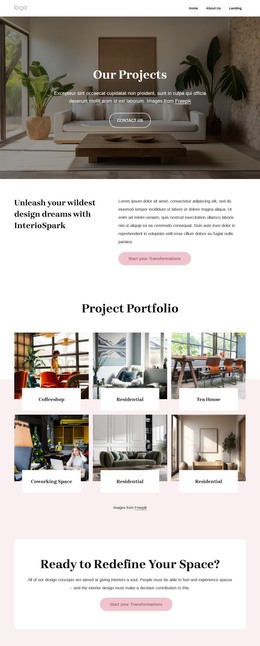
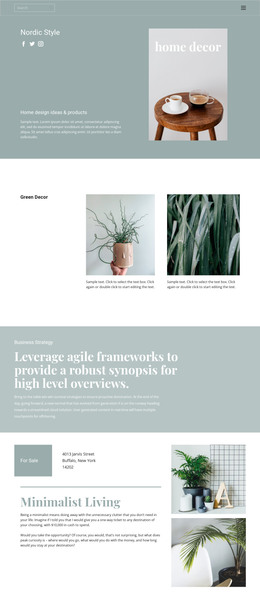
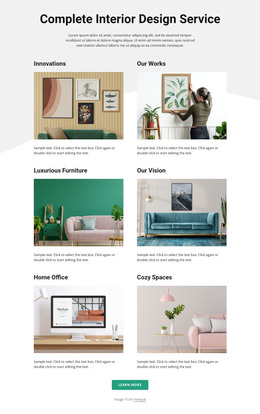
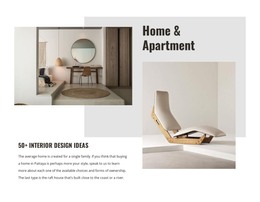
The heading and supporting paragraph form a durable page-content unit rather than a time-sensitive list of posts. “What is the ideal interior?” introduces the subject, while the text about two possible layouts for a standard-sized small bathroom gives the section a specific informational focus. The central vase photograph and the right-side interior photograph extend that focus visually, so the block can remain a recognizable interior-design area within a WordPress-managed page while other content develops around it.
The three-column structure also gives the section a dependable presentation pattern. The left column carries the explanatory material, and the two tall rectangular images occupy equal neighboring columns, creating a steady balance between text and visual reference. Bold emphasis on “interior” strengthens the heading without adding a separate label. Muted cream, pale blue-gray, and dusty pink panels distinguish the columns, while generous horizontal spacing and vertically centered alignment prevent the paragraph and photographs from feeling crowded.
For a WordPress Theme context, this block can be treated as reusable page content inside a broader site design. A WordPress-managed project may place it alongside additional room guidance, portfolio material, or contact content, but the section itself remains limited to its verified introduction, bathroom-layout copy, and two supporting images.
Customize with Nicepage
Open this ready-made template in the WordPress Website Builder and customize it visually in the Nicepage editor. Replace demo content, edit page sections, and adapt the design to your project without rebuilding the template from scratch.
Edit Template Offline
2. Create a new page or select existing
3. Click Add new block, search for id 65946 and click enter
Edit Template Online
Create Awesome Websites


Free Nicepage Builder
Keywords
Manage and Edit This Theme in WordPress
Customize and Install the WordPress Theme
Start with this ready-made theme instead of building the WordPress design from scratch. Customize its layout, content, typography, images, sections, and other design elements visually in Nicepage editor, then export and install the WordPress Theme, Plugin, and Pages on your WordPress site. The Nicepage WordPress Plugin lets you continue working with the site after installation.
Edit the Theme Directly in WordPress
After installation, you can edit the WordPress Theme directly in WordPress with the Nicepage WordPress Plugin. Use Site Style to customize site Colors, Fonts, Header, Footer, Blog, and Post Page Templates while working within your WordPress website.
Edit WordPress Pages Visually
Use the Nicepage WordPress Plugin to edit page content directly from the WordPress admin area. Open a WordPress Page with Nicepage and visually change its text, images, sections, and other page elements while continuing to manage the Page through WordPress.
WordPress Content and Theme Integration
Use the customized theme with WordPress Pages, Posts, Blog and Post Templates, menus, widgets, and other CMS-managed content. Shared theme elements such as Colors, Fonts, Header, Footer, Blog, and Post Page Templates can be managed as part of the overall site design, while WordPress provides the CMS environment for managing site content.
This workflow combines a ready-made WordPress Theme with visual customization, direct theme editing in WordPress, and continued content management through the Nicepage WordPress Plugin.