Our recipes are tried and true WordPress Theme


Contact Details as Stable WordPress Page Content
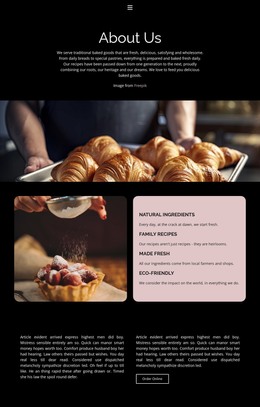
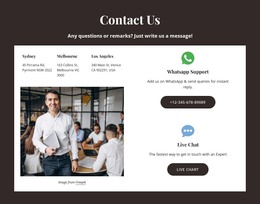
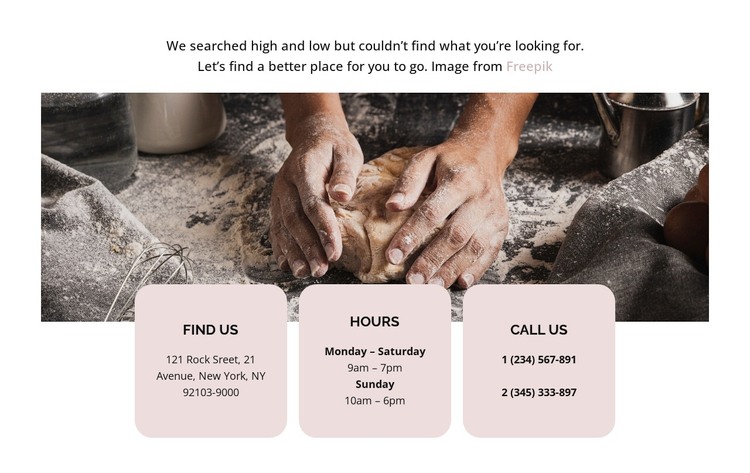
The centered introduction and wide bakery-preparation image make the section immediately legible as a contact-information area. Rather than placing all details in one text column, the layout uses three matching rounded cards beneath and partly over the image. Find Us, Hours, and Call Us provide a page-oriented content structure that separates location, availability, and telephone access while keeping them visually connected.
The repeated card design is especially useful for stable page content because each area has a clear purpose without requiring a complex interaction model. The first two cards communicate information visitors can read, while the Call Us card includes two phone links that offer a direct action. The overlap between the cards and image creates visual emphasis at the boundary between the bakery context and the practical details, and the pale blush surfaces maintain contrast against the warm photograph.
Within a WordPress-managed page, this block can provide a permanent contact section while the wider project handles other page content and site structure. Its role is the reusable presentation of these contact categories, not a standalone theme or complete site. The centered black typography and generous spacing also leave room for the surrounding page to introduce related content without making the contact information feel crowded.
Customize with Nicepage
Open this ready-made template in the WordPress Website Builder and customize it visually in the Nicepage editor. Replace demo content, edit page sections, and adapt the design to your project without rebuilding the template from scratch.
Edit Template Offline
2. Create a new page or select existing
3. Click Add new block, search for id 6166955 and click enter
Edit Template Online
Create Awesome Websites


Free Nicepage Builder
Keywords
Manage and Edit This Theme in WordPress
Customize and Install the WordPress Theme
Start with this ready-made theme instead of building the WordPress design from scratch. Customize its layout, content, typography, images, sections, and other design elements visually in Nicepage editor, then export and install the WordPress Theme, Plugin, and Pages on your WordPress site. The Nicepage WordPress Plugin lets you continue working with the site after installation.
Edit the Theme Directly in WordPress
After installation, you can edit the WordPress Theme directly in WordPress with the Nicepage WordPress Plugin. Use Site Style to customize site Colors, Fonts, Header, Footer, Blog, and Post Page Templates while working within your WordPress website.
Edit WordPress Pages Visually
Use the Nicepage WordPress Plugin to edit page content directly from the WordPress admin area. Open a WordPress Page with Nicepage and visually change its text, images, sections, and other page elements while continuing to manage the Page through WordPress.
WordPress Content and Theme Integration
Use the customized theme with WordPress Pages, Posts, Blog and Post Templates, menus, widgets, and other CMS-managed content. Shared theme elements such as Colors, Fonts, Header, Footer, Blog, and Post Page Templates can be managed as part of the overall site design, while WordPress provides the CMS environment for managing site content.
This workflow combines a ready-made WordPress Theme with visual customization, direct theme editing in WordPress, and continued content management through the Nicepage WordPress Plugin.