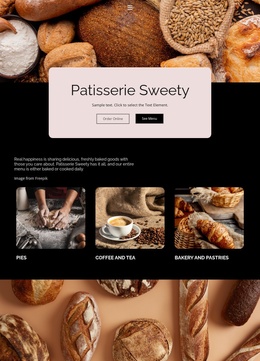
Real happiness is sharing delicious Website Template


Edit Template Offline
2. Create new page and search for id 6166943
Edit Template Online
Create Awesome Websites


Free Nicepage Builder
Keywords
Menu Categories and Bakery Locations Establish the Site Foundation
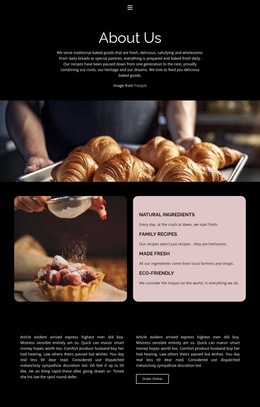
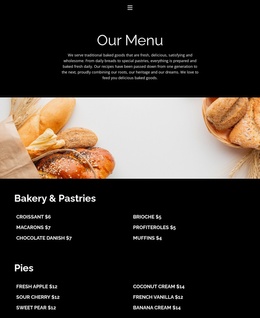
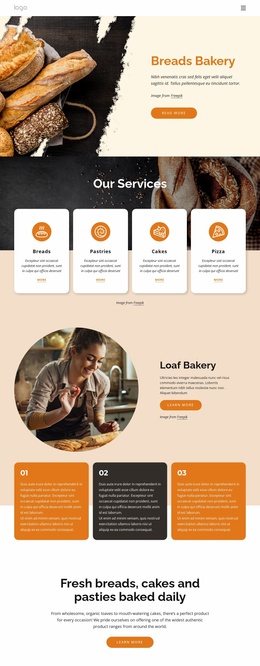
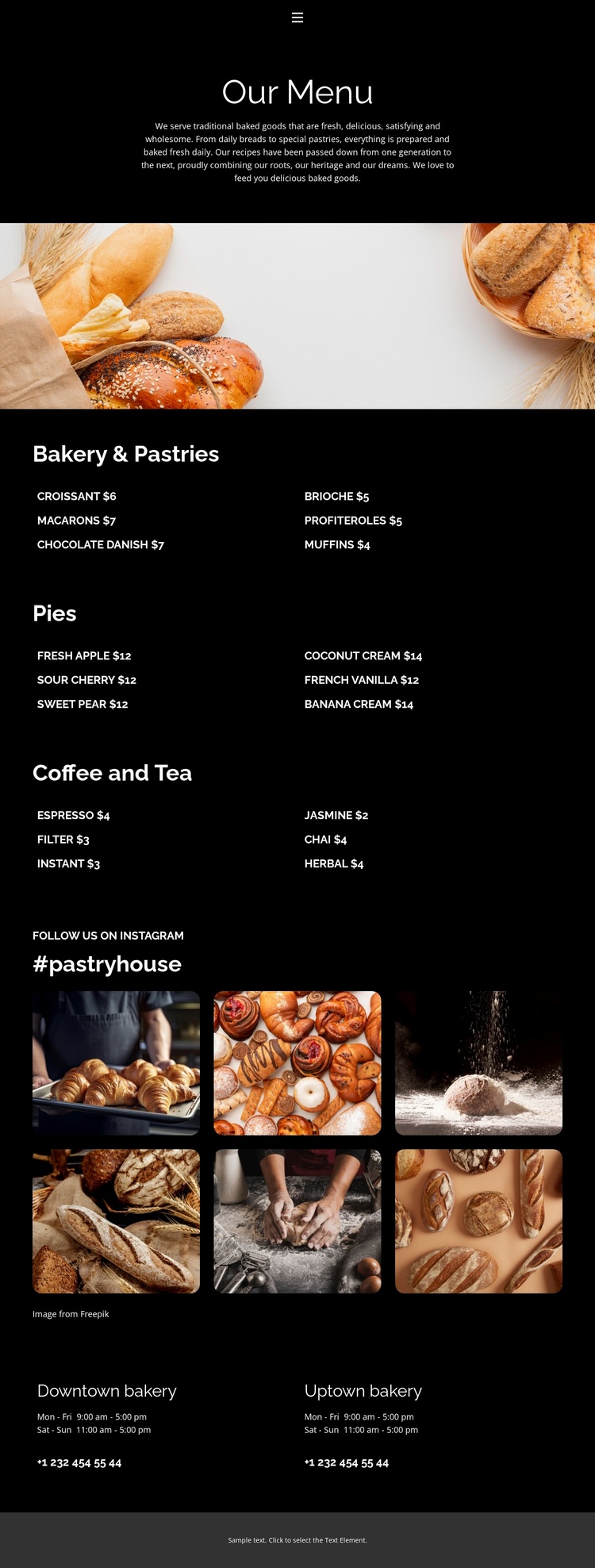
The navigation links for Home, About, Menu, and Contact give the design a clear starting framework for a bakery website, even though the verified analysis covers one menu page rather than a complete multi-page set. The page itself supplies a strong content model: a centered introduction, a wide bakery photograph, and three organized offering areas for Bakery & Pastries, Pies, and Coffee and Tea. Each category contains six priced items in compact two-column lists, creating distinct subject areas that could guide related pages or supporting sections as the project develops.
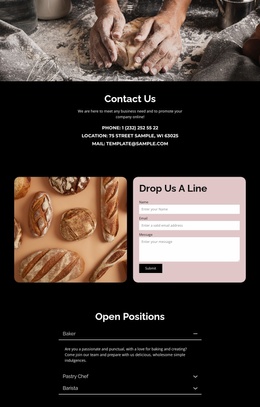
The visual gallery and location information add content categories beyond the menu. Six food photographs appear beneath the “#pastryhouse” social heading, providing a natural basis for visual storytelling or a bakery-focused social section. Near the end, Downtown bakery and Uptown bakery areas present opening hours and contact information, giving the project a practical local presence rather than stopping at product descriptions. The black background, white typography, warm photography, and rounded thumbnails form a recognizable design direction that can be carried into additional bakery or café content. As a website foundation, the template is valuable because it already connects navigation, product coverage, visual media, and location details without claiming that extra pages are included.
Customize with Nicepage
Open this ready-made template in the Website Template Builder and customize it visually in the Nicepage editor. Replace demo content, edit page sections, and adapt the design to your project without rebuilding the template from scratch.
Build a Complete Website From This Template
Customize the Website Visually
Use this ready-made website template as a starting point for your project and adapt its pages visually in Nicepage. Change content, images, typography, navigation, sections, and other design elements while keeping the website together as a single editable project.
Manage Website Pages in One Project
Use the Pages panel to open, add, duplicate, and manage the pages of your website. Work on individual pages while keeping navigation and the overall site structure accessible from the same project, making it easier to develop a complete website instead of managing separate page files.
Expand the Website With Matching Designs
When you need additional pages or sections, use Page Design Sets to find Page and Block Designs created in the same visual style. Design Sets group matching designs together, making it easier to expand the website with new content while maintaining a consistent look across its pages and sections.
Organize Larger Multi-Page Websites
As the website grows, use Page Folders to organize related pages and keep larger multi-page projects easier to navigate in the editor. This is especially useful for websites with separate service pages, company information, contacts, landing pages, and other content areas.
This workflow makes the template a practical foundation for building and expanding a complete website while managing its pages, content, and visual design within one Nicepage project.