Freshly baked WordPress Theme


Edit Template Offline
2. Create new page and search for id 6166948
Edit Template Online
Create Awesome Websites


Free Nicepage Builder
Keywords
Contact, Careers, and Location Content Form a Practical Bakery Theme Structure
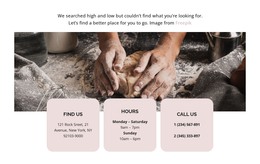
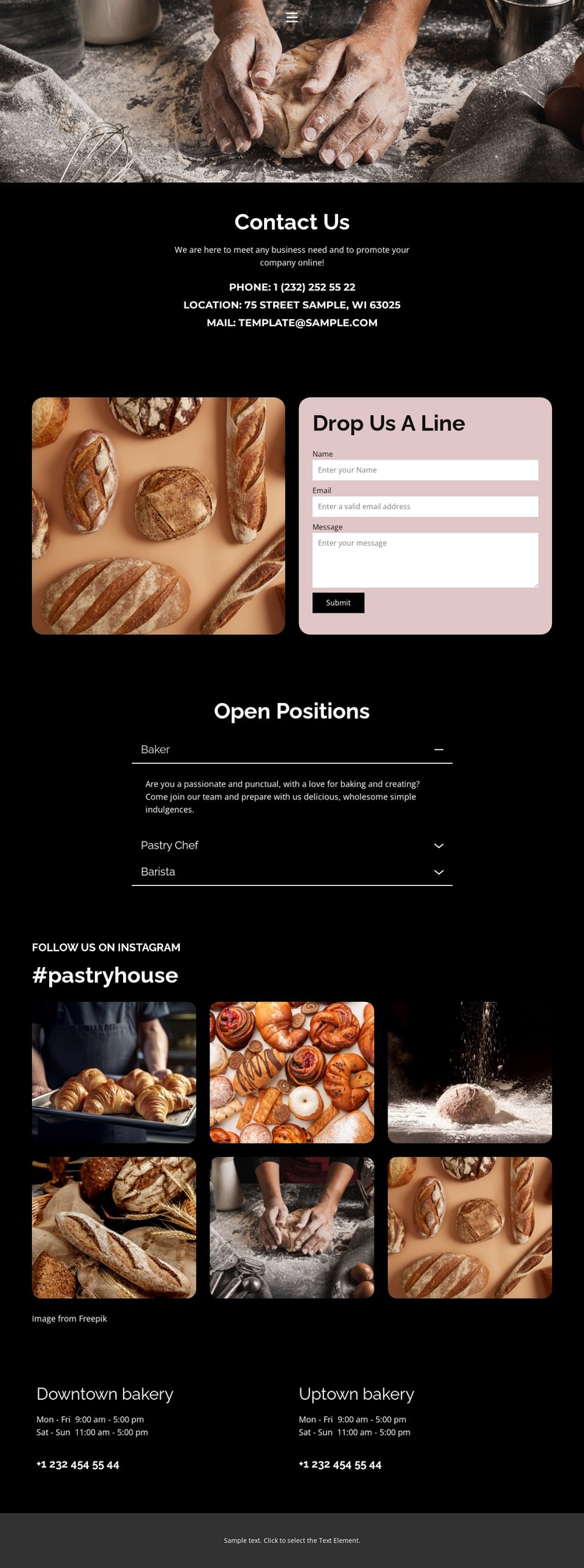
The Contact Us section gives this design a clear set of permanent page content: phone, location, and email details are gathered in one centered area rather than mixed into the image-led introduction. In a WordPress-managed site, that distinction is useful for keeping core bakery information separate from content that may change more often. The dark background and white type provide a stable visual setting for those details, while the pink accents help mark the surrounding design character.
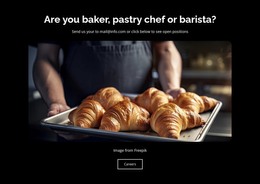
The rounded contact form creates a second page-oriented content area with name, email, and message inputs. Its placement beside a bakery photograph makes the form part of the theme presentation instead of an isolated utility block. The Open Positions accordion adds another structured area for the business: Baker, Pastry Chef, and Barista roles can be represented as separate employment content while remaining within the same visual framework. This gives the theme a practical relationship between customer communication and recruitment information.
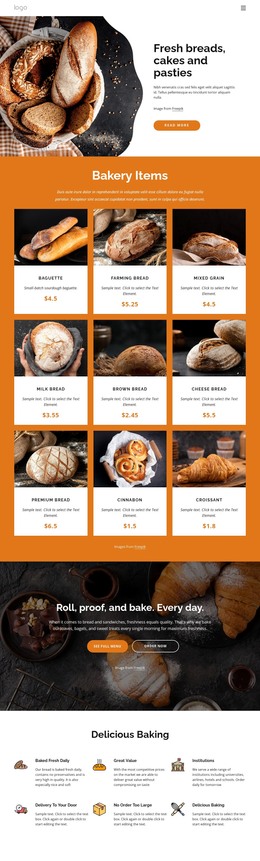
The six-image pastry collection provides a distinct visual content area under the #pastryhouse heading, and the two-location grid supports recurring business information through hours and phone numbers. These areas can work together as bakery pages or sections while preserving the same high-contrast direction. The design’s value as a WordPress theme lies in this separation of contact, careers, imagery, and location content, not in treating every section as one undifferentiated landing message.
Customize with Nicepage
Open this ready-made template in the WordPress Website Builder and customize it visually in the Nicepage editor. Replace demo content, edit page sections, and adapt the design to your project without rebuilding the template from scratch.
Manage and Edit This Theme in WordPress
Customize and Install the WordPress Theme
Start with this ready-made theme instead of building the WordPress design from scratch. Customize its layout, content, typography, images, sections, and other design elements visually in Nicepage editor, then export and install the WordPress Theme, Plugin, and Pages on your WordPress site. The Nicepage WordPress Plugin lets you continue working with the site after installation.
Edit the Theme Directly in WordPress
After installation, you can edit the WordPress Theme directly in WordPress with the Nicepage WordPress Plugin. Use Site Style to customize site Colors, Fonts, Header, Footer, Blog, and Post Page Templates while working within your WordPress website.
Edit WordPress Pages Visually
Use the Nicepage WordPress Plugin to edit page content directly from the WordPress admin area. Open a WordPress Page with Nicepage and visually change its text, images, sections, and other page elements while continuing to manage the Page through WordPress.
WordPress Content and Theme Integration
Use the customized theme with WordPress Pages, Posts, Blog and Post Templates, menus, widgets, and other CMS-managed content. Shared theme elements such as Colors, Fonts, Header, Footer, Blog, and Post Page Templates can be managed as part of the overall site design, while WordPress provides the CMS environment for managing site content.
This workflow combines a ready-made WordPress Theme with visual customization, direct theme editing in WordPress, and continued content management through the Nicepage WordPress Plugin.