Health benefits of yoga and Pilates Website Template


An Educational Benefits Section With Two Complementary Content Layers
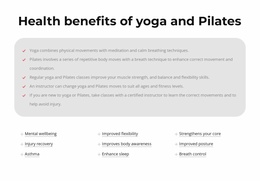
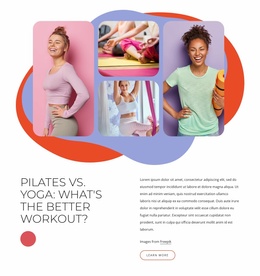
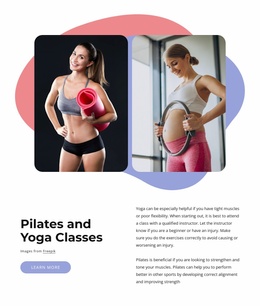
The block defines a clear wellness content area that can be reused within a broader website project. Its first layer is the centered “Health benefits of yoga and Pilates” heading above a large rounded light-gray panel. Five checklist statements then provide explanatory context, linking the practices with meditation, calm breathing, repetitive movement, coordination, strength, balance, flexibility, adaptable instruction, and injury avoidance. This gives the section a substantial information core rather than reducing it to a decorative list.
A second layer follows with nine specific benefit labels arranged in three evenly spaced columns. Mental wellbeing, Injury recovery, Asthma, Improved flexibility, Improves body awareness, Enhance sleep, Strengthens your core, Improved posture, and Breath control broaden the range of subjects visitors can identify at a glance. Underlines and small plus markers make these labels visually distinct from the checklist while the repeated three-column rhythm keeps the content organized.
As one section in a larger website project, the block can support a yoga or Pilates offering without replacing other page functions. A services area can explain classes, a separate section can introduce instructors, and a contact area can handle inquiries. This block contributes the educational layer: its consistent panel, check marks, and topic columns create a recognizable benefits pattern that can be reused or coordinated with related wellness sections.
Customize with Nicepage
Open this ready-made template in the Website Template Builder and customize it visually in the Nicepage editor. Replace demo content, edit page sections, and adapt the design to your project without rebuilding the template from scratch.
Edit Template Offline
2. Create a new page or select existing
3. Click Add new block, search for id 6037092 and click enter
Edit Template Online
Create Awesome Websites


Free Nicepage Builder
Keywords
Build a Complete Website From This Template
Customize the Website Visually
Use this ready-made website template as a starting point for your project and adapt its pages visually in Nicepage. Change content, images, typography, navigation, sections, and other design elements while keeping the website together as a single editable project.
Manage Website Pages in One Project
Use the Pages panel to open, add, duplicate, and manage the pages of your website. Work on individual pages while keeping navigation and the overall site structure accessible from the same project, making it easier to develop a complete website instead of managing separate page files.
Expand the Website With Matching Designs
When you need additional pages or sections, use Page Design Sets to find Page and Block Designs created in the same visual style. Design Sets group matching designs together, making it easier to expand the website with new content while maintaining a consistent look across its pages and sections.
Organize Larger Multi-Page Websites
As the website grows, use Page Folders to organize related pages and keep larger multi-page projects easier to navigate in the editor. This is especially useful for websites with separate service pages, company information, contacts, landing pages, and other content areas.
This workflow makes the template a practical foundation for building and expanding a complete website while managing its pages, content, and visual design within one Nicepage project.