The most common yoga styles WordPress Theme



The collage turns a yoga offering into stable page content
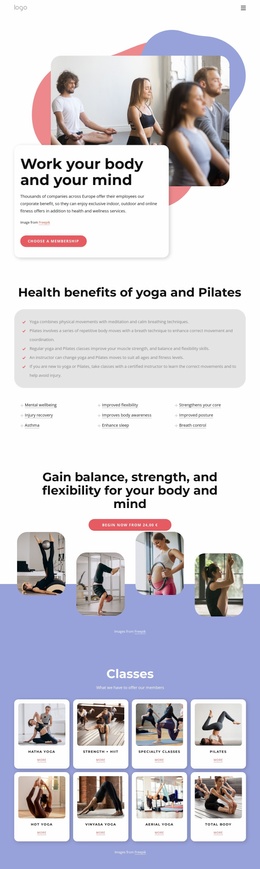
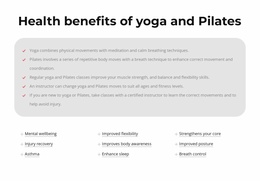
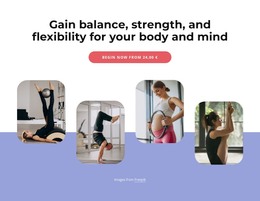
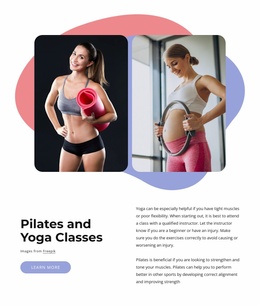
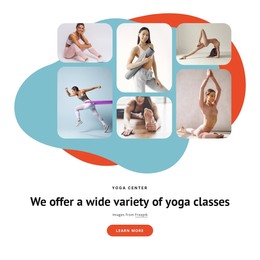
Six rounded-corner yoga photographs provide the first layer of information, showing the activity through a balanced collage rather than a text-only introduction. The “Yoga center” label and the centered heading “We offer a wide variety of yoga classes” then make the section’s subject explicit. Teal and orange overlapping shapes reinforce the image group against the white background, while the rounded orange “learn more” button creates a single onward action. Since the block is static, its hierarchy is carried by placement, contrast, and the relationship between imagery, heading, and button.
For a WordPress-managed page, this block can serve as stable introductory content for a yoga studio or class offering. Its message is specific enough to introduce the subject, yet bounded enough to leave schedules, detailed class descriptions, instructors, and contact information to other page sections or destinations. The wider WordPress project can therefore manage surrounding content while the visual arrangement remains a reusable part of the page. Nicepage documents its WordPress Theme, Plugin, and Pages workflow for connecting designs with WordPress projects; that context supports use of the section without turning it into a standalone WordPress Theme.
Customize with Nicepage
Open this ready-made template in the WordPress Website Builder and customize it visually in the Nicepage editor. Replace demo content, edit page sections, and adapt the design to your project without rebuilding the template from scratch.
Edit Template Offline
2. Create a new page or select existing
3. Click Add new block, search for id 1775061 and click enter
Edit Template Online
Create Awesome Websites


Free Nicepage Builder
Keywords
Manage and Edit This Theme in WordPress
Customize and Install the WordPress Theme
Start with this ready-made theme instead of building the WordPress design from scratch. Customize its layout, content, typography, images, sections, and other design elements visually in Nicepage editor, then export and install the WordPress Theme, Plugin, and Pages on your WordPress site. The Nicepage WordPress Plugin lets you continue working with the site after installation.
Edit the Theme Directly in WordPress
After installation, you can edit the WordPress Theme directly in WordPress with the Nicepage WordPress Plugin. Use Site Style to customize site Colors, Fonts, Header, Footer, Blog, and Post Page Templates while working within your WordPress website.
Edit WordPress Pages Visually
Use the Nicepage WordPress Plugin to edit page content directly from the WordPress admin area. Open a WordPress Page with Nicepage and visually change its text, images, sections, and other page elements while continuing to manage the Page through WordPress.
WordPress Content and Theme Integration
Use the customized theme with WordPress Pages, Posts, Blog and Post Templates, menus, widgets, and other CMS-managed content. Shared theme elements such as Colors, Fonts, Header, Footer, Blog, and Post Page Templates can be managed as part of the overall site design, while WordPress provides the CMS environment for managing site content.
This workflow combines a ready-made WordPress Theme with visual customization, direct theme editing in WordPress, and continued content management through the Nicepage WordPress Plugin.