NYC running club WordPress Theme



Edit Template Offline
2. Create new page and search for id 6115784
Edit Template Online
Create Awesome Websites


Free Nicepage Builder
Keywords
Running Programs and Community Updates Shape the WordPress Content Areas
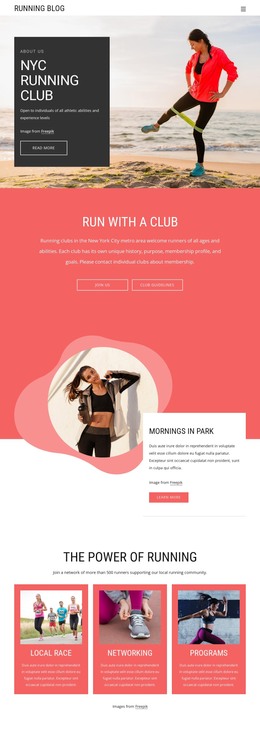
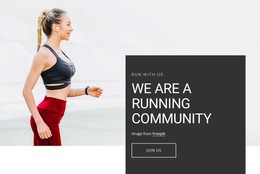
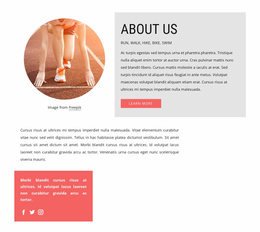
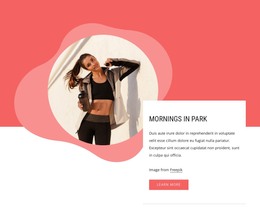
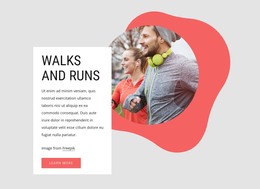
The opening club introduction and “Run with a Club” section provide clear permanent page content for explaining who the community welcomes and how visitors can participate. The adjacent “Join Us” and “Club Guidelines” links establish an informational starting point, while “Mornings in Park” gives the design a focused activity area that can remain part of the main page’s story. In a WordPress project, these sections create a stable visual context for the club’s core information rather than treating every message as an isolated announcement.
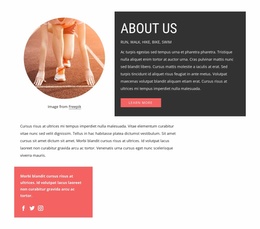
The repeated content areas offer a different kind of flexibility. Three cards identify local races, networking, and programs, and four feature cards classify walking, running, indoor activity, and community. Their consistent layouts can support recurring descriptions or related content while keeping each topic recognizable. The Tuesday-and-Thursday group-run section adds a specific schedule theme, and the health-benefits block provides an evergreen informational area about bones, muscles, cardiovascular fitness, calorie expenditure, and weight maintenance.
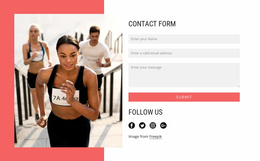
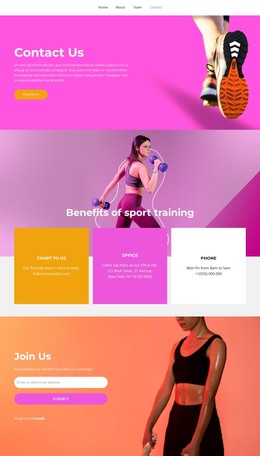
Social links and the “Programs, Events & Updates” prompt create a natural place for ongoing communication, while the final contact form handles direct questions and first-time participant follow-up. WordPress pages can preserve the permanent club and health information, while regularly updated content may be introduced around the same navigation, card patterns, and visual direction. The result is a theme structure that connects stable community information with content that can grow over time.
Customize with Nicepage
Open this ready-made template in the WordPress Website Builder and customize it visually in the Nicepage editor. Replace demo content, edit page sections, and adapt the design to your project without rebuilding the template from scratch.
Manage and Edit This Theme in WordPress
Customize and Install the WordPress Theme
Start with this ready-made theme instead of building the WordPress design from scratch. Customize its layout, content, typography, images, sections, and other design elements visually in Nicepage editor, then export and install the WordPress Theme, Plugin, and Pages on your WordPress site. The Nicepage WordPress Plugin lets you continue working with the site after installation.
Edit the Theme Directly in WordPress
After installation, you can edit the WordPress Theme directly in WordPress with the Nicepage WordPress Plugin. Use Site Style to customize site Colors, Fonts, Header, Footer, Blog, and Post Page Templates while working within your WordPress website.
Edit WordPress Pages Visually
Use the Nicepage WordPress Plugin to edit page content directly from the WordPress admin area. Open a WordPress Page with Nicepage and visually change its text, images, sections, and other page elements while continuing to manage the Page through WordPress.
WordPress Content and Theme Integration
Use the customized theme with WordPress Pages, Posts, Blog and Post Templates, menus, widgets, and other CMS-managed content. Shared theme elements such as Colors, Fonts, Header, Footer, Blog, and Post Page Templates can be managed as part of the overall site design, while WordPress provides the CMS environment for managing site content.
This workflow combines a ready-made WordPress Theme with visual customization, direct theme editing in WordPress, and continued content management through the Nicepage WordPress Plugin.