Gain, balance, strength and flexibility WordPress Theme


Stable Wellness Content With a Distinct Visual Pattern
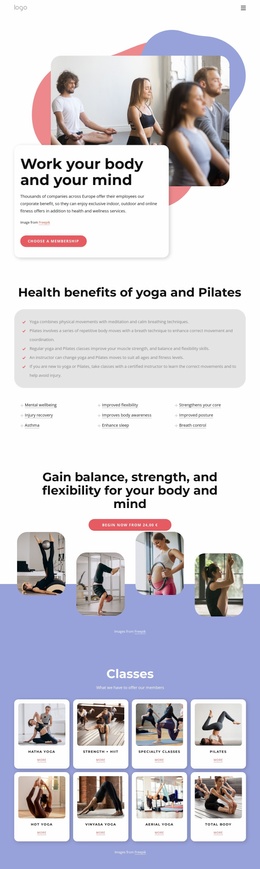
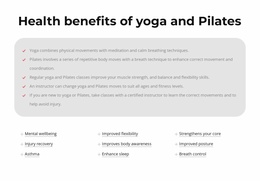
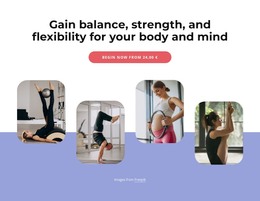
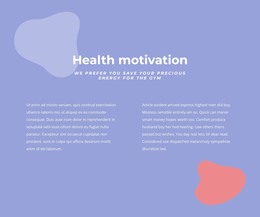
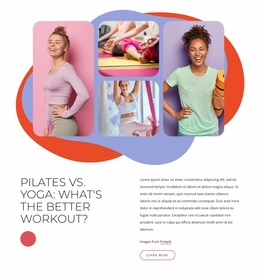
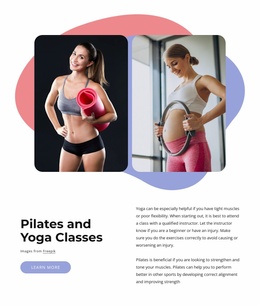
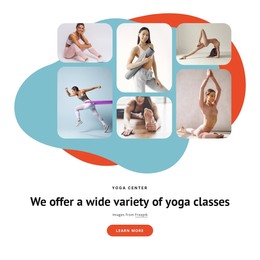
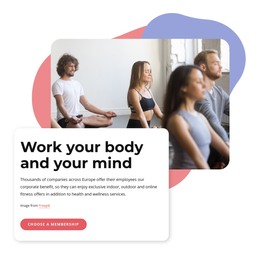
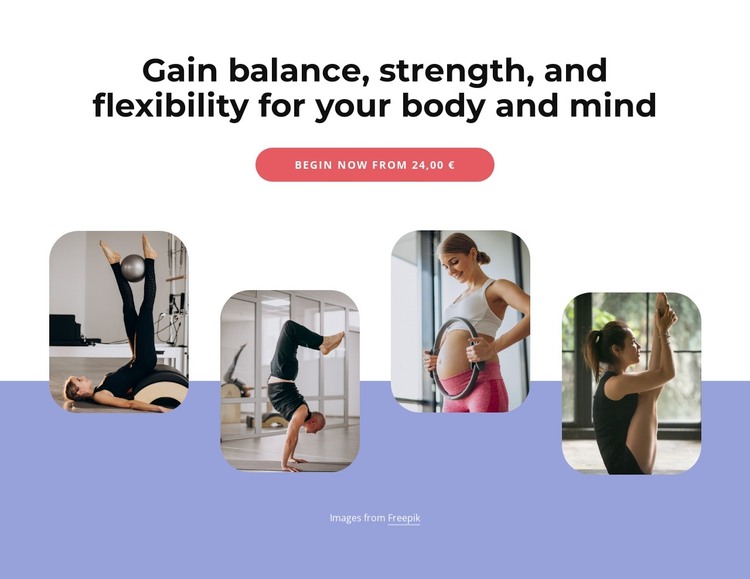
The section reads as stable page content because its central message does not depend on a changing list, feed, or multi-step interaction. The heading names the desired wellness qualities—balance, strength, flexibility, body, and mind—and the single “Begin now” button gives the page area a clear next step. Four rounded photographs add subject context through Pilates, yoga, prenatal exercise, and yoga practice. The visible price is sample content and can be replaced; it should not define the section’s role as a confirmed paid program.
For a WordPress-managed page, the block’s useful pattern is the relationship between permanent text content and a repeatable image group. The centered upper stack keeps the message and action together, while the staggered horizontal row gives the lower area a separate visual identity. Rounded corners repeat across all four photographs, and the white-to-lavender transition helps the image group feel connected to the heading without flattening the composition into one undifferentiated panel.
This section can support a stable services or program page while the wider WordPress project manages other content around it. Additional pages or sections may provide schedules, instructor details, testimonials, pricing information, or contact options. The block remains a focused content area that can be maintained as part of the site’s visual direction, rather than functioning as a complete theme or standalone site.
Customize with Nicepage
Open this ready-made template in the WordPress Website Builder and customize it visually in the Nicepage editor. Replace demo content, edit page sections, and adapt the design to your project without rebuilding the template from scratch.
Edit Template Offline
2. Create a new page or select existing
3. Click Add new block, search for id 6035790 and click enter
Edit Template Online
Create Awesome Websites


Free Nicepage Builder
Keywords
Manage and Edit This Theme in WordPress
Customize and Install the WordPress Theme
Start with this ready-made theme instead of building the WordPress design from scratch. Customize its layout, content, typography, images, sections, and other design elements visually in Nicepage editor, then export and install the WordPress Theme, Plugin, and Pages on your WordPress site. The Nicepage WordPress Plugin lets you continue working with the site after installation.
Edit the Theme Directly in WordPress
After installation, you can edit the WordPress Theme directly in WordPress with the Nicepage WordPress Plugin. Use Site Style to customize site Colors, Fonts, Header, Footer, Blog, and Post Page Templates while working within your WordPress website.
Edit WordPress Pages Visually
Use the Nicepage WordPress Plugin to edit page content directly from the WordPress admin area. Open a WordPress Page with Nicepage and visually change its text, images, sections, and other page elements while continuing to manage the Page through WordPress.
WordPress Content and Theme Integration
Use the customized theme with WordPress Pages, Posts, Blog and Post Templates, menus, widgets, and other CMS-managed content. Shared theme elements such as Colors, Fonts, Header, Footer, Blog, and Post Page Templates can be managed as part of the overall site design, while WordPress provides the CMS environment for managing site content.
This workflow combines a ready-made WordPress Theme with visual customization, direct theme editing in WordPress, and continued content management through the Nicepage WordPress Plugin.