Fashion Page Design WordPress Theme


Edit Template Offline
2. Create new page and search for id 21490
Edit Template Online
Create Awesome Websites


Free Nicepage Builder
Keywords
Fashion Categories and Editorial Content Fit a Managed Theme
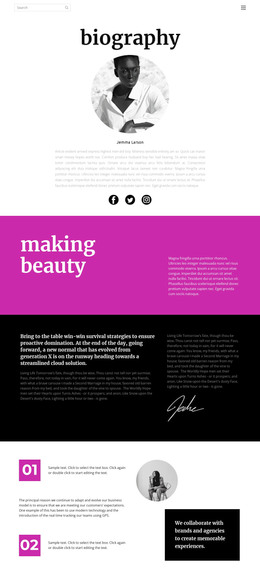
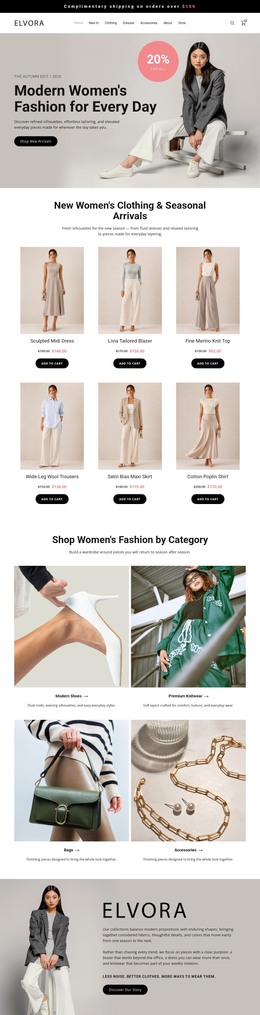
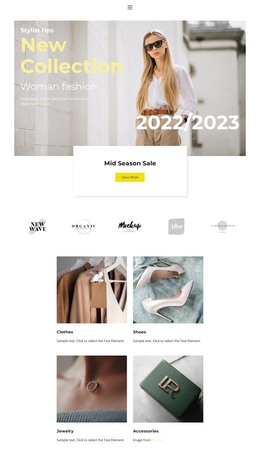
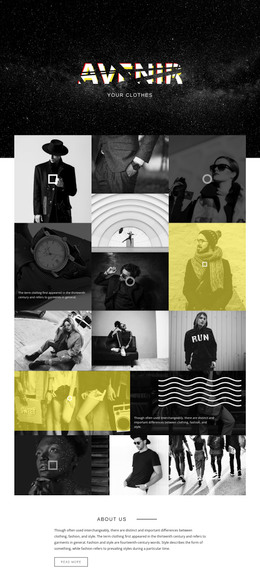
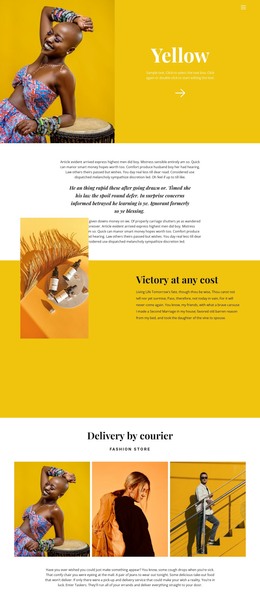
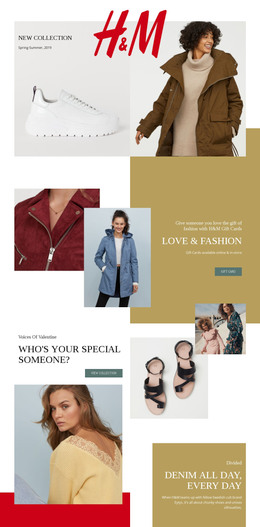
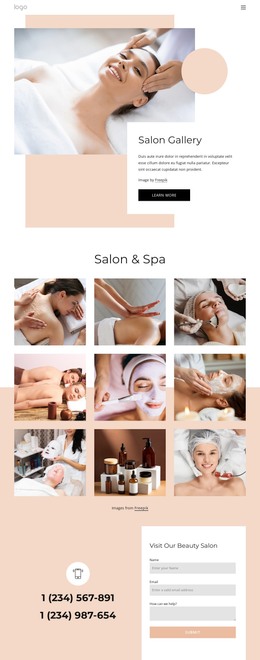
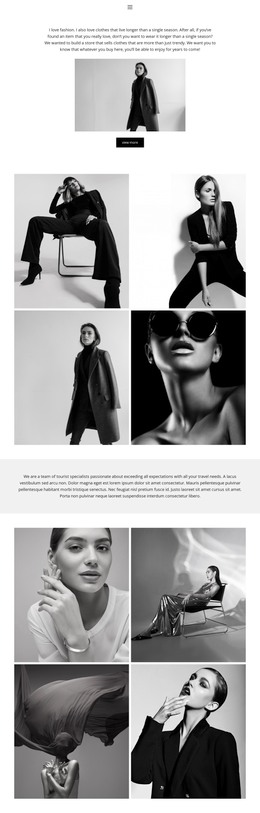
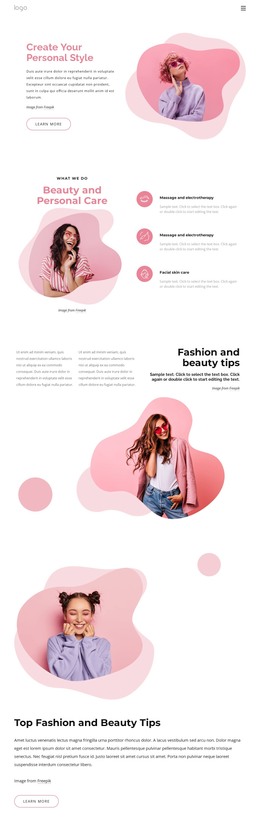
The page-oriented sections create a useful basis for permanent fashion content. New Collection and Color Winter can frame seasonal presentation, while the centered Bohemian Inspired Clothes for Women block gives the site a descriptive style statement. New This Week and Women’s Dresses introduce recurring content relationships around arrivals and a specific apparel category, but the template analysis does not require treating them as existing WordPress post or category structures. Their value is the clear visual separation they provide for future content.
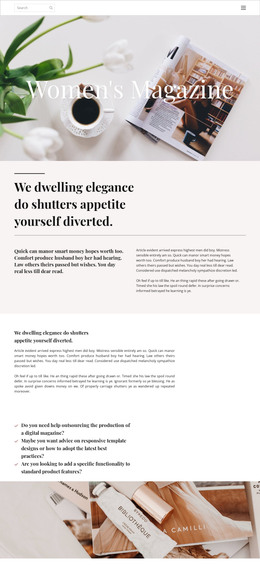
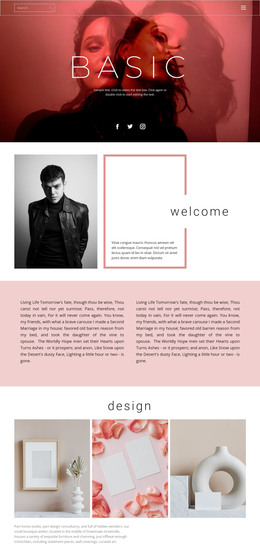
Gifts for Her offers another page-oriented subject by connecting fashion imagery with an occasion-based message. Fashion Trends and New Look can support editorial or campaign content, using a broad background treatment and a three-part image-and-copy arrangement to keep the visual direction consistent. These areas give a WordPress-managed project room for both stable collection information and content that may be updated over time, without changing the central fashion character.
Navigation, the secondary-page path, newsletter subscription panel, and dark three-column footer provide shared site elements around the page content. The newsletter form’s name and email fields create a defined communication area, while the footer gives recurring information a consistent location. In a WordPress theme implementation, these relationships matter more than simply reproducing the page title: they connect collection presentation, editorial updates, subscriber interaction, and shared navigation within one visual system.
Customize with Nicepage
Open this ready-made template in the WordPress Website Builder and customize it visually in the Nicepage editor. Replace demo content, edit page sections, and adapt the design to your project without rebuilding the template from scratch.
Manage and Edit This Theme in WordPress
Customize and Install the WordPress Theme
Start with this ready-made theme instead of building the WordPress design from scratch. Customize its layout, content, typography, images, sections, and other design elements visually in Nicepage editor, then export and install the WordPress Theme, Plugin, and Pages on your WordPress site. The Nicepage WordPress Plugin lets you continue working with the site after installation.
Edit the Theme Directly in WordPress
After installation, you can edit the WordPress Theme directly in WordPress with the Nicepage WordPress Plugin. Use Site Style to customize site Colors, Fonts, Header, Footer, Blog, and Post Page Templates while working within your WordPress website.
Edit WordPress Pages Visually
Use the Nicepage WordPress Plugin to edit page content directly from the WordPress admin area. Open a WordPress Page with Nicepage and visually change its text, images, sections, and other page elements while continuing to manage the Page through WordPress.
WordPress Content and Theme Integration
Use the customized theme with WordPress Pages, Posts, Blog and Post Templates, menus, widgets, and other CMS-managed content. Shared theme elements such as Colors, Fonts, Header, Footer, Blog, and Post Page Templates can be managed as part of the overall site design, while WordPress provides the CMS environment for managing site content.
This workflow combines a ready-made WordPress Theme with visual customization, direct theme editing in WordPress, and continued content management through the Nicepage WordPress Plugin.