Running programs and trainings WordPress Theme



Edit Template Offline
2. Create new page and search for id 4627090
Edit Template Online
Create Awesome Websites


Free Nicepage Builder
Keywords
Program and Member Content Create a WordPress Theme Direction
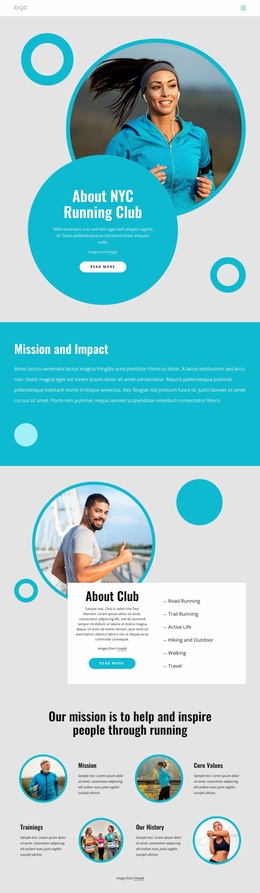
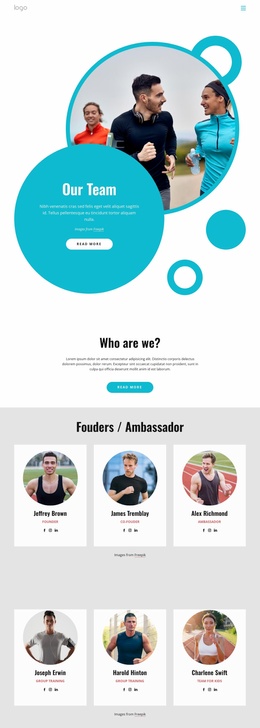
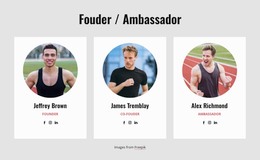
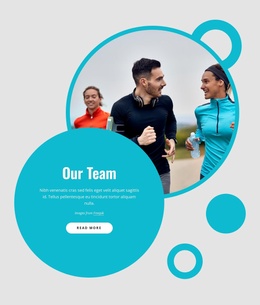
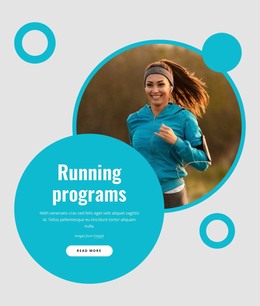
The six numbered program items give this design a natural page-oriented content focus: each entry can represent a distinct training offer while remaining visually connected to the running club presentation. That program content is supported by the Road Runners feature and the opening running hero, which establish the subject before visitors reach more specific information. Four testimonial cards then introduce a separate member-facing layer, useful for presenting participant perspectives without treating the sample names or quotations as verified endorsements.
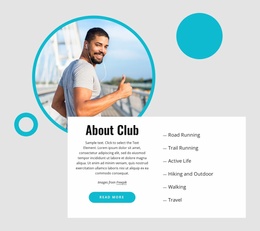
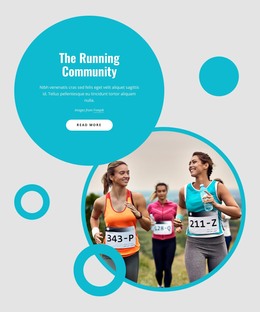
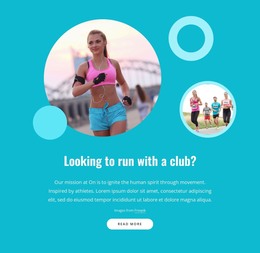
The three club highlight cards organize another set of durable topics: mission, training, and membership. Along with the four navigation links for About Us, Events, Sponsors, and Support, these regions can be interpreted as permanent page content around which a WordPress site could later publish additional club information. The template analysis confirms the design and its sections, but it does not confirm existing WordPress Posts, categories, or blog structures, so those should not be assumed to be built in.
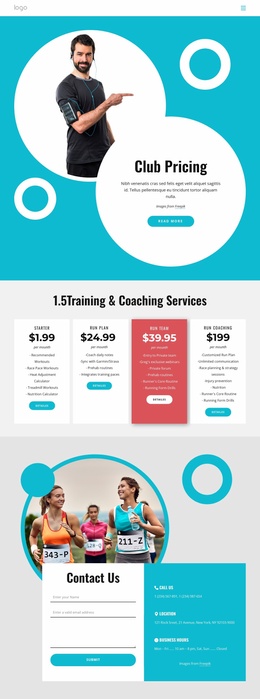
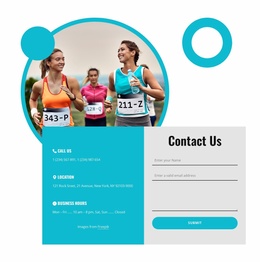
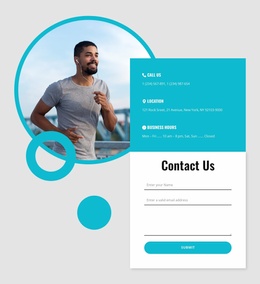
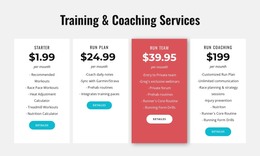
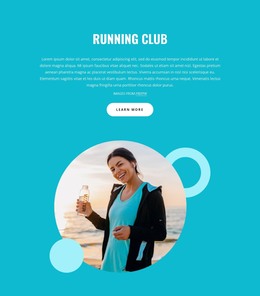
The contact section completes the content relationship with phone, location, business hours, and a form containing name, email, and message inputs. It gives the design a practical destination for questions about joining or learning more, while leaving the demo address, phone numbers, hours, and price as placeholder material. The bright turquoise, white, and dark-gray system, circular photographs, and rounded buttons can keep page-based and regularly updated content visually connected.
Customize with Nicepage
Open this ready-made template in the WordPress Website Builder and customize it visually in the Nicepage editor. Replace demo content, edit page sections, and adapt the design to your project without rebuilding the template from scratch.
Manage and Edit This Theme in WordPress
Customize and Install the WordPress Theme
Start with this ready-made theme instead of building the WordPress design from scratch. Customize its layout, content, typography, images, sections, and other design elements visually in Nicepage editor, then export and install the WordPress Theme, Plugin, and Pages on your WordPress site. The Nicepage WordPress Plugin lets you continue working with the site after installation.
Edit the Theme Directly in WordPress
After installation, you can edit the WordPress Theme directly in WordPress with the Nicepage WordPress Plugin. Use Site Style to customize site Colors, Fonts, Header, Footer, Blog, and Post Page Templates while working within your WordPress website.
Edit WordPress Pages Visually
Use the Nicepage WordPress Plugin to edit page content directly from the WordPress admin area. Open a WordPress Page with Nicepage and visually change its text, images, sections, and other page elements while continuing to manage the Page through WordPress.
WordPress Content and Theme Integration
Use the customized theme with WordPress Pages, Posts, Blog and Post Templates, menus, widgets, and other CMS-managed content. Shared theme elements such as Colors, Fonts, Header, Footer, Blog, and Post Page Templates can be managed as part of the overall site design, while WordPress provides the CMS environment for managing site content.
This workflow combines a ready-made WordPress Theme with visual customization, direct theme editing in WordPress, and continued content management through the Nicepage WordPress Plugin.