Running club pricing Website Template


Edit Template Offline
2. Create new page and search for id 6334105
Edit Template Online
Create Awesome Websites


Free Nicepage Builder
Keywords
Pricing, Service Details, and Contact Create a Project Foundation
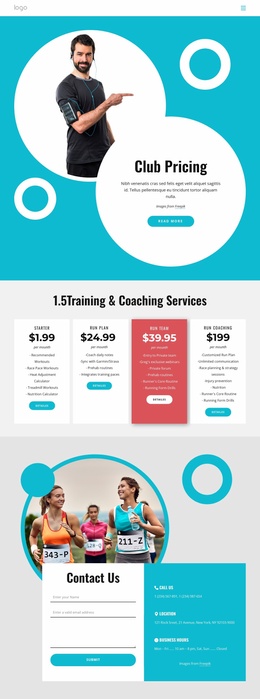
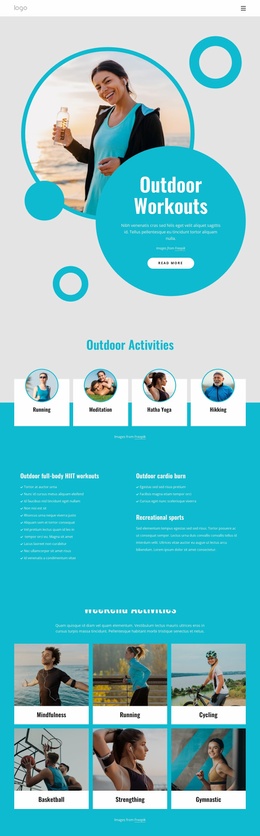
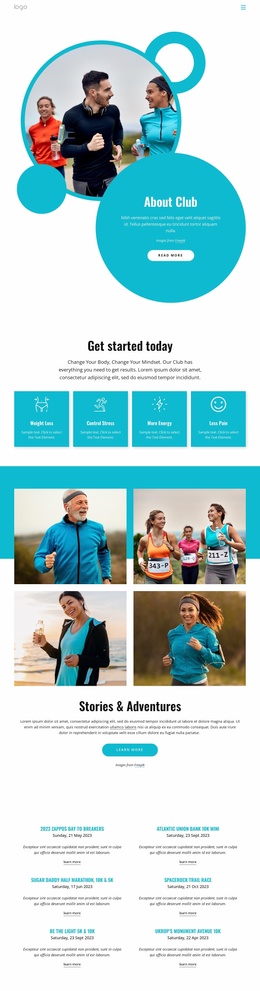
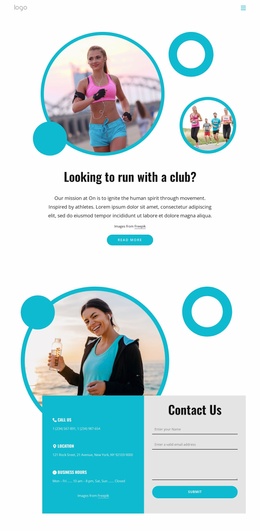
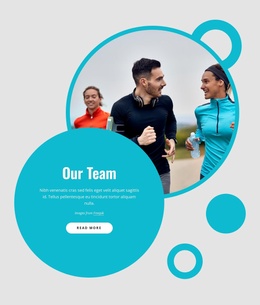
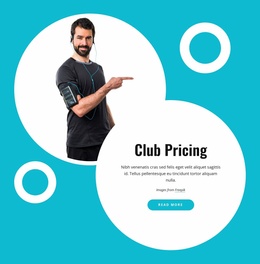
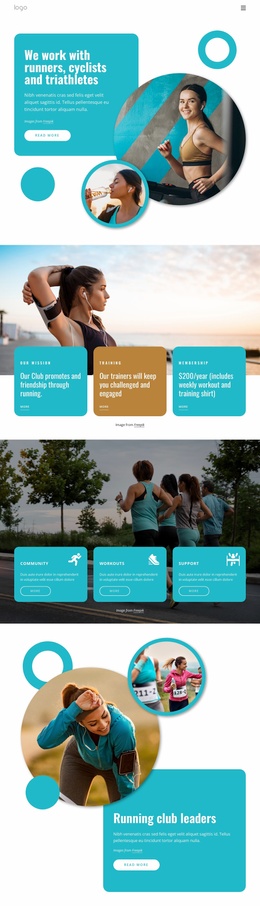
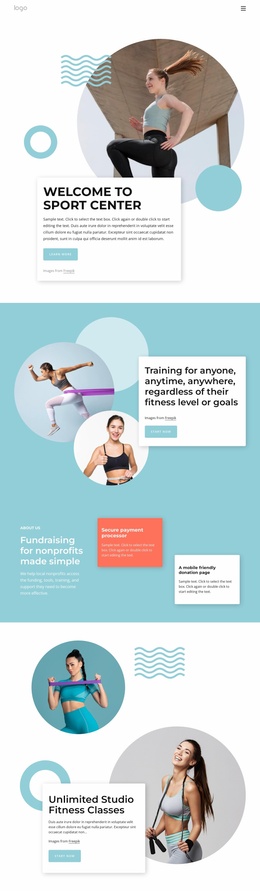
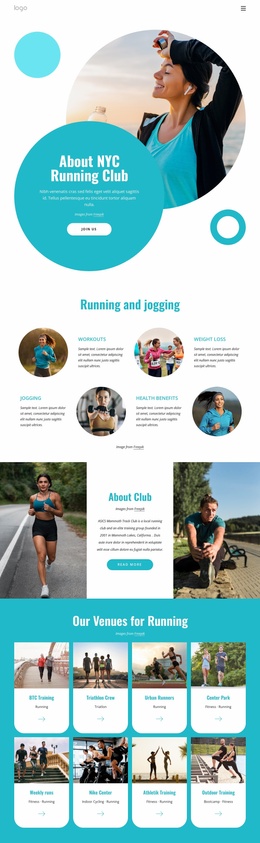
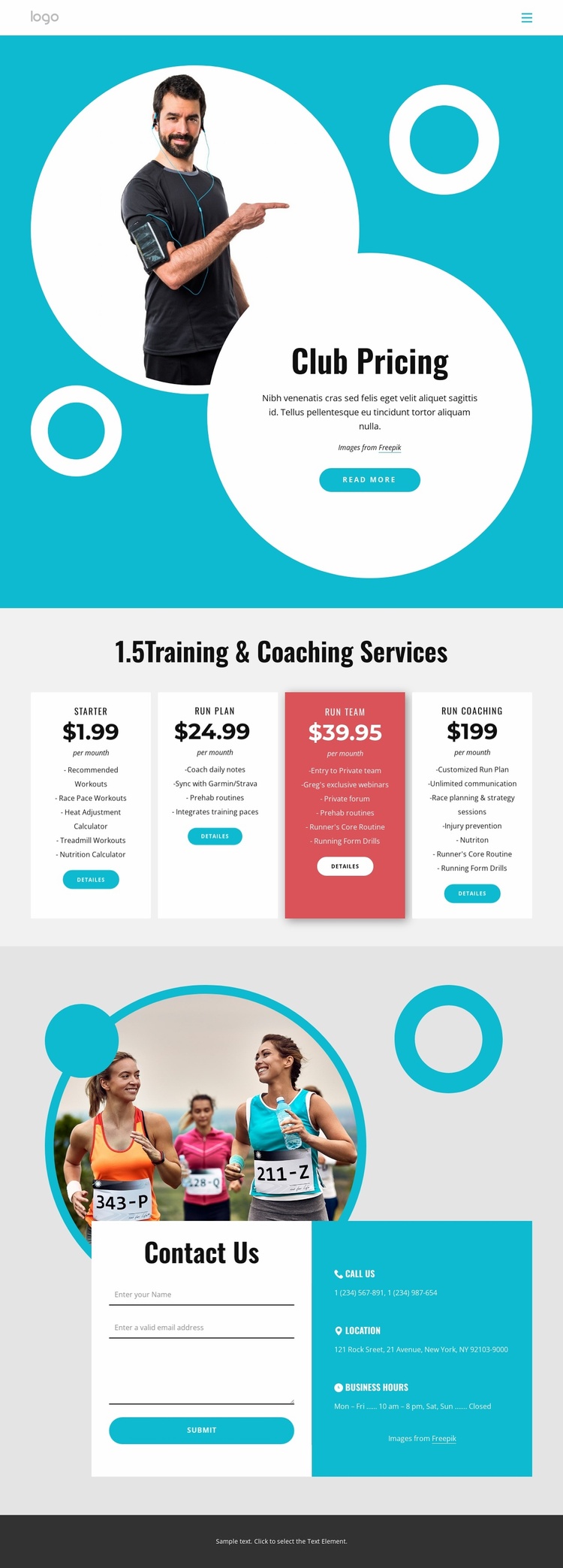
The existing page defines several important content areas for a running club project without claiming to include a complete multi-page site. Home navigation establishes a basic route through the design, while the turquoise Club Pricing hero introduces the subject with circular fitness imagery, geometric accents, and a Read more action. These elements can provide the visual and informational starting point for related pages about the club, training approach, or additional resources.
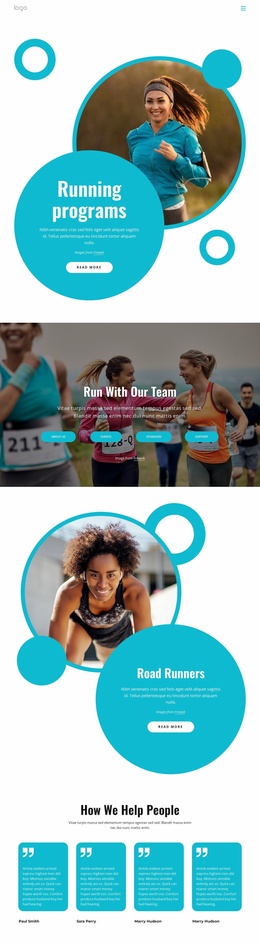
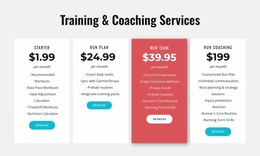
The four-card Training & Coaching Services section supplies a clear foundation for organizing the core offer. Starter, Run Plan, Run Team, and Run Coaching are parallel content areas with monthly prices, feature lists, and detail actions. The listed service ideas—recommended workouts, race pace workouts, nutrition calculation, customized run plans, and race planning or strategy sessions—also indicate how the project’s service information could be developed while retaining the same card-based visual logic. The page therefore offers more than a single headline; it establishes an initial content structure.
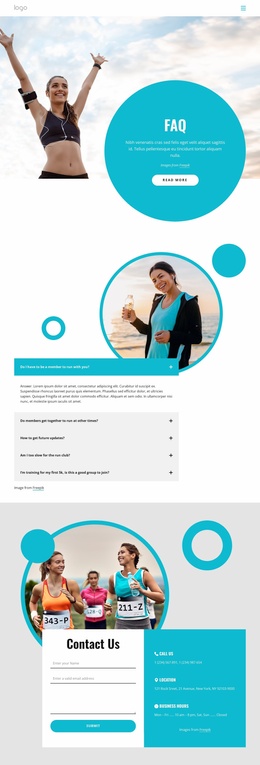
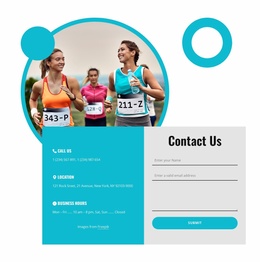
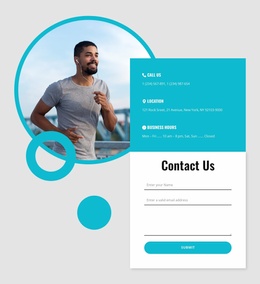
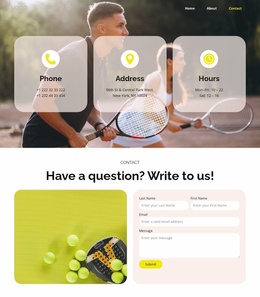
The Contact Us block gives the foundation a practical relationship between information and response. A form appears beside Call Us, Location, and Business Hours details, creating a natural destination for questions after visitors review the plans. The dark footer can support a consistent closing treatment as more content areas are added. Overall, the design supplies navigation, offer categories, service detail cues, and inquiry content that can anchor a wider website project.
Customize with Nicepage
Open this ready-made template in the Website Template Builder and customize it visually in the Nicepage editor. Replace demo content, edit page sections, and adapt the design to your project without rebuilding the template from scratch.
Build a Complete Website From This Template
Customize the Website Visually
Use this ready-made website template as a starting point for your project and adapt its pages visually in Nicepage. Change content, images, typography, navigation, sections, and other design elements while keeping the website together as a single editable project.
Manage Website Pages in One Project
Use the Pages panel to open, add, duplicate, and manage the pages of your website. Work on individual pages while keeping navigation and the overall site structure accessible from the same project, making it easier to develop a complete website instead of managing separate page files.
Expand the Website With Matching Designs
When you need additional pages or sections, use Page Design Sets to find Page and Block Designs created in the same visual style. Design Sets group matching designs together, making it easier to expand the website with new content while maintaining a consistent look across its pages and sections.
Organize Larger Multi-Page Websites
As the website grows, use Page Folders to organize related pages and keep larger multi-page projects easier to navigate in the editor. This is especially useful for websites with separate service pages, company information, contacts, landing pages, and other content areas.
This workflow makes the template a practical foundation for building and expanding a complete website while managing its pages, content, and visual design within one Nicepage project.

Design Set (26)
-

-
-
-
-
-
-
-
-
-
-
-
Customize Any TemplateDownload
-
-
-
-
-
-