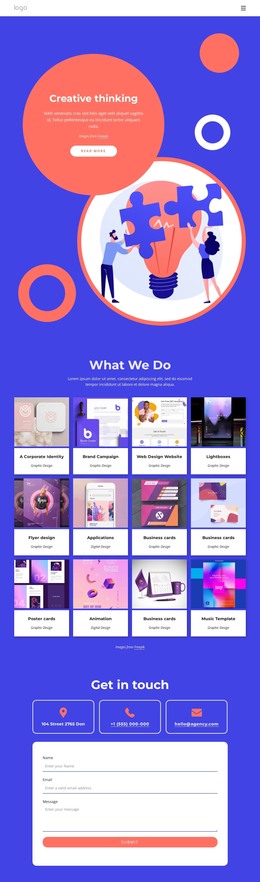
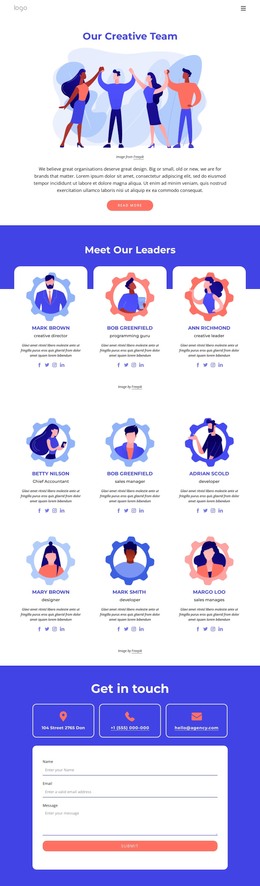
Creative thinking in a design studios generating ideas WordPress Theme



A Four-Card Services Region for WordPress-Managed Page Content
The repeated card structure gives this block a stable page-content role. Analytics, Web Design, Marketing, and Application are presented as four parallel categories, and each combines a colorful illustration with a title and “more” link. The centered headings create a clear introduction, so the service row reads as one coherent offering area rather than four unrelated items. This makes the section suitable for permanent services content in a WordPress-managed page, where the broader project can contain other sections around it.
The lower part adds a second layer of page meaning. A statement about 300+ projects completed successfully provides supporting context, then the “see our works” action offers a route toward examples while the email contact link supports a more direct inquiry. Those relationships make the block useful beyond a simple service listing: it can introduce capabilities, reinforce experience, and point visitors toward the next content area or conversation. Visually, the vivid blue field holds the section together, white cards create repeated content units, and coral accents connect the cards with the rounded actions. In a WordPress-oriented project, the block can remain a reusable visual section while surrounding pages and CMS-managed content handle the wider site structure.
Customize with Nicepage
Open this ready-made template in the WordPress Website Builder and customize it visually in the Nicepage editor. Replace demo content, edit page sections, and adapt the design to your project without rebuilding the template from scratch.
Edit Template Offline
2. Create a new page or select existing
3. Click Add new block, search for id 3081352 and click enter
Edit Template Online
Create Awesome Websites


Free Nicepage Builder
Keywords
Manage and Edit This Theme in WordPress
Customize and Install the WordPress Theme
Start with this ready-made theme instead of building the WordPress design from scratch. Customize its layout, content, typography, images, sections, and other design elements visually in Nicepage editor, then export and install the WordPress Theme, Plugin, and Pages on your WordPress site. The Nicepage WordPress Plugin lets you continue working with the site after installation.
Edit the Theme Directly in WordPress
After installation, you can edit the WordPress Theme directly in WordPress with the Nicepage WordPress Plugin. Use Site Style to customize site Colors, Fonts, Header, Footer, Blog, and Post Page Templates while working within your WordPress website.
Edit WordPress Pages Visually
Use the Nicepage WordPress Plugin to edit page content directly from the WordPress admin area. Open a WordPress Page with Nicepage and visually change its text, images, sections, and other page elements while continuing to manage the Page through WordPress.
WordPress Content and Theme Integration
Use the customized theme with WordPress Pages, Posts, Blog and Post Templates, menus, widgets, and other CMS-managed content. Shared theme elements such as Colors, Fonts, Header, Footer, Blog, and Post Page Templates can be managed as part of the overall site design, while WordPress provides the CMS environment for managing site content.
This workflow combines a ready-made WordPress Theme with visual customization, direct theme editing in WordPress, and continued content management through the Nicepage WordPress Plugin.