Website design firm WordPress Theme



Edit Template Offline
2. Create new page and search for id 2625087
Edit Template Online
Create Awesome Websites


Free Nicepage Builder
Keywords
Page Content and Repeated Profiles Support a WordPress Theme Structure
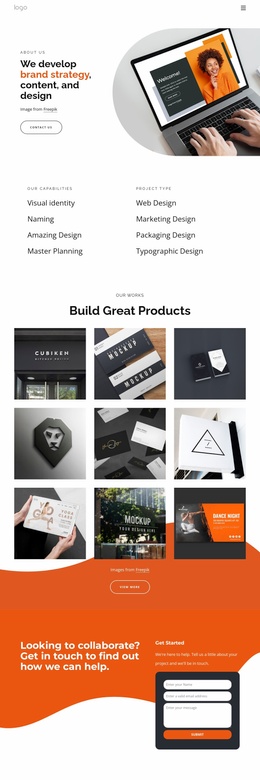
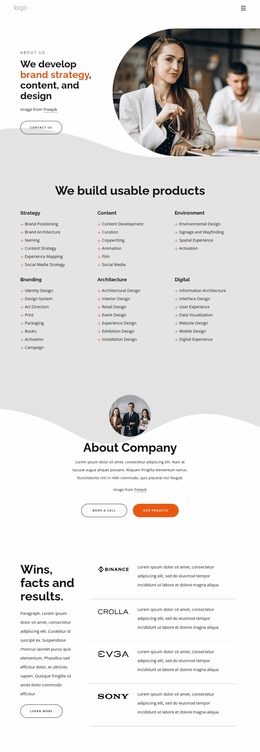
The page-oriented content is organized around several permanent agency areas. The opening block presents the web design firm and four service categories—Cloud Solution, Speed Optimization, Online Marketing, and Website Design—while About Studio and About Our Studio provide company and capability content. The numbered list covering Web Design, Development, Consultancy, and Fastest Hosting can remain part of the main page or guide related service content as the project develops.
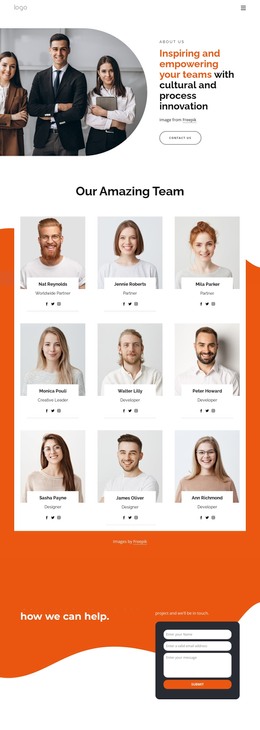
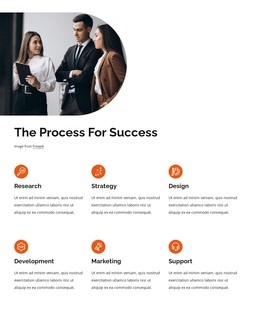
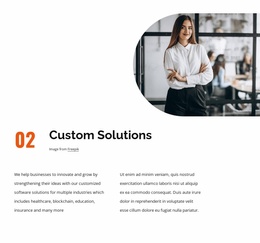
Custom Solutions supplies another substantial content group, linking customized software solutions with Healthcare, Blockchain, Education, and Insurance. The six testimonial profiles create a repeated pattern of portraits, quotes, names, and job titles; they are useful as a content relationship even though the supplied names and statements are demo material rather than verified client records. The Process For Success section adds a separate explanatory area, and the three dark service panels provide a compact summary that can sit alongside other page content.
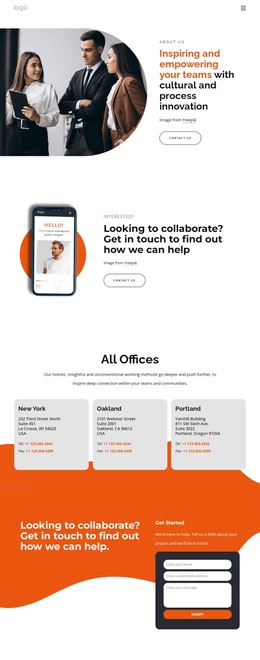
Navigation labels for Home, About Us, Contact Us Page, and Our Works give the theme a recognizable set of page destinations. The final collaboration message and project inquiry form create a natural contact page relationship within the same visual direction. A WordPress interpretation therefore centers on permanent pages, reusable content areas, and repeated testimonial or service structures, without claiming that Posts, categories, widgets, or blog templates already exist in this specific design.
Customize with Nicepage
Open this ready-made template in the WordPress Website Builder and customize it visually in the Nicepage editor. Replace demo content, edit page sections, and adapt the design to your project without rebuilding the template from scratch.
Manage and Edit This Theme in WordPress
Customize and Install the WordPress Theme
Start with this ready-made theme instead of building the WordPress design from scratch. Customize its layout, content, typography, images, sections, and other design elements visually in Nicepage editor, then export and install the WordPress Theme, Plugin, and Pages on your WordPress site. The Nicepage WordPress Plugin lets you continue working with the site after installation.
Edit the Theme Directly in WordPress
After installation, you can edit the WordPress Theme directly in WordPress with the Nicepage WordPress Plugin. Use Site Style to customize site Colors, Fonts, Header, Footer, Blog, and Post Page Templates while working within your WordPress website.
Edit WordPress Pages Visually
Use the Nicepage WordPress Plugin to edit page content directly from the WordPress admin area. Open a WordPress Page with Nicepage and visually change its text, images, sections, and other page elements while continuing to manage the Page through WordPress.
WordPress Content and Theme Integration
Use the customized theme with WordPress Pages, Posts, Blog and Post Templates, menus, widgets, and other CMS-managed content. Shared theme elements such as Colors, Fonts, Header, Footer, Blog, and Post Page Templates can be managed as part of the overall site design, while WordPress provides the CMS environment for managing site content.
This workflow combines a ready-made WordPress Theme with visual customization, direct theme editing in WordPress, and continued content management through the Nicepage WordPress Plugin.