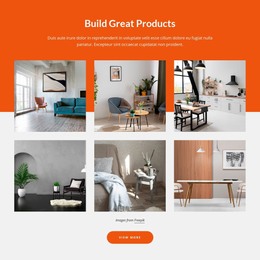
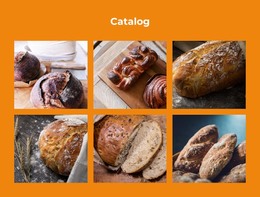
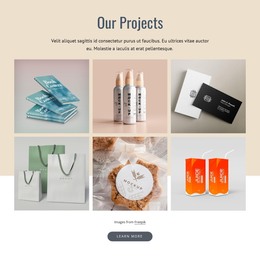
Minimalistic business pictures WordPress Theme


Four Gallery Items Create Stable Page Content
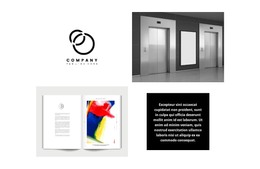
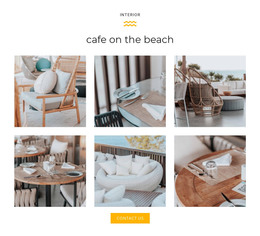
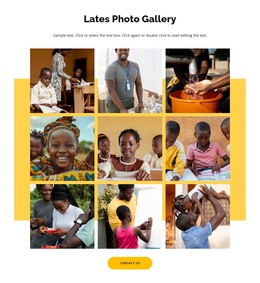
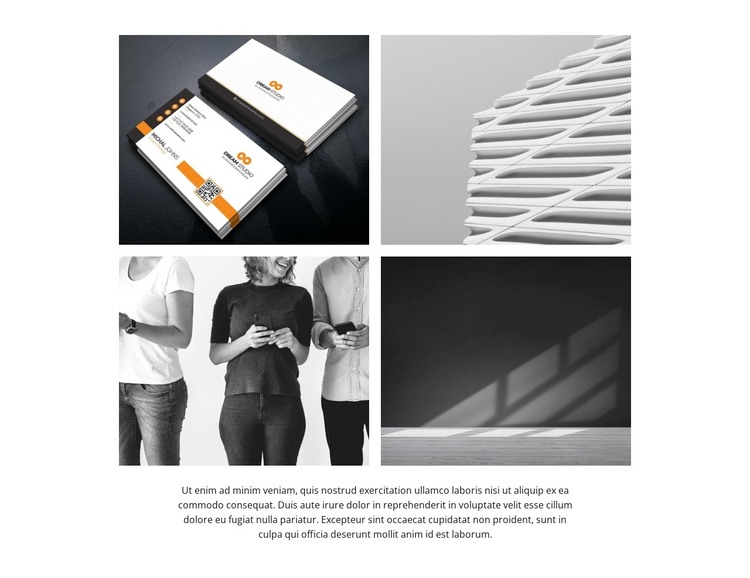
The four image tiles form a stable visual content area that can fit naturally within a WordPress-managed page. Their subjects—business cards, an abstract architectural surface, people using smartphones, and an interior light-and-shadow scene—can represent a project or visual communications theme without requiring the section to become an entire page. The two-by-two layout and consistent rectangular cropping make the gallery easy to recognize as one reusable content unit.
A centered supporting paragraph follows the images and gives the section a place for explanatory text. Its separation from the gallery through generous white space keeps the visual material prominent while allowing the page editor or content workflow to maintain a readable description beneath it. Hover-overlay treatment adds a visual response to the tiles, and lightbox interaction provides a closer image view when the gallery serves as portfolio or project content.
Within a WordPress-oriented project, the block can remain a stable page section while other CMS-managed content grows around it. It may suit a permanent portfolio, showcase, or business communications area, with separate sections handling page introductions, detailed descriptions, contact information, or changing editorial material. The block contributes its defined gallery-and-copy relationship to the wider theme without being treated as the WordPress Theme itself.
Customize with Nicepage
Open this ready-made template in the WordPress Website Builder and customize it visually in the Nicepage editor. Replace demo content, edit page sections, and adapt the design to your project without rebuilding the template from scratch.
Edit Template Offline
2. Create a new page or select existing
3. Click Add new block, search for id 2723187 and click enter
Edit Template Online
Create Awesome Websites


Free Nicepage Builder
Keywords
Manage and Edit This Theme in WordPress
Customize and Install the WordPress Theme
Start with this ready-made theme instead of building the WordPress design from scratch. Customize its layout, content, typography, images, sections, and other design elements visually in Nicepage editor, then export and install the WordPress Theme, Plugin, and Pages on your WordPress site. The Nicepage WordPress Plugin lets you continue working with the site after installation.
Edit the Theme Directly in WordPress
After installation, you can edit the WordPress Theme directly in WordPress with the Nicepage WordPress Plugin. Use Site Style to customize site Colors, Fonts, Header, Footer, Blog, and Post Page Templates while working within your WordPress website.
Edit WordPress Pages Visually
Use the Nicepage WordPress Plugin to edit page content directly from the WordPress admin area. Open a WordPress Page with Nicepage and visually change its text, images, sections, and other page elements while continuing to manage the Page through WordPress.
WordPress Content and Theme Integration
Use the customized theme with WordPress Pages, Posts, Blog and Post Templates, menus, widgets, and other CMS-managed content. Shared theme elements such as Colors, Fonts, Header, Footer, Blog, and Post Page Templates can be managed as part of the overall site design, while WordPress provides the CMS environment for managing site content.
This workflow combines a ready-made WordPress Theme with visual customization, direct theme editing in WordPress, and continued content management through the Nicepage WordPress Plugin.