Enterprise-level privacy protection WordPress Theme


Edit Template Offline
2. Create new page and search for id 6543609
Edit Template Online
Create Awesome Websites


Free Nicepage Builder
Keywords
Candidate and Client Content Give the Theme a Clear CMS Role
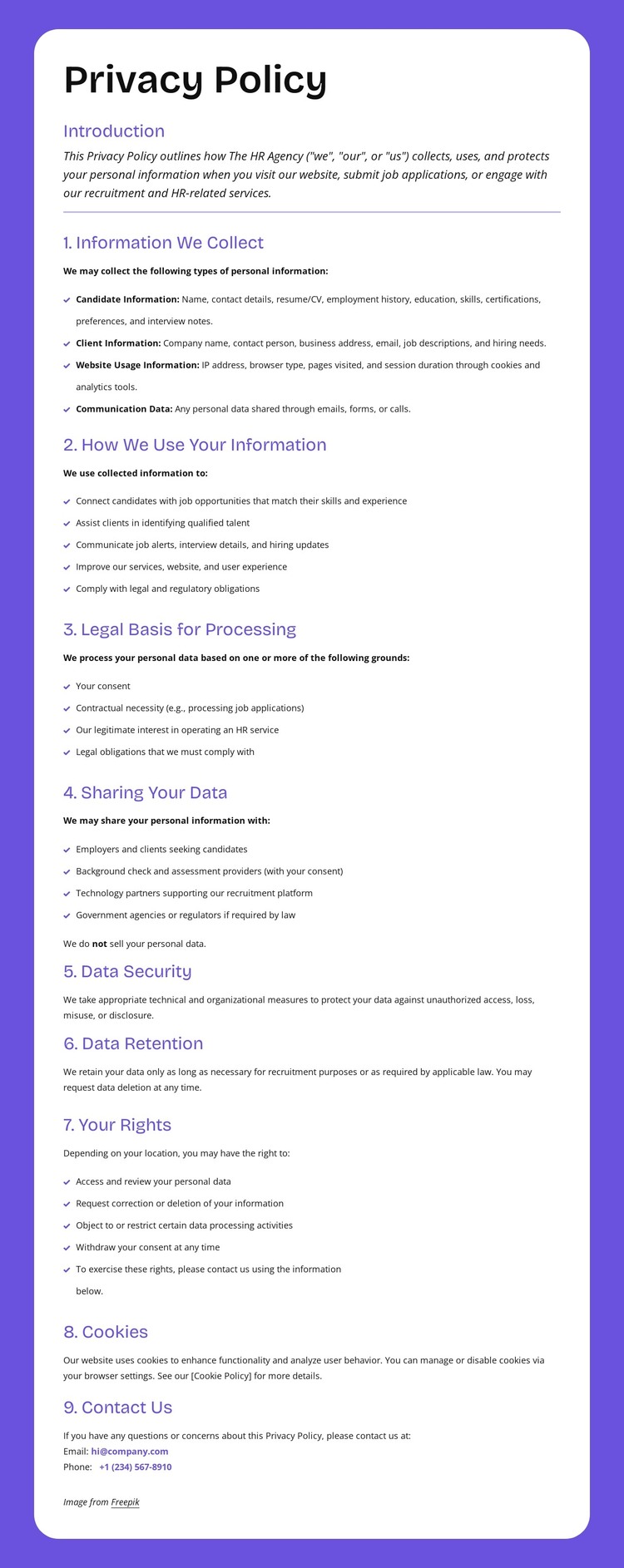
The page’s content areas translate naturally into a WordPress-oriented theme interpretation because they distinguish several kinds of persistent information rather than relying on one promotional message. Candidate Information and Client Information establish separate audience-related subjects. Website Usage Information and Communication Data add broader content categories, while the numbered sections explain how those categories relate to use, legal basis, sharing, security, retention, rights, and cookies.
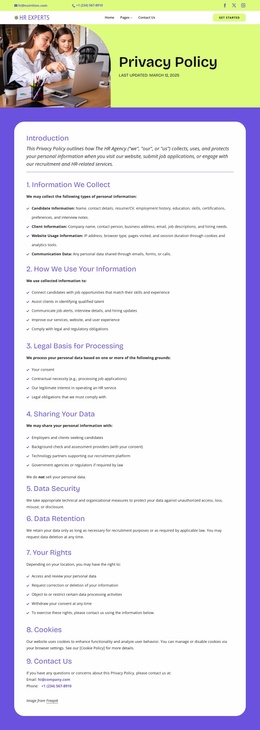
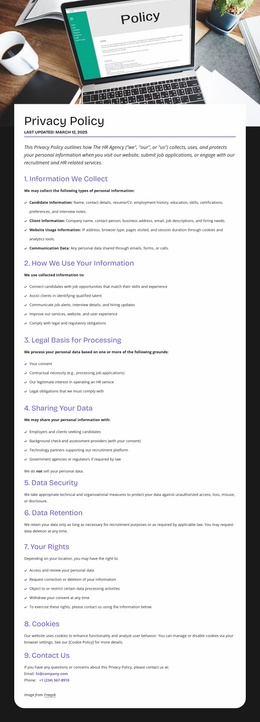
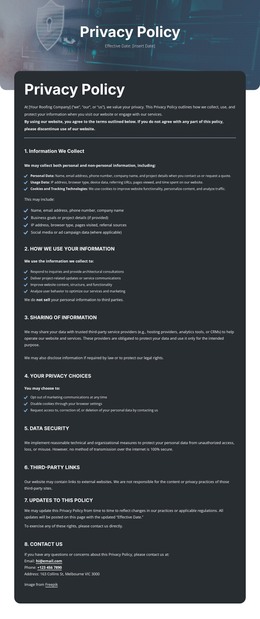
The visual framework supports that content distinction. Two navigation bars and the dark footer provide shared site regions with contact links, social links, primary and secondary navigation, Help links, and contact channels. Between them, the policy illustration and rounded white document panels create a recognizable page treatment for detailed informational content. The confirmed rights provisions—access, correction, deletion, objection, and withdrawal of consent—give the page durable subject areas that can remain separate from frequently changing recruitment content.
The analysis does not verify WordPress Pages, Posts, widgets, or blog structures in the template, so those should not be presented as existing components. Instead, the design can be understood as a WordPress theme foundation for page-oriented privacy content, with shared navigation and support regions surrounding it. That interpretation is distinct from a generic static description because it focuses on how the policy’s audience categories and recurring site regions can coexist within a CMS-managed website.
Customize with Nicepage
Open this ready-made template in the WordPress Website Builder and customize it visually in the Nicepage editor. Replace demo content, edit page sections, and adapt the design to your project without rebuilding the template from scratch.
Manage and Edit This Theme in WordPress
Customize and Install the WordPress Theme
Start with this ready-made theme instead of building the WordPress design from scratch. Customize its layout, content, typography, images, sections, and other design elements visually in Nicepage editor, then export and install the WordPress Theme, Plugin, and Pages on your WordPress site. The Nicepage WordPress Plugin lets you continue working with the site after installation.
Edit the Theme Directly in WordPress
After installation, you can edit the WordPress Theme directly in WordPress with the Nicepage WordPress Plugin. Use Site Style to customize site Colors, Fonts, Header, Footer, Blog, and Post Page Templates while working within your WordPress website.
Edit WordPress Pages Visually
Use the Nicepage WordPress Plugin to edit page content directly from the WordPress admin area. Open a WordPress Page with Nicepage and visually change its text, images, sections, and other page elements while continuing to manage the Page through WordPress.
WordPress Content and Theme Integration
Use the customized theme with WordPress Pages, Posts, Blog and Post Templates, menus, widgets, and other CMS-managed content. Shared theme elements such as Colors, Fonts, Header, Footer, Blog, and Post Page Templates can be managed as part of the overall site design, while WordPress provides the CMS environment for managing site content.
This workflow combines a ready-made WordPress Theme with visual customization, direct theme editing in WordPress, and continued content management through the Nicepage WordPress Plugin.