HR services and solutions WordPress Theme


Edit Template Offline
2. Create new page and search for id 6521333
Edit Template Online
Create Awesome Websites


Free Nicepage Builder
Keywords
Repeated HR Content Gives WordPress Pages a Clear Structure
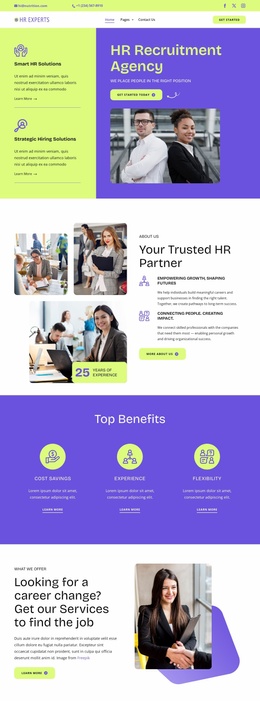
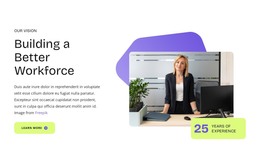
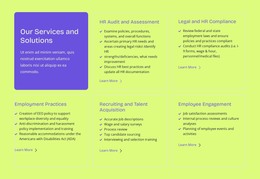
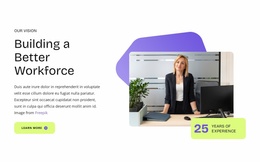
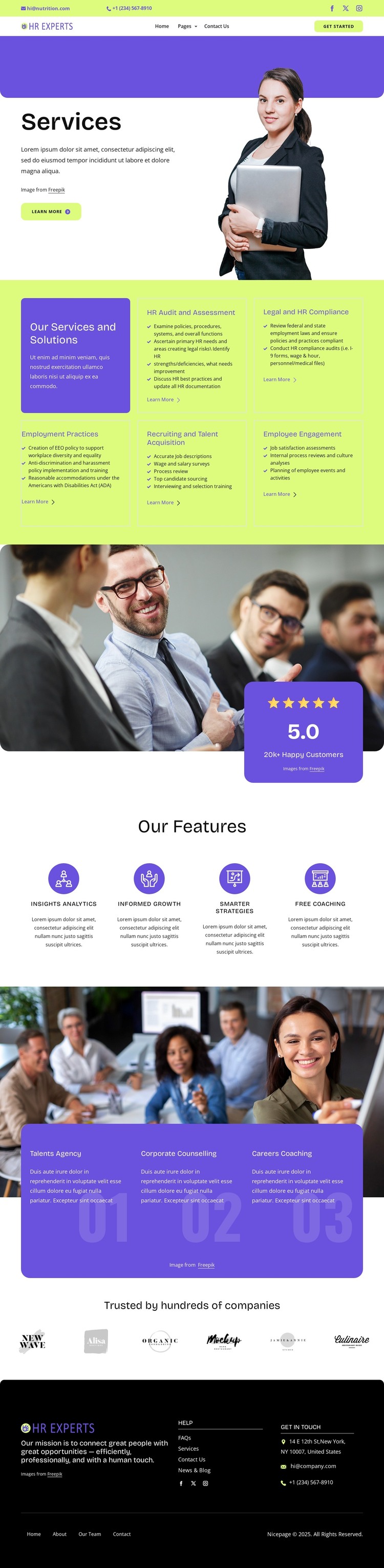
The five repeated service cards provide the strongest page-oriented content structure in this design. They separate HR Audit and Assessment, Legal and HR Compliance, Employment Practices, Recruiting and Talent Acquisition, and Employee Engagement into recognizable areas after the opening Services introduction. The portrait image and Learn more action establish the page context, while the repeated cards give permanent service information a consistent visual frame that can be interpreted as core page content.
The remaining sections create additional content relationships rather than repeating the same catalog. Four feature highlights—Insights Analytics, Informed Growth, Smarter Strategies, and Free Coaching—offer concise supporting themes. The numbered program area groups Talents Agency, Corporate Counselling, and Careers Coaching into a separate set of information, and the six client logo images form a distinct trust-oriented section. This combination leaves room for a WordPress project to distinguish stable service information from other content that may be expanded or updated later, without claiming that Posts or a blog already exist here.
The footer supports the shared site frame with mission copy, help links, Get In Touch details, social links, and secondary navigation. Email and telephone channels give the content a practical contact route. In a WordPress theme context, the value comes from keeping these page areas visually coordinated while the project organizes its own managed content. The design can therefore support a service-led site without relying on a generic CMS-name substitution or unsupported claims about existing WordPress structures.
Customize with Nicepage
Open this ready-made template in the WordPress Website Builder and customize it visually in the Nicepage editor. Replace demo content, edit page sections, and adapt the design to your project without rebuilding the template from scratch.
Manage and Edit This Theme in WordPress
Customize and Install the WordPress Theme
Start with this ready-made theme instead of building the WordPress design from scratch. Customize its layout, content, typography, images, sections, and other design elements visually in Nicepage editor, then export and install the WordPress Theme, Plugin, and Pages on your WordPress site. The Nicepage WordPress Plugin lets you continue working with the site after installation.
Edit the Theme Directly in WordPress
After installation, you can edit the WordPress Theme directly in WordPress with the Nicepage WordPress Plugin. Use Site Style to customize site Colors, Fonts, Header, Footer, Blog, and Post Page Templates while working within your WordPress website.
Edit WordPress Pages Visually
Use the Nicepage WordPress Plugin to edit page content directly from the WordPress admin area. Open a WordPress Page with Nicepage and visually change its text, images, sections, and other page elements while continuing to manage the Page through WordPress.
WordPress Content and Theme Integration
Use the customized theme with WordPress Pages, Posts, Blog and Post Templates, menus, widgets, and other CMS-managed content. Shared theme elements such as Colors, Fonts, Header, Footer, Blog, and Post Page Templates can be managed as part of the overall site design, while WordPress provides the CMS environment for managing site content.
This workflow combines a ready-made WordPress Theme with visual customization, direct theme editing in WordPress, and continued content management through the Nicepage WordPress Plugin.