Contacts of our bureau WordPress Theme


Edit Template Offline
2. Create new page and search for id 6207610
Edit Template Online
Create Awesome Websites


Free Nicepage Builder
Keywords
The Contact Form and Supporting Regions Suit Page-Based Content
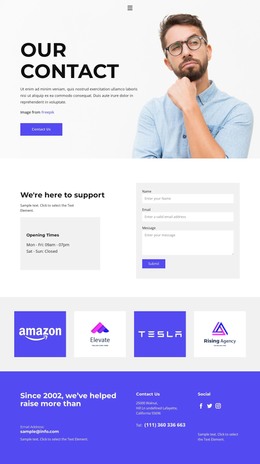
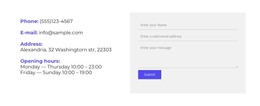
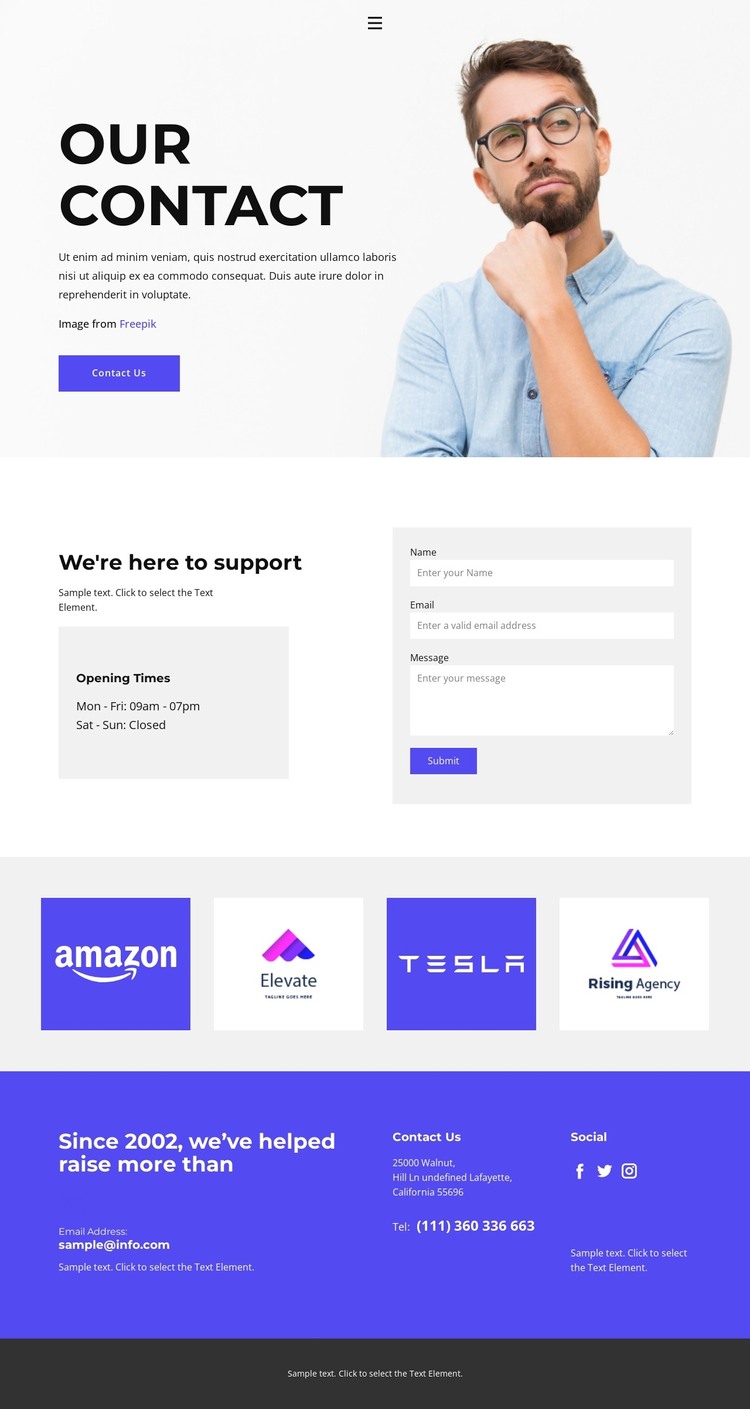
The central support section provides the strongest page-content structure for a WordPress-oriented project. The “We’re here to support” heading introduces the communication purpose, while the Opening Times panel keeps schedule information separate from the form beside it. The form’s name, email, and message inputs define a clear inquiry block that can remain part of permanent contact-page content. This relationship is different from a purely visual contact concept because the design already separates explanatory information, availability details, and visitor-submitted content.
Other regions create useful content relationships around that page. Four equal logo tiles form a repeated organization or partner group, which can be retained as structural evidence while replacing the demo logos with verified content. The lower colored area gathers an email label, address text, telephone text, and social links, giving the page a second contact-information layer after the form. Facebook, Twitter, and Instagram links extend the page beyond the submission interaction, and the dark footer provides a stable closing region. In a WordPress-managed site, these page areas can remain visually coordinated while permanent contact information and future editorial content are developed around the same theme direction. The sample address, phone number, email, and brand names should be treated as placeholders rather than published business facts.
Customize with Nicepage
Open this ready-made template in the WordPress Website Builder and customize it visually in the Nicepage editor. Replace demo content, edit page sections, and adapt the design to your project without rebuilding the template from scratch.
Manage and Edit This Theme in WordPress
Customize and Install the WordPress Theme
Start with this ready-made theme instead of building the WordPress design from scratch. Customize its layout, content, typography, images, sections, and other design elements visually in Nicepage editor, then export and install the WordPress Theme, Plugin, and Pages on your WordPress site. The Nicepage WordPress Plugin lets you continue working with the site after installation.
Edit the Theme Directly in WordPress
After installation, you can edit the WordPress Theme directly in WordPress with the Nicepage WordPress Plugin. Use Site Style to customize site Colors, Fonts, Header, Footer, Blog, and Post Page Templates while working within your WordPress website.
Edit WordPress Pages Visually
Use the Nicepage WordPress Plugin to edit page content directly from the WordPress admin area. Open a WordPress Page with Nicepage and visually change its text, images, sections, and other page elements while continuing to manage the Page through WordPress.
WordPress Content and Theme Integration
Use the customized theme with WordPress Pages, Posts, Blog and Post Templates, menus, widgets, and other CMS-managed content. Shared theme elements such as Colors, Fonts, Header, Footer, Blog, and Post Page Templates can be managed as part of the overall site design, while WordPress provides the CMS environment for managing site content.
This workflow combines a ready-made WordPress Theme with visual customization, direct theme editing in WordPress, and continued content management through the Nicepage WordPress Plugin.