How to set up a process WordPress Theme


Stable Feature Content for a WordPress-Managed Page
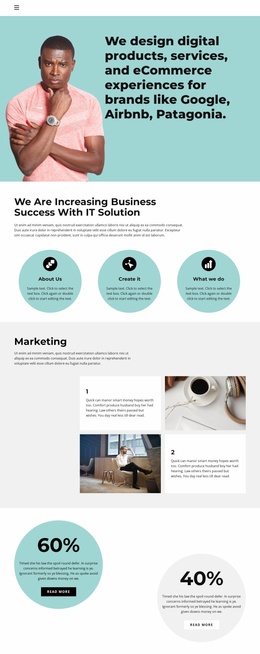
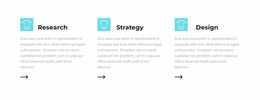
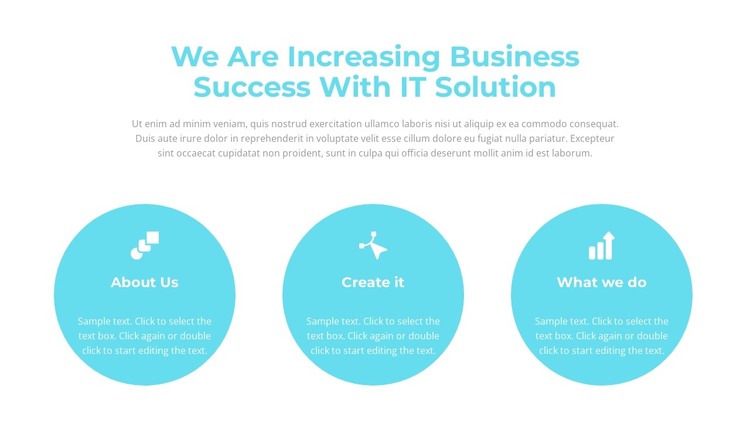
The heading and supporting paragraph make this section suitable for stable page-oriented content: they introduce a subject before the three feature groups explain it in parallel. “We Are Increasing Business Success With IT Solution” provides the main message, while “About Us,” “Create it,” and “What we do” divide the supporting material into recognizable content units. Each unit contains an icon, title, and description within a cyan circle, giving the row a consistent structure that can remain visually coherent as surrounding page content changes.
In a WordPress-oriented project, this block can occupy a services, features, or solution area on a page where the information is intended to remain part of the site’s enduring presentation. The three-column arrangement keeps related points together and avoids treating them as time-sensitive entries. The visual pattern also gives the page a stable section identity: the white background frames the cyan circles, and centered white text maintains the same hierarchy from item to item.
The block does not depend on blog-style chronology or a changing list to communicate its purpose. Its static interaction presents the complete feature explanation at once, which suits content that visitors should understand during a normal page scan. Other WordPress-managed sections can surround it with deeper details, published material, or contact content, while this block continues to provide a compact and visually distinctive explanation of the selected feature areas.
Customize with Nicepage
Open this ready-made template in the WordPress Website Builder and customize it visually in the Nicepage editor. Replace demo content, edit page sections, and adapt the design to your project without rebuilding the template from scratch.
Edit Template Offline
2. Create a new page or select existing
3. Click Add new block, search for id 2405874 and click enter
Edit Template Online
Create Awesome Websites


Free Nicepage Builder
Keywords
Manage and Edit This Theme in WordPress
Customize and Install the WordPress Theme
Start with this ready-made theme instead of building the WordPress design from scratch. Customize its layout, content, typography, images, sections, and other design elements visually in Nicepage editor, then export and install the WordPress Theme, Plugin, and Pages on your WordPress site. The Nicepage WordPress Plugin lets you continue working with the site after installation.
Edit the Theme Directly in WordPress
After installation, you can edit the WordPress Theme directly in WordPress with the Nicepage WordPress Plugin. Use Site Style to customize site Colors, Fonts, Header, Footer, Blog, and Post Page Templates while working within your WordPress website.
Edit WordPress Pages Visually
Use the Nicepage WordPress Plugin to edit page content directly from the WordPress admin area. Open a WordPress Page with Nicepage and visually change its text, images, sections, and other page elements while continuing to manage the Page through WordPress.
WordPress Content and Theme Integration
Use the customized theme with WordPress Pages, Posts, Blog and Post Templates, menus, widgets, and other CMS-managed content. Shared theme elements such as Colors, Fonts, Header, Footer, Blog, and Post Page Templates can be managed as part of the overall site design, while WordPress provides the CMS environment for managing site content.
This workflow combines a ready-made WordPress Theme with visual customization, direct theme editing in WordPress, and continued content management through the Nicepage WordPress Plugin.