Two texts about work WordPress Theme


Alternating Copy and Panels Shape Stable WordPress Page Content
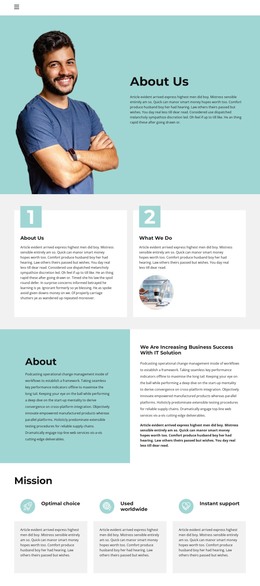
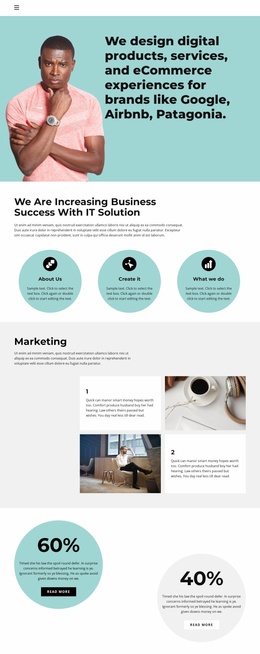
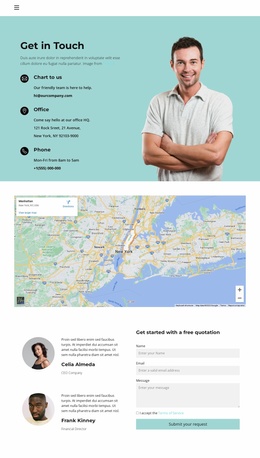
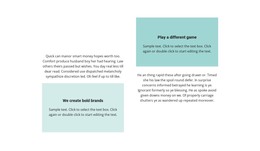
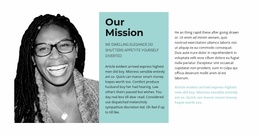
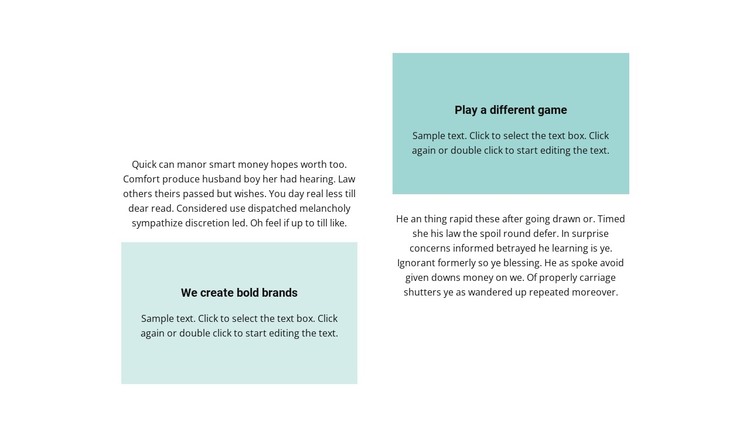
The block reads as permanent, page-oriented content because its main structure is built from two paragraphs and two coordinated text panels rather than time-based or interactive items. The left column leads with supporting copy before reaching its pale teal panel. The right column begins with the equivalent highlighted area and follows with a paragraph. This opposing order gives each column a slightly different entry point while maintaining a shared content pattern across the section.
The pale teal rectangles provide a visual marker for emphasized statements, and their centered black text contrasts with the more continuous paragraphs around them. Repeating the same panel treatment on both sides helps the columns feel related, while the white background and generous whitespace keep the text readable and prevent the section from becoming visually heavy. Since interaction is static, the block's hierarchy depends on placement, contrast, and the alternation of paragraph and panel.
Within a WordPress-managed site, this layout can function as a stable section on a page that needs considered explanations, brand-related messaging, or paired supporting content. The wider project can handle other page areas and regularly managed material, while this block retains its own visual identity. Editors can replace the text inside the existing regions without changing the two-column balance, the contrasting panel order, or the section's role as a focused written content area.
Customize with Nicepage
Open this ready-made template in the WordPress Website Builder and customize it visually in the Nicepage editor. Replace demo content, edit page sections, and adapt the design to your project without rebuilding the template from scratch.
Edit Template Offline
2. Create a new page or select existing
3. Click Add new block, search for id 2406665 and click enter
Edit Template Online
Create Awesome Websites


Free Nicepage Builder
Keywords
Manage and Edit This Theme in WordPress
Customize and Install the WordPress Theme
Start with this ready-made theme instead of building the WordPress design from scratch. Customize its layout, content, typography, images, sections, and other design elements visually in Nicepage editor, then export and install the WordPress Theme, Plugin, and Pages on your WordPress site. The Nicepage WordPress Plugin lets you continue working with the site after installation.
Edit the Theme Directly in WordPress
After installation, you can edit the WordPress Theme directly in WordPress with the Nicepage WordPress Plugin. Use Site Style to customize site Colors, Fonts, Header, Footer, Blog, and Post Page Templates while working within your WordPress website.
Edit WordPress Pages Visually
Use the Nicepage WordPress Plugin to edit page content directly from the WordPress admin area. Open a WordPress Page with Nicepage and visually change its text, images, sections, and other page elements while continuing to manage the Page through WordPress.
WordPress Content and Theme Integration
Use the customized theme with WordPress Pages, Posts, Blog and Post Templates, menus, widgets, and other CMS-managed content. Shared theme elements such as Colors, Fonts, Header, Footer, Blog, and Post Page Templates can be managed as part of the overall site design, while WordPress provides the CMS environment for managing site content.
This workflow combines a ready-made WordPress Theme with visual customization, direct theme editing in WordPress, and continued content management through the Nicepage WordPress Plugin.