Amazing yoga teachers WordPress Theme


An image-led teacher introduction for WordPress page content
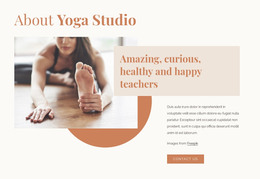
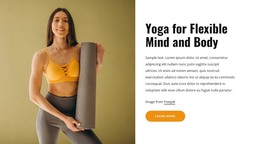
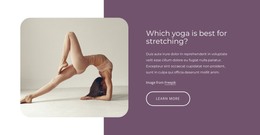
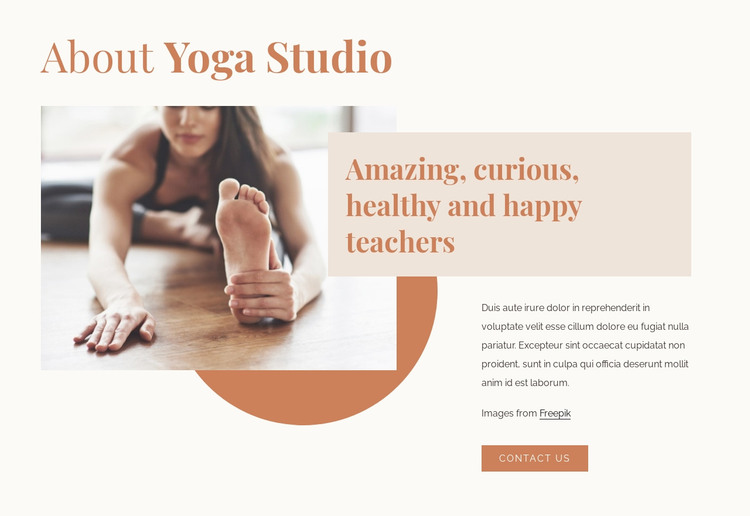
The heading “About Yoga Studio” and the teacher-focused statement give this section the character of stable page content rather than a time-sensitive article. A prominent photograph of a person practicing yoga establishes the subject visually, while the supporting paragraph explains the message and the “Contact Us” button provides a clear path toward further conversation. In a WordPress-managed project, this combination can fit naturally within a permanent about or studio page section.
The block’s content is organized around a deliberate split: the large image anchors the left side, and the overlapping text panel on the right concentrates the teacher message, description, and action. A circular terracotta shape sits partly behind the photograph, adding a recognizable decorative layer without competing with the heading. The warm cream background and pale beige details keep the section visually calm, while the large serif type gives the main statements more presence than the compact body copy.
This section can remain a consistent visual region while the wider WordPress project supplies other pages or content areas for classes, schedules, testimonials, and inquiries. The contact action supports movement to a next step, but the block itself remains an about section. Its clearly bounded image, message, and action make it suitable for editing as publishable page content without changing the underlying arrangement.
Customize with Nicepage
Open this ready-made template in the WordPress Website Builder and customize it visually in the Nicepage editor. Replace demo content, edit page sections, and adapt the design to your project without rebuilding the template from scratch.
Edit Template Offline
2. Create a new page or select existing
3. Click Add new block, search for id 220471 and click enter
Edit Template Online
Create Awesome Websites


Free Nicepage Builder
Keywords
Manage and Edit This Theme in WordPress
Customize and Install the WordPress Theme
Start with this ready-made theme instead of building the WordPress design from scratch. Customize its layout, content, typography, images, sections, and other design elements visually in Nicepage editor, then export and install the WordPress Theme, Plugin, and Pages on your WordPress site. The Nicepage WordPress Plugin lets you continue working with the site after installation.
Edit the Theme Directly in WordPress
After installation, you can edit the WordPress Theme directly in WordPress with the Nicepage WordPress Plugin. Use Site Style to customize site Colors, Fonts, Header, Footer, Blog, and Post Page Templates while working within your WordPress website.
Edit WordPress Pages Visually
Use the Nicepage WordPress Plugin to edit page content directly from the WordPress admin area. Open a WordPress Page with Nicepage and visually change its text, images, sections, and other page elements while continuing to manage the Page through WordPress.
WordPress Content and Theme Integration
Use the customized theme with WordPress Pages, Posts, Blog and Post Templates, menus, widgets, and other CMS-managed content. Shared theme elements such as Colors, Fonts, Header, Footer, Blog, and Post Page Templates can be managed as part of the overall site design, while WordPress provides the CMS environment for managing site content.
This workflow combines a ready-made WordPress Theme with visual customization, direct theme editing in WordPress, and continued content management through the Nicepage WordPress Plugin.