Bloom flowers in NYC WordPress Theme


Edit Template Offline
2. Create new page and search for id 6247263
Edit Template Online
Create Awesome Websites


Free Nicepage Builder
Keywords
Collection Pages and Delivery Content Share One Floral Direction
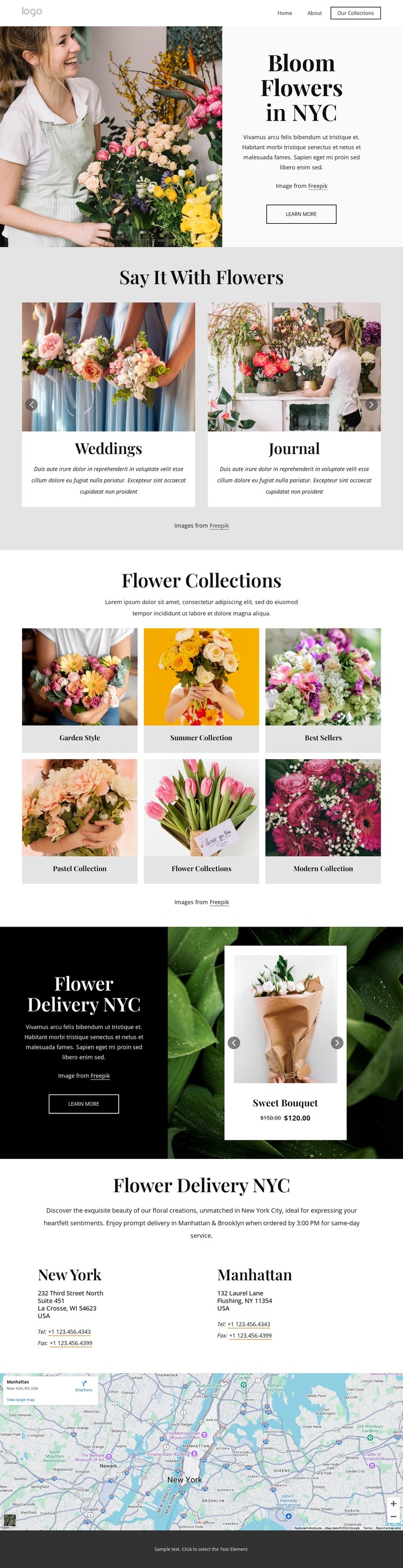
The page-oriented content is especially clear in the separation between broad floral interests, named collections, and bouquet presentation. The Say It With Flowers carousel introduces Weddings, Journal, Events, and Floral Designs as recurring content themes, while the six-tile Flower Collections gallery gives visitors more specific visual categories such as Garden Style, Summer Collection, Best Sellers, Pastel Collection, and Modern Collection. These areas can be interpreted as permanent page content without claiming that WordPress posts or categories already exist in the template.
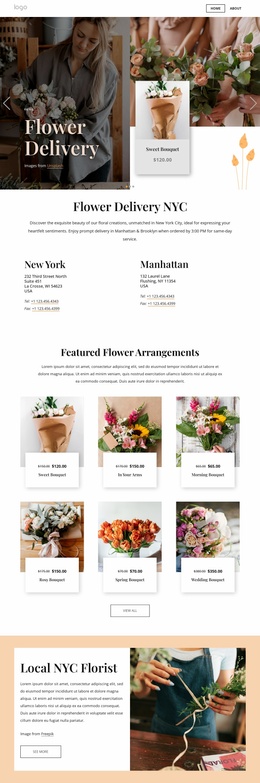
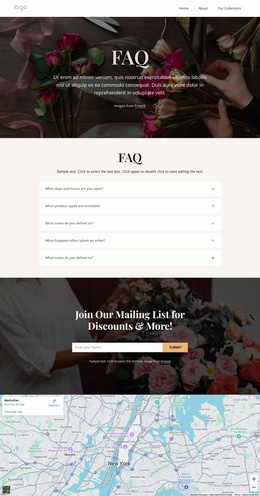
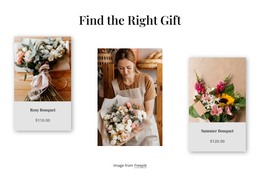
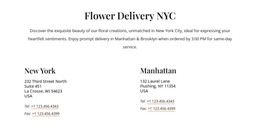
The Flower Delivery NYC block gives the design a product-facing content region. Its dark promotional panel sits beside a navigable bouquet carousel containing seven products in the HTML, creating a natural place for delivery-related information and changing item content to remain within the same visual system. The two location blocks for New York and Manhattan add another page-oriented layer, connecting the floral offer with local contact and service context. The map reinforces that geographic relationship without turning sample details into verified business data.
In a WordPress-managed project, this combination can support stable pages for collections, delivery, and contact information while leaving room for regularly updated floral content if the project later requires it. The value is the clear relationship between reusable visual areas and content types, not an unsupported claim that a blog, posts, or product catalog is already configured.
Customize with Nicepage
Open this ready-made template in the WordPress Website Builder and customize it visually in the Nicepage editor. Replace demo content, edit page sections, and adapt the design to your project without rebuilding the template from scratch.
Manage and Edit This Theme in WordPress
Customize and Install the WordPress Theme
Start with this ready-made theme instead of building the WordPress design from scratch. Customize its layout, content, typography, images, sections, and other design elements visually in Nicepage editor, then export and install the WordPress Theme, Plugin, and Pages on your WordPress site. The Nicepage WordPress Plugin lets you continue working with the site after installation.
Edit the Theme Directly in WordPress
After installation, you can edit the WordPress Theme directly in WordPress with the Nicepage WordPress Plugin. Use Site Style to customize site Colors, Fonts, Header, Footer, Blog, and Post Page Templates while working within your WordPress website.
Edit WordPress Pages Visually
Use the Nicepage WordPress Plugin to edit page content directly from the WordPress admin area. Open a WordPress Page with Nicepage and visually change its text, images, sections, and other page elements while continuing to manage the Page through WordPress.
WordPress Content and Theme Integration
Use the customized theme with WordPress Pages, Posts, Blog and Post Templates, menus, widgets, and other CMS-managed content. Shared theme elements such as Colors, Fonts, Header, Footer, Blog, and Post Page Templates can be managed as part of the overall site design, while WordPress provides the CMS environment for managing site content.
This workflow combines a ready-made WordPress Theme with visual customization, direct theme editing in WordPress, and continued content management through the Nicepage WordPress Plugin.