The perfect place to escape your everyday routine WordPress Theme


Edit Template Offline
2. Create new page and search for id 6224155
Edit Template Online
Create Awesome Websites


Free Nicepage Builder
Keywords
Image-Led Service Content Creates a WordPress-Friendly Theme Base
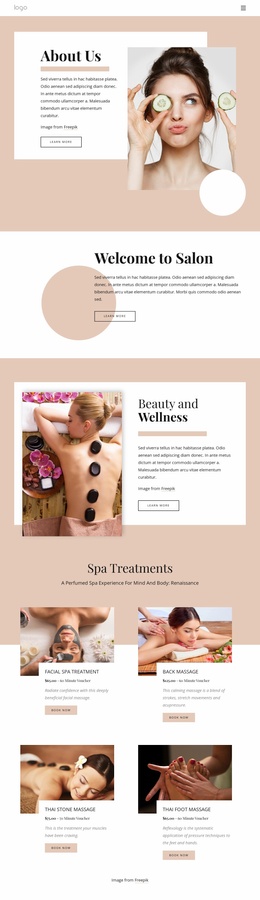
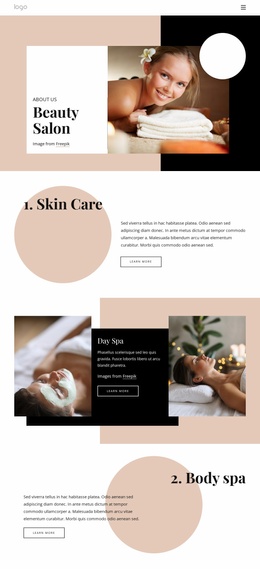
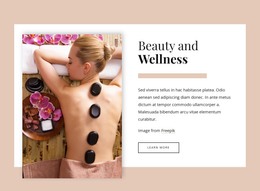
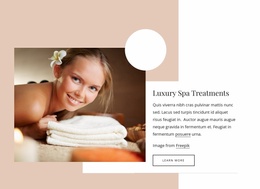
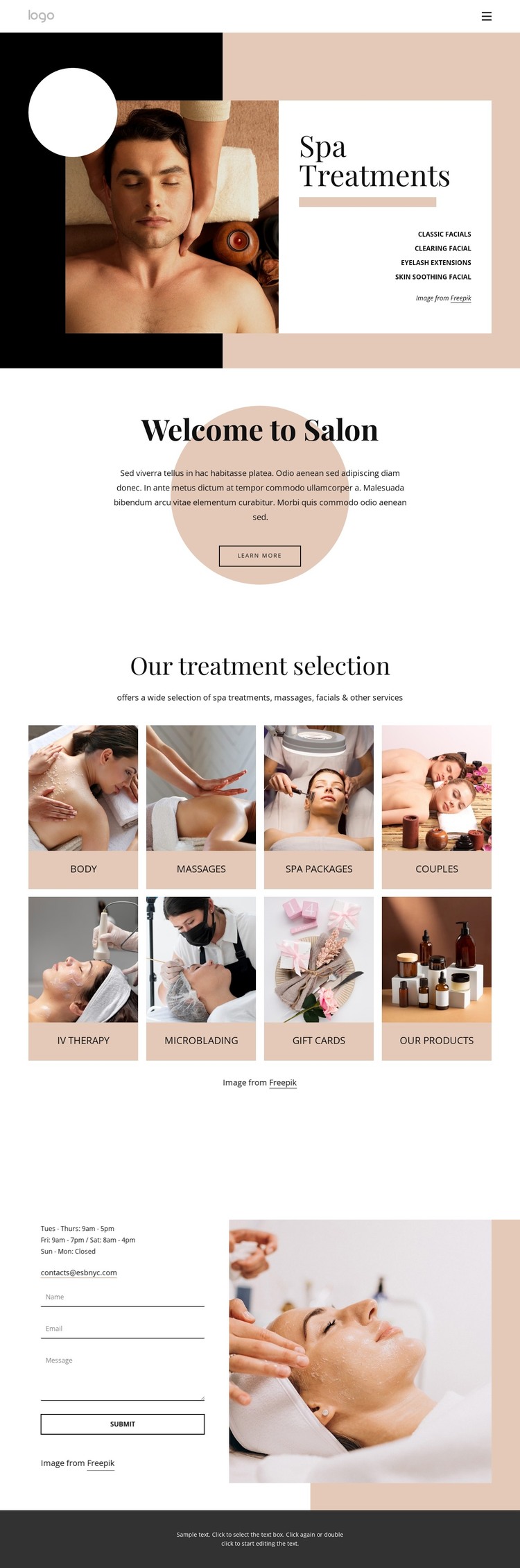
The page gives permanent service information a strong visual structure. Spa Treatments introduces the subject with a treatment list beside a large beauty photograph, while the white text panel and warm background make that opening content easy to distinguish. The centered Welcome to Salon section then provides a separate space for introductory copy and a Learn more link, allowing the page to balance service information with a broader studio message.
The eight-category image grid is the main repeated content system. Facials, body treatments, massages, spa packages, couples services, and related beauty or product categories are represented through consistent tiles and labels. In a WordPress-managed project, this kind of repeated service presentation can provide a visual framework for maintaining page content or expanding related editorial material, without suggesting that posts or blog entries are already part of this template.
The contact region gives the theme a practical closing sequence. Visit us or call us today places opening hours and an email channel next to a contact form, so essential information and inquiry content share one recognizable area. The dark footer and navigation provide reusable site boundaries. Together, the treatment grid, welcome content, and contact section can support a WordPress theme interpretation in which service pages and future content remain connected to the same restrained spa identity.
Customize with Nicepage
Open this ready-made template in the WordPress Website Builder and customize it visually in the Nicepage editor. Replace demo content, edit page sections, and adapt the design to your project without rebuilding the template from scratch.
Manage and Edit This Theme in WordPress
Customize and Install the WordPress Theme
Start with this ready-made theme instead of building the WordPress design from scratch. Customize its layout, content, typography, images, sections, and other design elements visually in Nicepage editor, then export and install the WordPress Theme, Plugin, and Pages on your WordPress site. The Nicepage WordPress Plugin lets you continue working with the site after installation.
Edit the Theme Directly in WordPress
After installation, you can edit the WordPress Theme directly in WordPress with the Nicepage WordPress Plugin. Use Site Style to customize site Colors, Fonts, Header, Footer, Blog, and Post Page Templates while working within your WordPress website.
Edit WordPress Pages Visually
Use the Nicepage WordPress Plugin to edit page content directly from the WordPress admin area. Open a WordPress Page with Nicepage and visually change its text, images, sections, and other page elements while continuing to manage the Page through WordPress.
WordPress Content and Theme Integration
Use the customized theme with WordPress Pages, Posts, Blog and Post Templates, menus, widgets, and other CMS-managed content. Shared theme elements such as Colors, Fonts, Header, Footer, Blog, and Post Page Templates can be managed as part of the overall site design, while WordPress provides the CMS environment for managing site content.
This workflow combines a ready-made WordPress Theme with visual customization, direct theme editing in WordPress, and continued content management through the Nicepage WordPress Plugin.