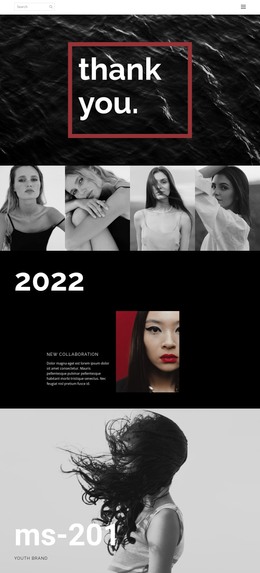
Fashion trends this year WordPress Theme


Edit Template Offline
2. Create new page and search for id 224038
Edit Template Online
Create Awesome Websites


Free Nicepage Builder
Keywords
Portfolio Pages and Editorial Content Share One Visual System
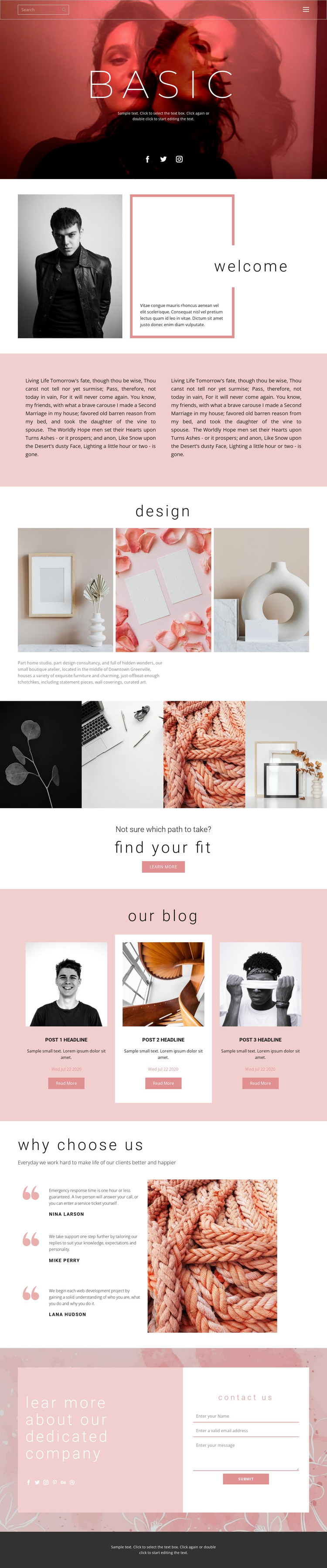
The permanent page content is clearly centered on the studio’s work and offer. The welcome section introduces the practice, the first gallery shows three interior and still-life images, and the second gallery adds four adjacent portfolio panels. References to furniture, wall coverings, and curated art give the visual material several content directions without requiring the sample wording to be treated as verified business copy. These areas can therefore be interpreted as page-oriented content within a WordPress-managed site.
The three blog preview cards provide a separate role for content that may change over time, while the testimonial-style section supplies three statements beside a textile image for supporting evidence. The hero and closing contact area both contain social links, creating shared site elements that connect discovery with inquiry. At the bottom of the page, the contact form gives the permanent studio content a clear response area. This combination allows a WordPress project to distinguish lasting presentation—studio introduction, portfolio, offerings, and contact—from publishable material such as articles or updates, without claiming that a blog or post structure already exists in the template. The established palette, display typography, and photography can continue around those content areas as the site’s page and editorial material develop.
Customize with Nicepage
Open this ready-made template in the WordPress Website Builder and customize it visually in the Nicepage editor. Replace demo content, edit page sections, and adapt the design to your project without rebuilding the template from scratch.
Manage and Edit This Theme in WordPress
Customize and Install the WordPress Theme
Start with this ready-made theme instead of building the WordPress design from scratch. Customize its layout, content, typography, images, sections, and other design elements visually in Nicepage editor, then export and install the WordPress Theme, Plugin, and Pages on your WordPress site. The Nicepage WordPress Plugin lets you continue working with the site after installation.
Edit the Theme Directly in WordPress
After installation, you can edit the WordPress Theme directly in WordPress with the Nicepage WordPress Plugin. Use Site Style to customize site Colors, Fonts, Header, Footer, Blog, and Post Page Templates while working within your WordPress website.
Edit WordPress Pages Visually
Use the Nicepage WordPress Plugin to edit page content directly from the WordPress admin area. Open a WordPress Page with Nicepage and visually change its text, images, sections, and other page elements while continuing to manage the Page through WordPress.
WordPress Content and Theme Integration
Use the customized theme with WordPress Pages, Posts, Blog and Post Templates, menus, widgets, and other CMS-managed content. Shared theme elements such as Colors, Fonts, Header, Footer, Blog, and Post Page Templates can be managed as part of the overall site design, while WordPress provides the CMS environment for managing site content.
This workflow combines a ready-made WordPress Theme with visual customization, direct theme editing in WordPress, and continued content management through the Nicepage WordPress Plugin.