Unique wedding ceremony Joomla Template



Edit Template Offline
2. Create new page and search for id 238078
Edit Template Online
Create Awesome Websites


Free Nicepage Builder
Keywords
Modern Wedding Sections Divide the Design Into Managed Content Areas
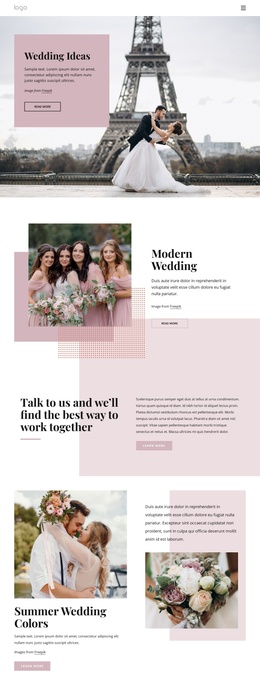
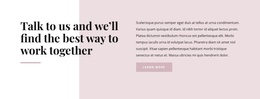
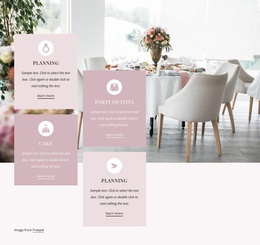
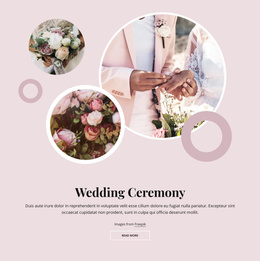
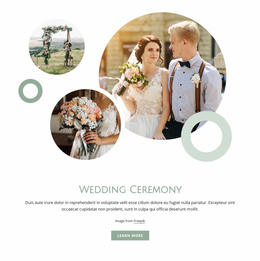
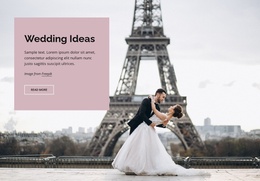
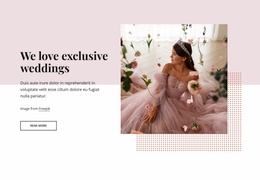
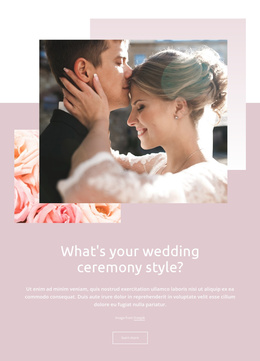
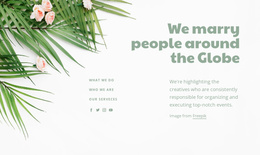
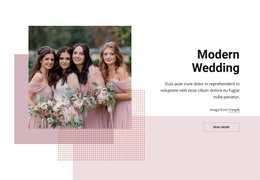
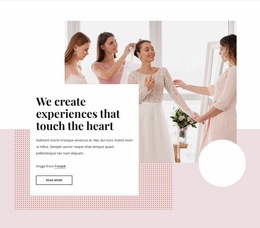
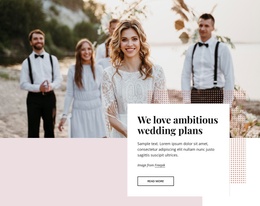
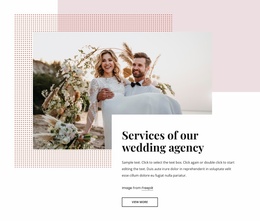
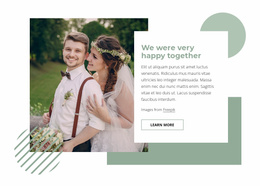
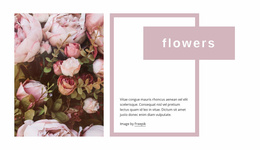
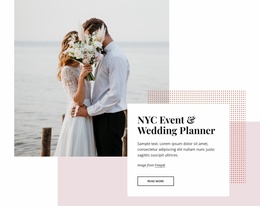
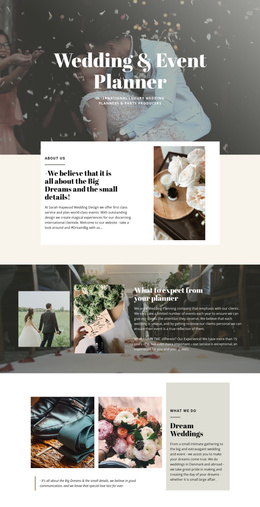
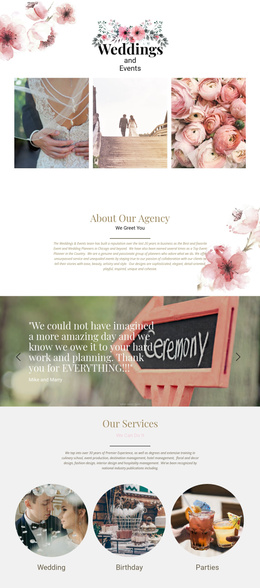
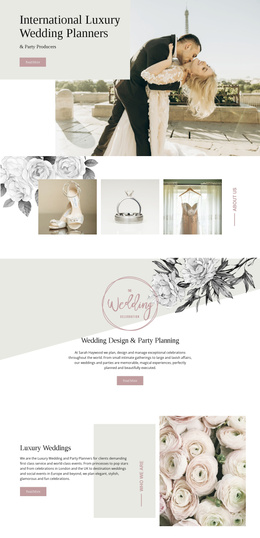
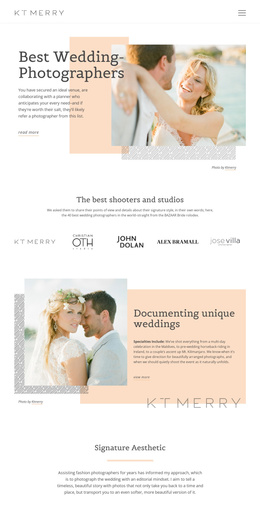
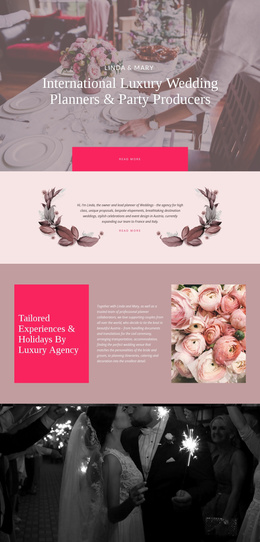
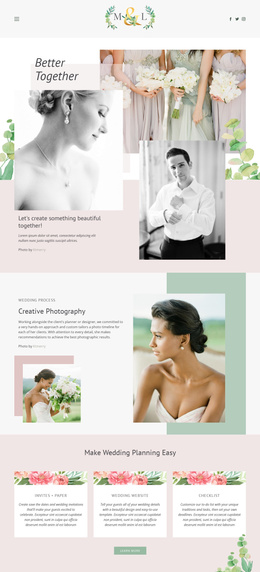
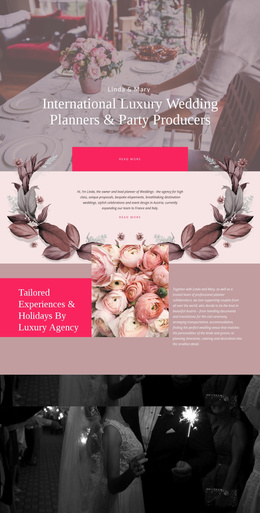
Wedding Ideas, Modern Wedding, Summer Wedding Colors, and Wedding Ceremony divide the page into recognizable information areas rather than presenting one uninterrupted image sequence. Each topic has its own visual treatment: the opening uses text over a full-width photograph, Modern Wedding uses a split arrangement, Summer Wedding Colors pairs imagery with seasonal explanation, and Wedding Ceremony places centered content over a blush collage. This separation makes the design understandable as a set of structured content regions.
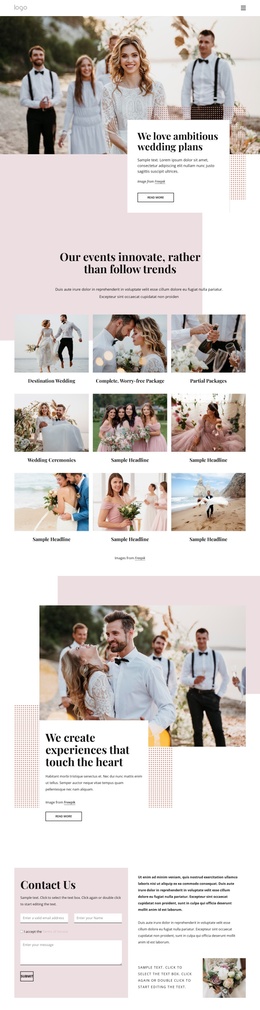
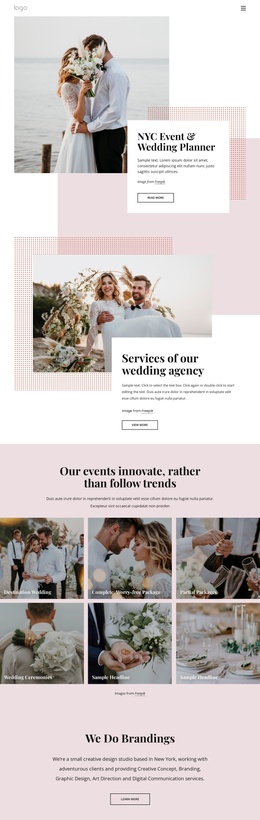
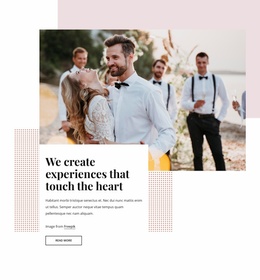
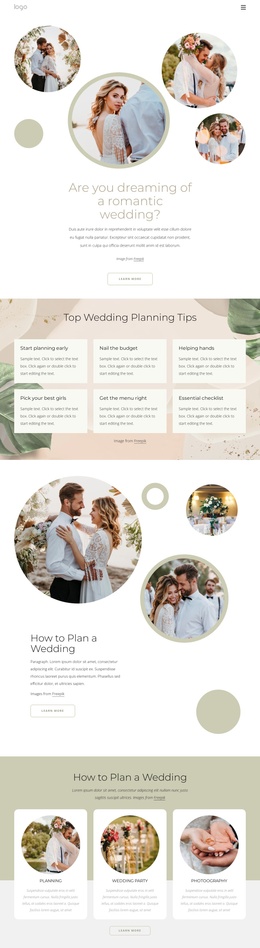
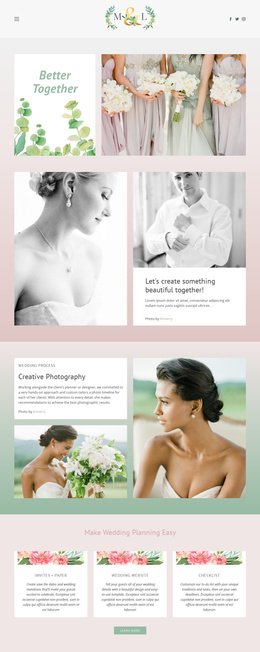
The page also includes repeated navigation and action patterns. Read More and Learn More buttons appear beside several inspiration features, while the Talk to us section introduces a more direct conversation prompt. The three-image gallery adds a separate visual content area, and Contact Us provides a distinct form-based region near the end. These relationships give recurring information, imagery, navigation, and contact content clear places within a Joomla-managed site structure.
The design therefore suits a Joomla project that needs coordinated sections for wedding themes, ceremony ideas, seasonal colors, and visual examples. The shared blush, white, muted pink, and charcoal treatment can keep those regions connected while the underlying content is organized by topic. The contact area offers a natural boundary between editorial inspiration and visitor inquiries without turning the page into a generic CMS layout.
Customize with Nicepage
Open this ready-made template in the Joomla Page Builder and customize it visually in the Nicepage editor. Replace demo content, edit page sections, and adapt the design to your project without rebuilding the template from scratch.
Work With This Template in Joomla
Customize and Install the Joomla Template
Start with this ready-made template instead of building the Joomla design from scratch. Customize its layout, content, typography, images, sections, and other design elements visually in the Nicepage application, then export and install the Joomla Template, Nicepage Extension, and supported content on your Joomla website.
Edit the Template Directly in Joomla
After installation, you can edit the Joomla Template directly in Joomla with the Nicepage Joomla Extension. Customize the Header, Footer, Colors, Fonts, typography, and Page Templates from the Joomla workflow while keeping the site design connected with your CMS content.
Edit Joomla Articles Visually
Use the Nicepage Joomla Extension to open and edit Joomla Articles visually from the Joomla Administrator. Change text, images, sections, layouts, and other page content in the Nicepage editor while continuing to manage the Articles through Joomla.
Joomla Content and Template Integration
Use the customized template together with Joomla Articles, module Positions, menus, forms, Blog Pages, and other supported CMS elements. With the Nicepage Extension used as the Site Style Source, shared design settings can be applied across Joomla Articles while Joomla continues to provide the CMS environment for managing site content.
This workflow combines a ready-made Joomla Template with visual customization, direct template editing in Joomla, and continued content management through the Nicepage Joomla Extension.