Moments of wedding Joomla Template
Edit Template Offline
2. Create new page and search for id 16742
Edit Template Online
Create Awesome Websites


Free Nicepage Builder
Keywords
Services, Testimonials, and Galleries Form Clear CMS Content Regions
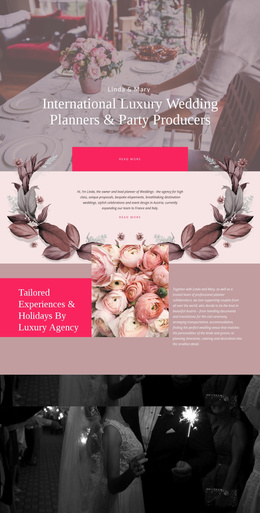
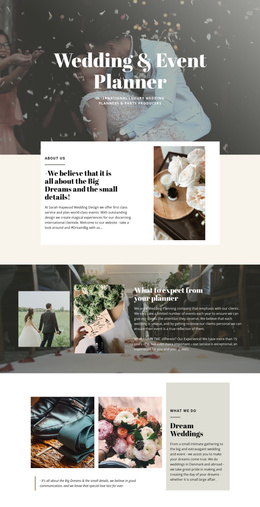
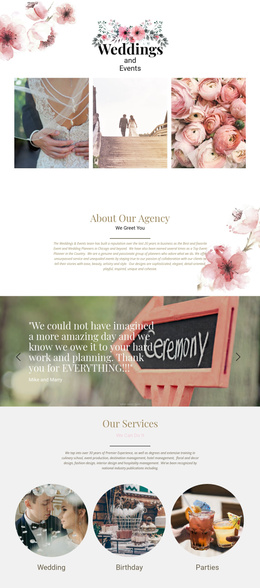
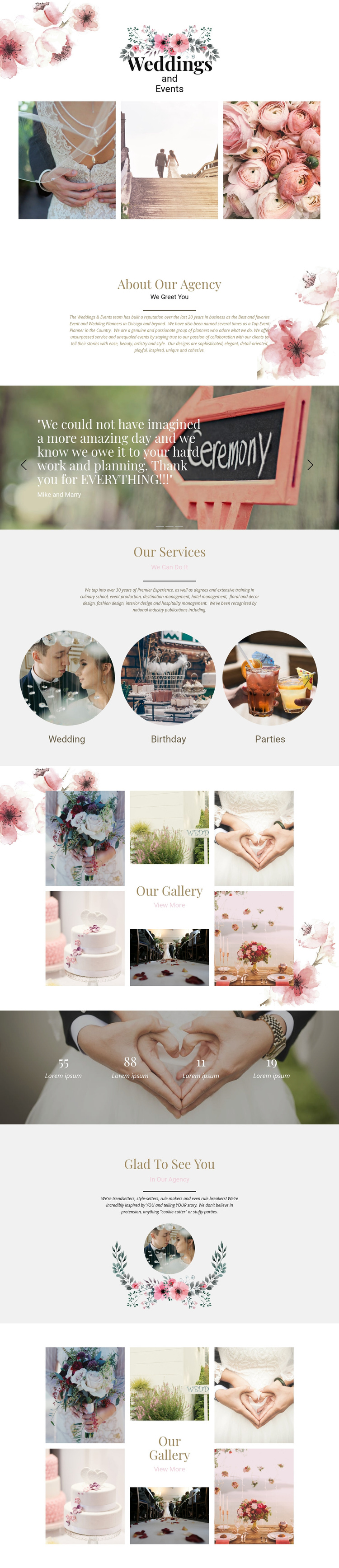
The service block divides the subject into three recognizable categories: Wedding, Birthday, and Parties. That division gives a CMS-managed project clear informational areas rather than one uninterrupted paragraph about event planning. The About Our Agency section can carry the broader positioning, while the three testimonial slides provide a separate repeated content group for client feedback. Together, these regions create a practical relationship between agency information, service-oriented content, and supporting proof.
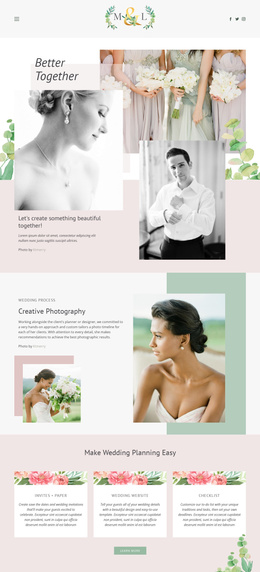
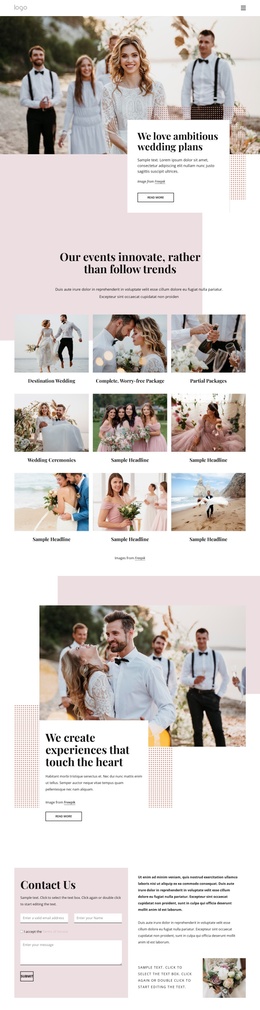
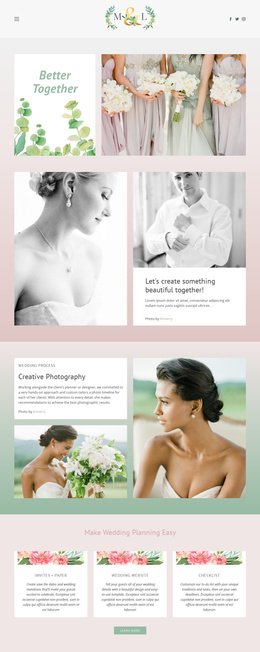
The two event gallery presentations add a different type of structured content. Their collage layouts and centered View More links make photography a recurring portfolio region, while the four-counter row supplies a compact highlight area that can be reviewed separately from the service and gallery content. Because the counters contain placeholder values, they should be replaced with verified project information rather than published as actual results. Shared floral imagery, centered alignment, and muted rose, cream, and sage tones can continue across these regions so navigation and content changes do not fragment the design. In a Joomla-oriented project, the important advantage is the clear separation of reusable informational areas: the agency story, service categories, testimonial content, visual portfolio, and closing presentation can each retain a defined role within the same site design.
Customize with Nicepage
Open this ready-made template in the Joomla Page Builder and customize it visually in the Nicepage editor. Replace demo content, edit page sections, and adapt the design to your project without rebuilding the template from scratch.
Work With This Template in Joomla
Customize and Install the Joomla Template
Start with this ready-made template instead of building the Joomla design from scratch. Customize its layout, content, typography, images, sections, and other design elements visually in the Nicepage application, then export and install the Joomla Template, Nicepage Extension, and supported content on your Joomla website.
Edit the Template Directly in Joomla
After installation, you can edit the Joomla Template directly in Joomla with the Nicepage Joomla Extension. Customize the Header, Footer, Colors, Fonts, typography, and Page Templates from the Joomla workflow while keeping the site design connected with your CMS content.
Edit Joomla Articles Visually
Use the Nicepage Joomla Extension to open and edit Joomla Articles visually from the Joomla Administrator. Change text, images, sections, layouts, and other page content in the Nicepage editor while continuing to manage the Articles through Joomla.
Joomla Content and Template Integration
Use the customized template together with Joomla Articles, module Positions, menus, forms, Blog Pages, and other supported CMS elements. With the Nicepage Extension used as the Site Style Source, shared design settings can be applied across Joomla Articles while Joomla continues to provide the CMS environment for managing site content.
This workflow combines a ready-made Joomla Template with visual customization, direct template editing in Joomla, and continued content management through the Nicepage Joomla Extension.