Romantic wedding Joomla Template



Edit Template Offline
2. Create new page and search for id 2734217
Edit Template Online
Create Awesome Websites


Free Nicepage Builder
Keywords
Planning Categories and Contact Content Create Structured Joomla Regions
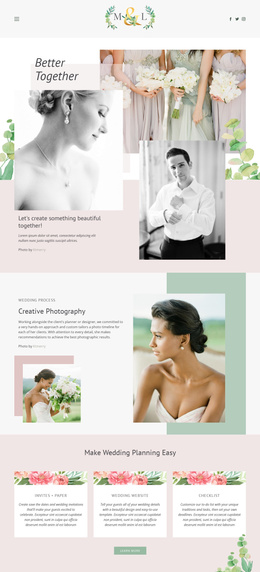
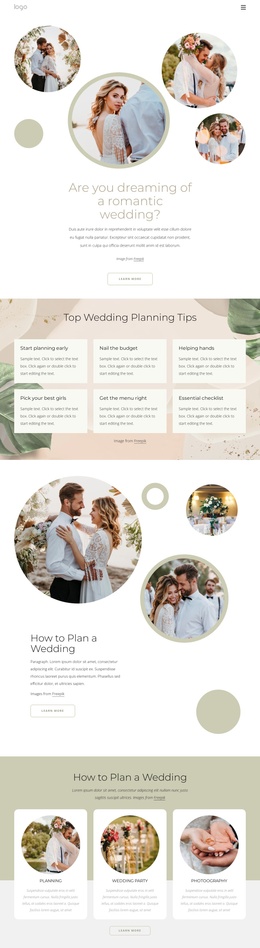
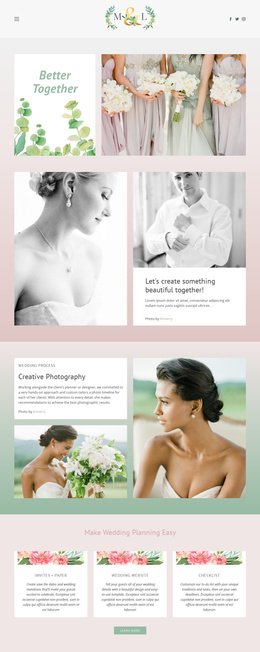
The six wedding planning tips provide a useful structured information area: starting early, managing the budget, finding helping hands, choosing attendants, planning the menu, and using an essential checklist. Their repeated card layout makes the categories visually consistent while keeping each subject distinct. A Joomla-managed interpretation can preserve that grouping as organized informational content rather than flattening the page into one long editorial passage.
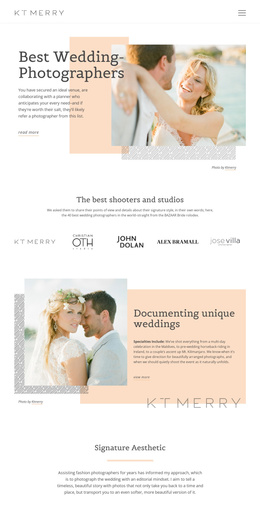
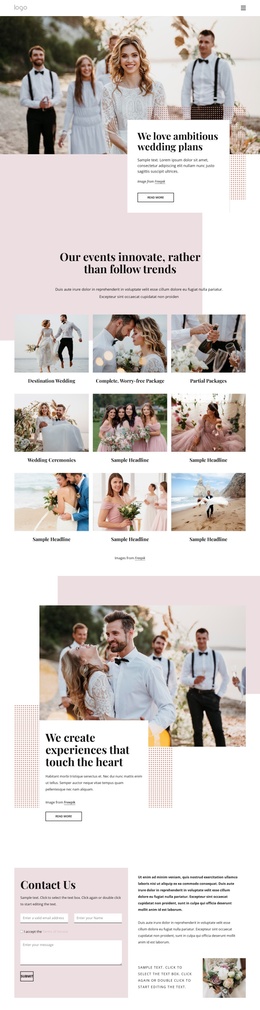
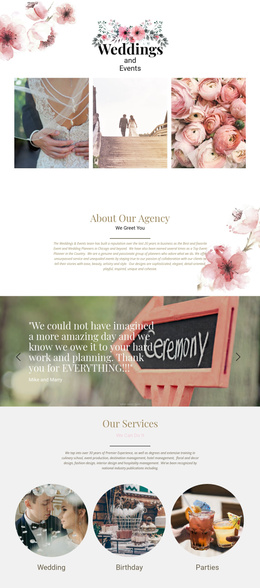
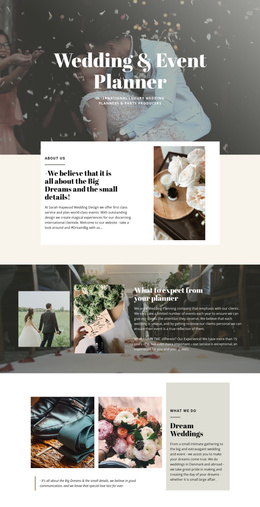
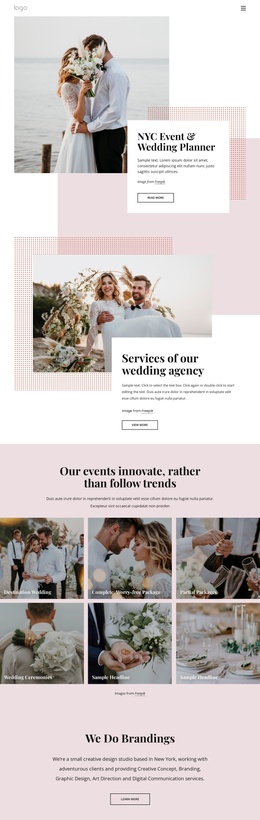
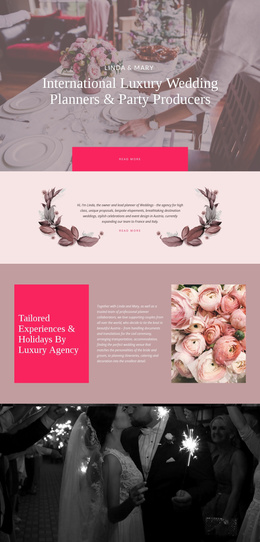
The three service cards introduce another content region with the labels Planning, Wedding Party, and Photography. They sit after the second wedding-planning introduction, so the page moves from general guidance toward recognizable areas of wedding-related service information. The About Our Agency section adds a separate organizational context, using two photographic panels and a text panel instead of repeating the service-card arrangement. This gives the design several content patterns that can support different types of managed information while remaining part of one visual system.
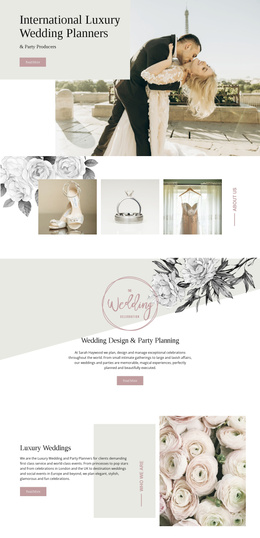
The dress and accessory section and the Trends And Dresses section extend the subject range without changing the page’s central wedding focus. At the bottom, the newsletter signup form creates a clear contact and subscription region, followed by a shared-looking footer bar. These navigation, category, informational, and contact areas are more important here than a generic CMS claim: they show how the concrete design can organize structured Joomla content while retaining its editorial sequence and circular-image visual language.
Customize with Nicepage
Open this ready-made template in the Joomla Page Builder and customize it visually in the Nicepage editor. Replace demo content, edit page sections, and adapt the design to your project without rebuilding the template from scratch.
Work With This Template in Joomla
Customize and Install the Joomla Template
Start with this ready-made template instead of building the Joomla design from scratch. Customize its layout, content, typography, images, sections, and other design elements visually in the Nicepage application, then export and install the Joomla Template, Nicepage Extension, and supported content on your Joomla website.
Edit the Template Directly in Joomla
After installation, you can edit the Joomla Template directly in Joomla with the Nicepage Joomla Extension. Customize the Header, Footer, Colors, Fonts, typography, and Page Templates from the Joomla workflow while keeping the site design connected with your CMS content.
Edit Joomla Articles Visually
Use the Nicepage Joomla Extension to open and edit Joomla Articles visually from the Joomla Administrator. Change text, images, sections, layouts, and other page content in the Nicepage editor while continuing to manage the Articles through Joomla.
Joomla Content and Template Integration
Use the customized template together with Joomla Articles, module Positions, menus, forms, Blog Pages, and other supported CMS elements. With the Nicepage Extension used as the Site Style Source, shared design settings can be applied across Joomla Articles while Joomla continues to provide the CMS environment for managing site content.
This workflow combines a ready-made Joomla Template with visual customization, direct template editing in Joomla, and continued content management through the Nicepage Joomla Extension.