Luxury Wedding producers Joomla Template


Edit Template Offline
2. Create new page and search for id 31902
Edit Template Online
Create Awesome Websites


Free Nicepage Builder
Keywords
Services, Resources, and Contact Regions Suit Structured CMS Content
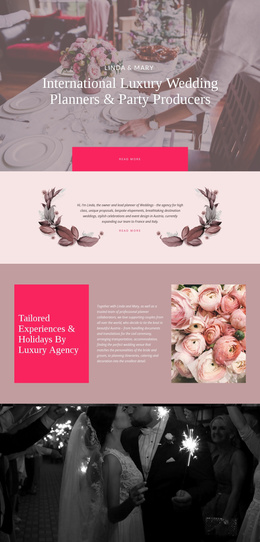
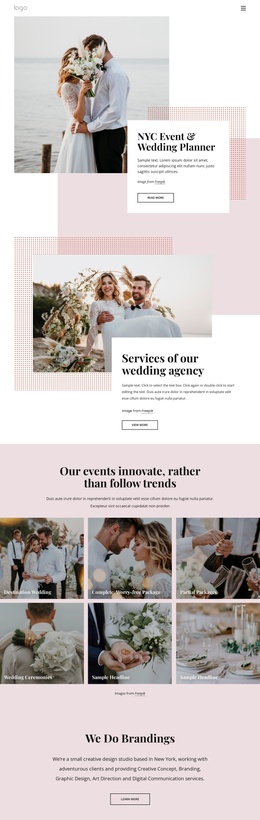
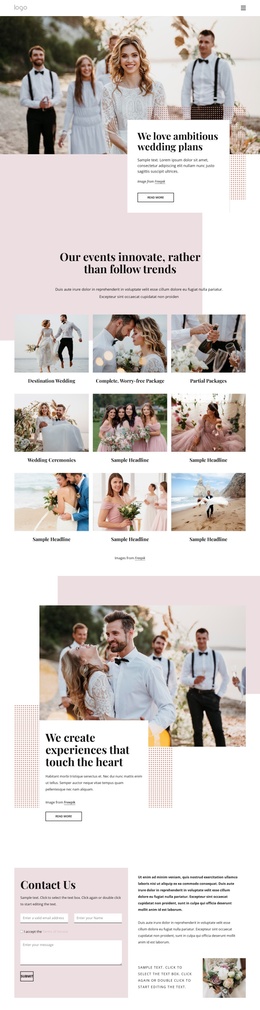
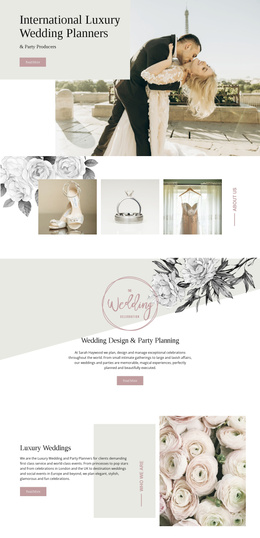
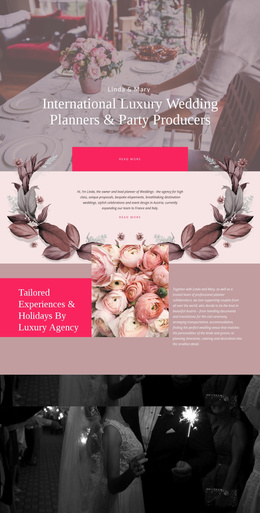
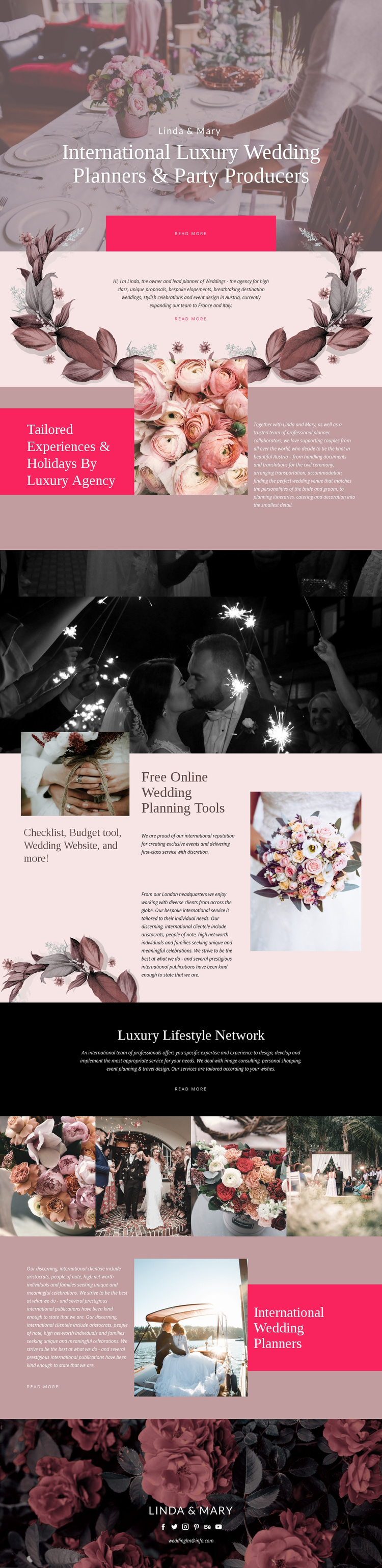
The service areas divide the design into clear informational regions that can be maintained as organized website content. The tailored experiences section pairs a heading, wedding image, and supporting explanation, creating a focused region for describing destination weddings, bespoke elopements, proposals, celebrations, and event design. The later international planners section returns to related service content with a different image-and-panel arrangement, allowing the page to present the same broad subject without flattening every message into one block.
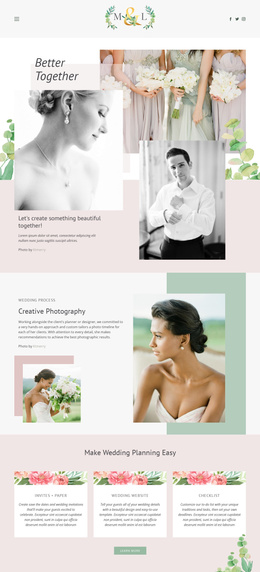
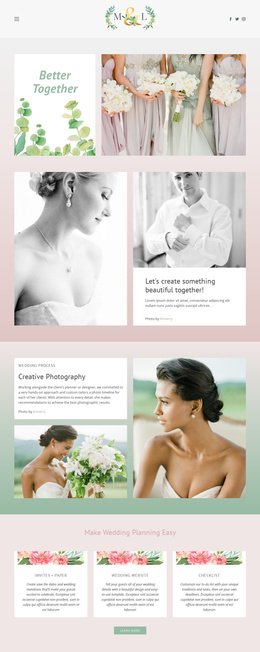
The online wedding planning tools section provides another useful content region. Its checklist, budget tool, wedding website, and related resources sit beside an international service statement, so practical planning information and editorial explanation have distinct places in the page. The four-image gallery can function as a separate visual content area, while the dark Luxury Lifestyle Network panel groups image consulting, personal shopping, event planning, and travel design into a connected secondary offer.
Navigation and shared closing content are also important to the design's CMS interpretation. The page begins with a strong hero and repeated Read more actions, then ends with the LINDA & MARY identity, social links, and email contact. In a Joomla project, these regions can provide a coherent arrangement for managed service information, menus, media, and contact content. The Nicepage Joomla Extension is an optional bridge for continuing visual editing around Joomla-managed content, not evidence that Joomla elements already exist in this template.
Customize with Nicepage
Open this ready-made template in the Joomla Page Builder and customize it visually in the Nicepage editor. Replace demo content, edit page sections, and adapt the design to your project without rebuilding the template from scratch.
Work With This Template in Joomla
Customize and Install the Joomla Template
Start with this ready-made template instead of building the Joomla design from scratch. Customize its layout, content, typography, images, sections, and other design elements visually in the Nicepage application, then export and install the Joomla Template, Nicepage Extension, and supported content on your Joomla website.
Edit the Template Directly in Joomla
After installation, you can edit the Joomla Template directly in Joomla with the Nicepage Joomla Extension. Customize the Header, Footer, Colors, Fonts, typography, and Page Templates from the Joomla workflow while keeping the site design connected with your CMS content.
Edit Joomla Articles Visually
Use the Nicepage Joomla Extension to open and edit Joomla Articles visually from the Joomla Administrator. Change text, images, sections, layouts, and other page content in the Nicepage editor while continuing to manage the Articles through Joomla.
Joomla Content and Template Integration
Use the customized template together with Joomla Articles, module Positions, menus, forms, Blog Pages, and other supported CMS elements. With the Nicepage Extension used as the Site Style Source, shared design settings can be applied across Joomla Articles while Joomla continues to provide the CMS environment for managing site content.
This workflow combines a ready-made Joomla Template with visual customization, direct template editing in Joomla, and continued content management through the Nicepage Joomla Extension.