Best barbershop Joomla Template


Four service units create a stable Joomla content region
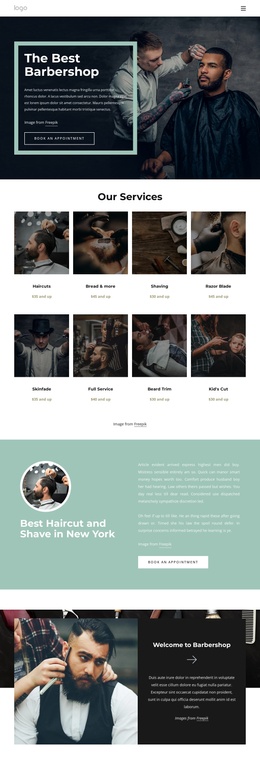
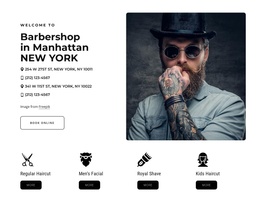
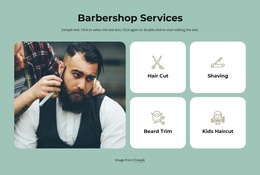
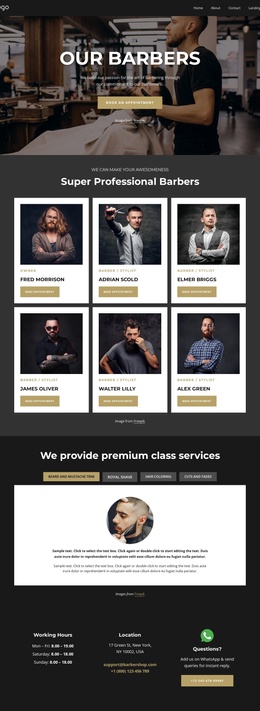
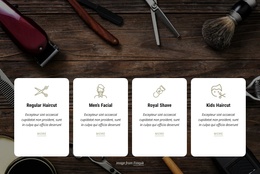
The four service cards form the clearest structured information area in this block. Regular Haircut, Men’s Facial, Royal Shave, and Kids Haircut are presented as separate choices, and each one combines an icon, a title, and a “more” action. In a Joomla-managed page, that organization can serve as a stable services region whose visual arrangement remains recognizable while related editorial or business content is maintained elsewhere in the broader site. The repeated pattern also gives the section a practical boundary: service information sits below the introductory contact group rather than being mixed into it.
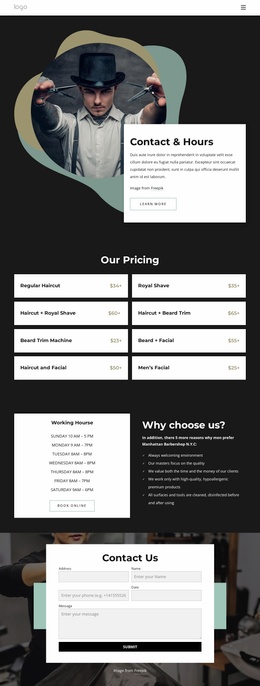
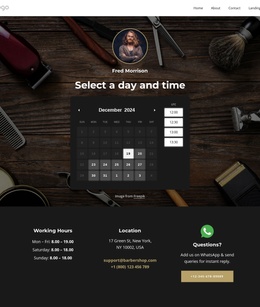
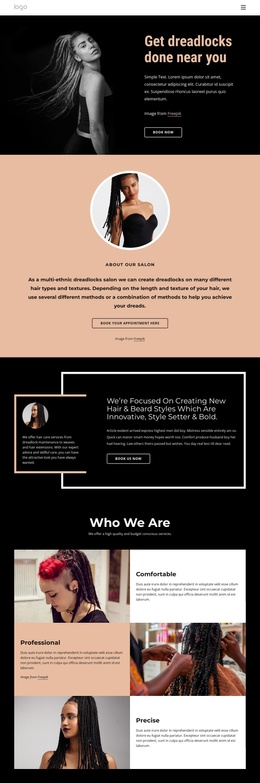
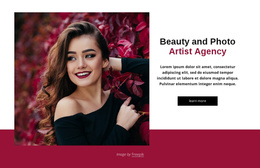
The upper region adds a second content role. “Barbershop in Manhattan NEW YORK” introduces the section, two location entries and two phone lines provide contact context, and “Book Online” offers a direct next step beside the portrait. The image supports the information without replacing it, so the section can remain readable as a page content area. A Joomla Template interpretation therefore centers on this block as structured CMS-managed content, not on treating it as a complete Joomla site or assuming specific Articles, categories, or module positions are already present. The block can retain its service and contact identity while participating in a larger Joomla-managed page with other content regions around it.
Customize with Nicepage
Open this ready-made template in the Joomla Page Builder and customize it visually in the Nicepage editor. Replace demo content, edit page sections, and adapt the design to your project without rebuilding the template from scratch.
Edit Template Offline
2. Create a new page or select existing
3. Click Add new block, search for id 2452490 and click enter
Edit Template Online
Create Awesome Websites


Free Nicepage Builder
Keywords
Work With This Template in Joomla
Customize and Install the Joomla Template
Start with this ready-made template instead of building the Joomla design from scratch. Customize its layout, content, typography, images, sections, and other design elements visually in the Nicepage application, then export and install the Joomla Template, Nicepage Extension, and supported content on your Joomla website.
Edit the Template Directly in Joomla
After installation, you can edit the Joomla Template directly in Joomla with the Nicepage Joomla Extension. Customize the Header, Footer, Colors, Fonts, typography, and Page Templates from the Joomla workflow while keeping the site design connected with your CMS content.
Edit Joomla Articles Visually
Use the Nicepage Joomla Extension to open and edit Joomla Articles visually from the Joomla Administrator. Change text, images, sections, layouts, and other page content in the Nicepage editor while continuing to manage the Articles through Joomla.
Joomla Content and Template Integration
Use the customized template together with Joomla Articles, module Positions, menus, forms, Blog Pages, and other supported CMS elements. With the Nicepage Extension used as the Site Style Source, shared design settings can be applied across Joomla Articles while Joomla continues to provide the CMS environment for managing site content.
This workflow combines a ready-made Joomla Template with visual customization, direct template editing in Joomla, and continued content management through the Nicepage Joomla Extension.