Adventure tours and vacations WordPress Theme


Edit Template Offline
2. Create new page and search for id 6202740
Edit Template Online
Create Awesome Websites


Free Nicepage Builder
Keywords
Recommendation Cards Give Travel Content a Publishable Shape
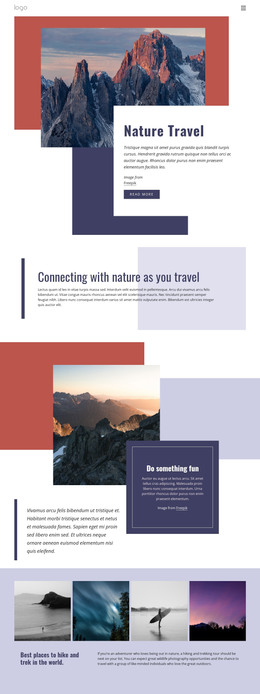
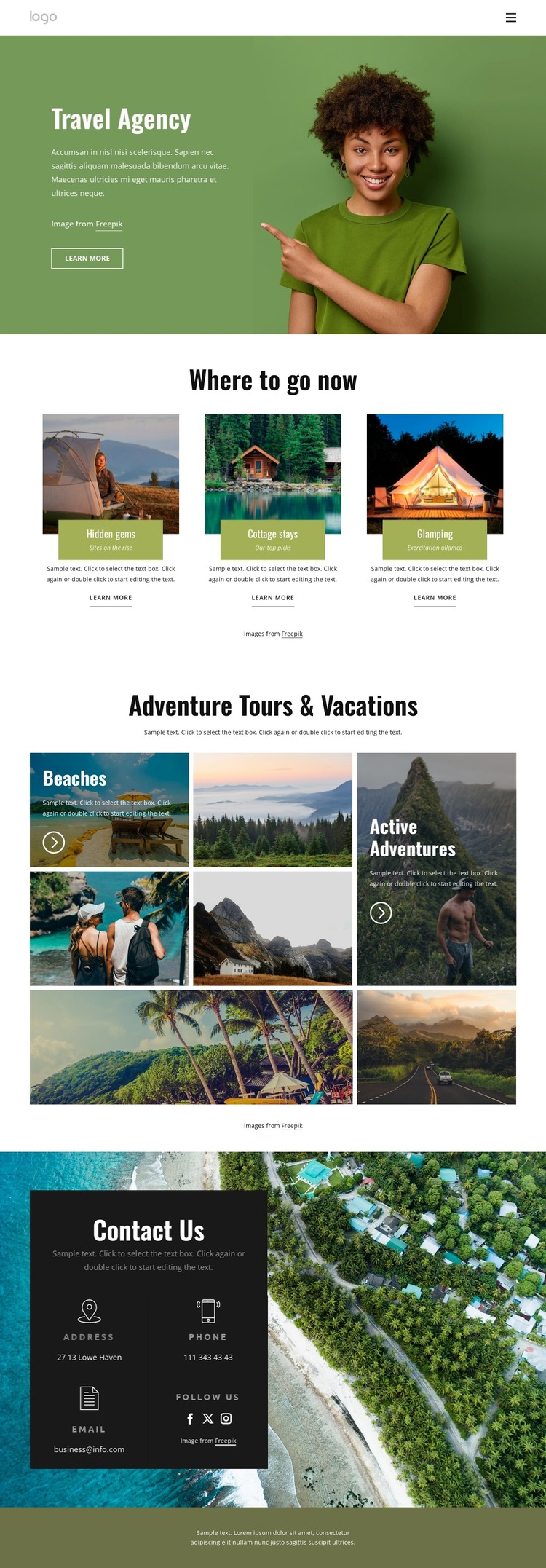
The three featured cards provide a useful page-oriented structure for travel content. Hidden gems, cottage stays, and glamping are separated into recognizable presentation units, allowing each recommendation category to retain its own image, heading, and Learn more relationship. The opening Travel Agency section supplies the permanent context around those choices, combining navigation, introductory copy, a large destination photograph, and a clear route into further information.
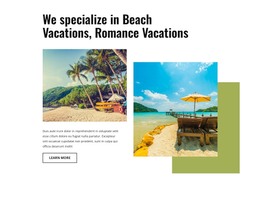
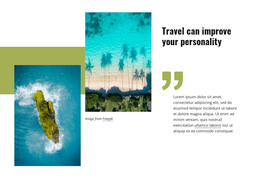
The photographic destination mosaic adds a second content pattern. Rather than repeating the card arrangement, it groups beaches and active adventures in an asymmetrical visual field. That distinction can help a travel project combine more structured recommendation content with broader editorial imagery. The same visual direction can support permanent agency information while leaving room for additional travel content to be published later; the analysis does not establish that posts or blog sections already exist.
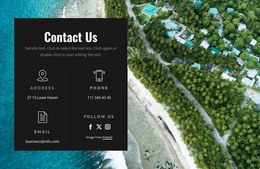
The Contact Us region brings the page-oriented content back to a practical agency endpoint. Address, phone, email, and social-link categories appear together over a dark panel and aerial background, while Facebook, Twitter, and Instagram links provide recognizable public channels. In a WordPress-managed project, these content areas can be interpreted as coordinated theme regions around travel pages and future updates. The design’s benefit is not a claimed existing CMS structure, but the clear relationship between recommendation content, visual destination presentation, navigation, and agency contact information.
Customize with Nicepage
Open this ready-made template in the WordPress Website Builder and customize it visually in the Nicepage editor. Replace demo content, edit page sections, and adapt the design to your project without rebuilding the template from scratch.
Manage and Edit This Theme in WordPress
Customize and Install the WordPress Theme
Start with this ready-made theme instead of building the WordPress design from scratch. Customize its layout, content, typography, images, sections, and other design elements visually in Nicepage editor, then export and install the WordPress Theme, Plugin, and Pages on your WordPress site. The Nicepage WordPress Plugin lets you continue working with the site after installation.
Edit the Theme Directly in WordPress
After installation, you can edit the WordPress Theme directly in WordPress with the Nicepage WordPress Plugin. Use Site Style to customize site Colors, Fonts, Header, Footer, Blog, and Post Page Templates while working within your WordPress website.
Edit WordPress Pages Visually
Use the Nicepage WordPress Plugin to edit page content directly from the WordPress admin area. Open a WordPress Page with Nicepage and visually change its text, images, sections, and other page elements while continuing to manage the Page through WordPress.
WordPress Content and Theme Integration
Use the customized theme with WordPress Pages, Posts, Blog and Post Templates, menus, widgets, and other CMS-managed content. Shared theme elements such as Colors, Fonts, Header, Footer, Blog, and Post Page Templates can be managed as part of the overall site design, while WordPress provides the CMS environment for managing site content.
This workflow combines a ready-made WordPress Theme with visual customization, direct theme editing in WordPress, and continued content management through the Nicepage WordPress Plugin.