Green eyes do speak WordPress Theme


The Cat Portrait Works as Stable WordPress Page Content
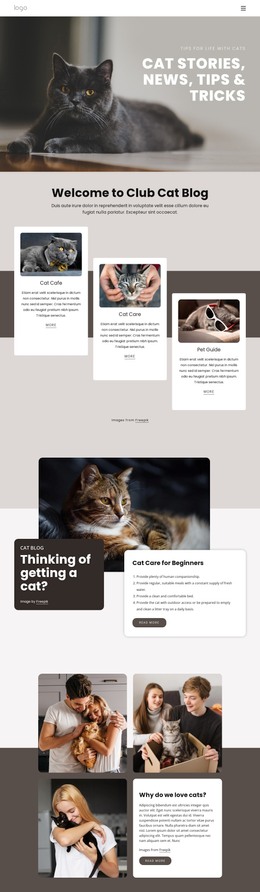
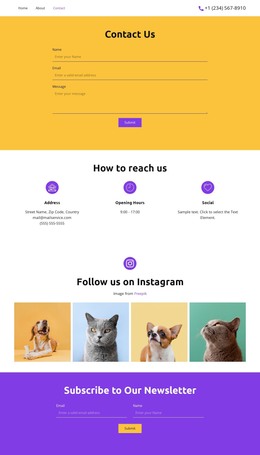
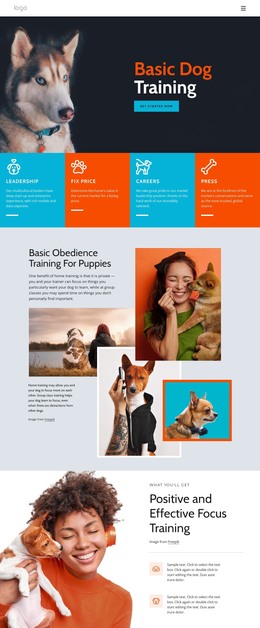
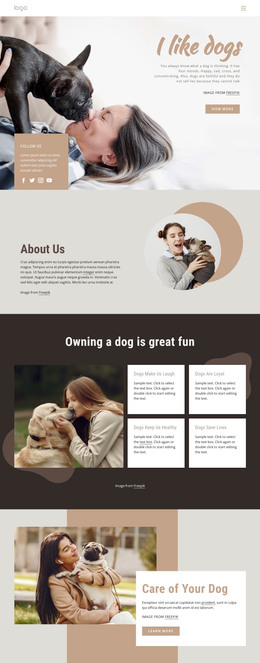
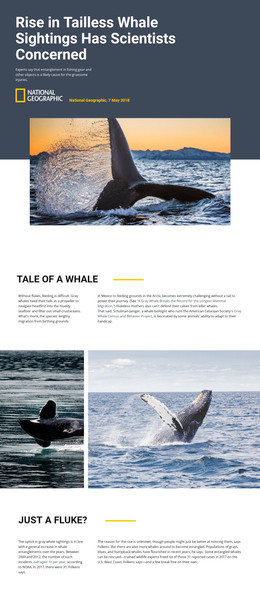
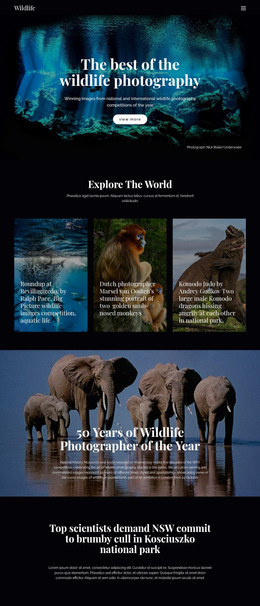
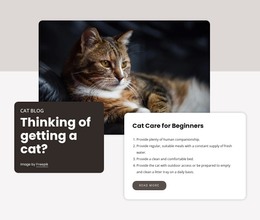
The image and copy are organized as one focused content area: a close-up cat portrait supplies the subject, while the lower-left overlay gives visitors a short interpretive message. The large heading, “Green eyes do speak,” establishes the main idea, and the supporting line, “but only to those who know how to listen,” provides a quieter second level. Light text against the dark patterned background keeps the hierarchy visible without breaking the image-led composition.
For a WordPress-managed project, this block can fit naturally as stable introductory content on a page about cats, pets, or an associated editorial topic. It can remain a recognizable visual section while the wider site adds other page content around it. The block itself does not need to represent a complete theme or page; it provides one defined region that can introduce the subject before longer text, galleries, or other sections continue the story.
The left-side placement also gives the content a consistent reading anchor within the full-width portrait. That makes the section suitable for a page design where visual identity and subject introduction need to work together. If the surrounding WordPress content changes, the image-to-copy relationship still preserves the block’s central function: presenting a cat-focused idea through a strong photograph and two connected lines of text.
Customize with Nicepage
Open this ready-made template in the WordPress Website Builder and customize it visually in the Nicepage editor. Replace demo content, edit page sections, and adapt the design to your project without rebuilding the template from scratch.
Edit Template Offline
2. Create a new page or select existing
3. Click Add new block, search for id 75521 and click enter
Edit Template Online
Create Awesome Websites


Free Nicepage Builder
Keywords
Manage and Edit This Theme in WordPress
Customize and Install the WordPress Theme
Start with this ready-made theme instead of building the WordPress design from scratch. Customize its layout, content, typography, images, sections, and other design elements visually in Nicepage editor, then export and install the WordPress Theme, Plugin, and Pages on your WordPress site. The Nicepage WordPress Plugin lets you continue working with the site after installation.
Edit the Theme Directly in WordPress
After installation, you can edit the WordPress Theme directly in WordPress with the Nicepage WordPress Plugin. Use Site Style to customize site Colors, Fonts, Header, Footer, Blog, and Post Page Templates while working within your WordPress website.
Edit WordPress Pages Visually
Use the Nicepage WordPress Plugin to edit page content directly from the WordPress admin area. Open a WordPress Page with Nicepage and visually change its text, images, sections, and other page elements while continuing to manage the Page through WordPress.
WordPress Content and Theme Integration
Use the customized theme with WordPress Pages, Posts, Blog and Post Templates, menus, widgets, and other CMS-managed content. Shared theme elements such as Colors, Fonts, Header, Footer, Blog, and Post Page Templates can be managed as part of the overall site design, while WordPress provides the CMS environment for managing site content.
This workflow combines a ready-made WordPress Theme with visual customization, direct theme editing in WordPress, and continued content management through the Nicepage WordPress Plugin.