Dog Article WordPress Theme


The Byline and Passage Form Stable Page Content
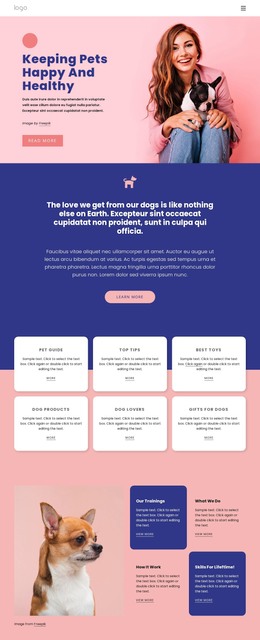
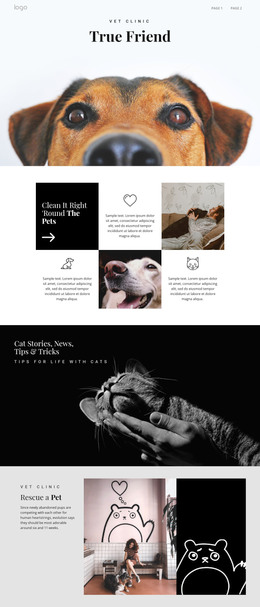
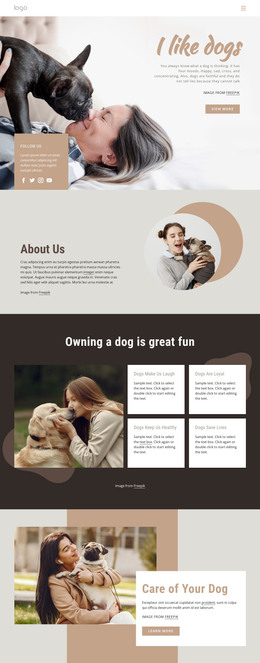
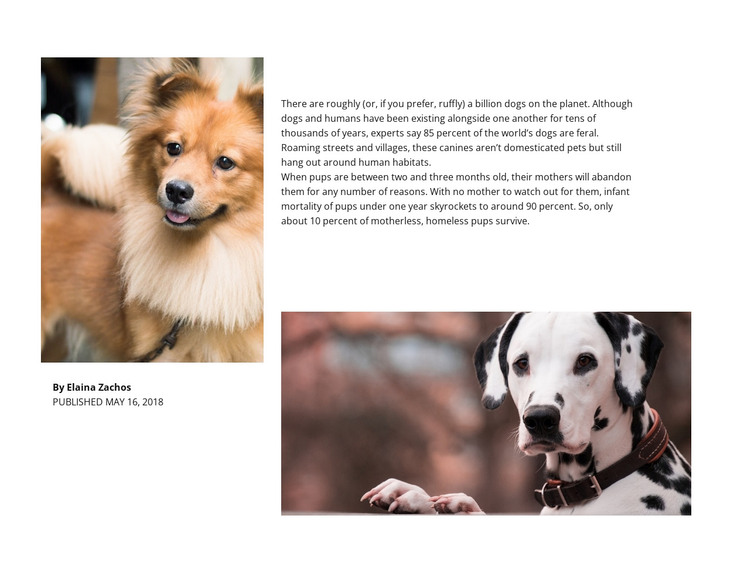
The left author group and right article group give this section a clear page-content role. The dog portrait sits beside the byline for Elaina Zachos and the displayed date, May 16, 2018. Across from it, the long-form passage carries the main information and ends with a wide dog photograph. This makes the block suitable for a stable animal-focused content area in a WordPress-managed page, where the surrounding project can provide other editorial or site functions.
The article discusses dogs living near human habitats, states an estimate that approximately 85 percent of the world's dogs are feral, and describes high mortality among motherless homeless puppies. These points are part of the displayed passage and should remain associated with that content area rather than being interpreted as WordPress metadata or separate dynamic records. The two photographs likewise function as supporting article imagery, not as evidence of a post listing, gallery, or carousel.
The block's white background, black text, bold author name, and smaller publication date establish a repeatable visual pattern for author-led information. In a broader WordPress project, that pattern could remain consistent on a page while other content areas handle navigation, related material, or regularly updated publishing needs. A WordPress-oriented workflow can manage the surrounding page content, but this reusable section retains its own editorial structure. The result is a page-ready content region rather than a standalone theme.
Customize with Nicepage
Open this ready-made template in the WordPress Website Builder and customize it visually in the Nicepage editor. Replace demo content, edit page sections, and adapt the design to your project without rebuilding the template from scratch.
Edit Template Offline
2. Create a new page or select existing
3. Click Add new block, search for id 42370 and click enter
Edit Template Online
Create Awesome Websites


Free Nicepage Builder
Keywords
Manage and Edit This Theme in WordPress
Customize and Install the WordPress Theme
Start with this ready-made theme instead of building the WordPress design from scratch. Customize its layout, content, typography, images, sections, and other design elements visually in Nicepage editor, then export and install the WordPress Theme, Plugin, and Pages on your WordPress site. The Nicepage WordPress Plugin lets you continue working with the site after installation.
Edit the Theme Directly in WordPress
After installation, you can edit the WordPress Theme directly in WordPress with the Nicepage WordPress Plugin. Use Site Style to customize site Colors, Fonts, Header, Footer, Blog, and Post Page Templates while working within your WordPress website.
Edit WordPress Pages Visually
Use the Nicepage WordPress Plugin to edit page content directly from the WordPress admin area. Open a WordPress Page with Nicepage and visually change its text, images, sections, and other page elements while continuing to manage the Page through WordPress.
WordPress Content and Theme Integration
Use the customized theme with WordPress Pages, Posts, Blog and Post Templates, menus, widgets, and other CMS-managed content. Shared theme elements such as Colors, Fonts, Header, Footer, Blog, and Post Page Templates can be managed as part of the overall site design, while WordPress provides the CMS environment for managing site content.
This workflow combines a ready-made WordPress Theme with visual customization, direct theme editing in WordPress, and continued content management through the Nicepage WordPress Plugin.